

NUCLEO-H755ZI-Q "bound doStepSettingsValidation Failed: Device not found", eventhough board is connected and shows under devices and boards
I have followed the following guide step by step (Except using the NUCLEO-H755ZI-Q board which I have):
I have copied the exact launch.json used in the guide, as well as ran the Project Setup as described in the guide. I also selected “DualCore_Debug” as debug configuration. When I start to debug the code the following error occurs pretty much instantly:
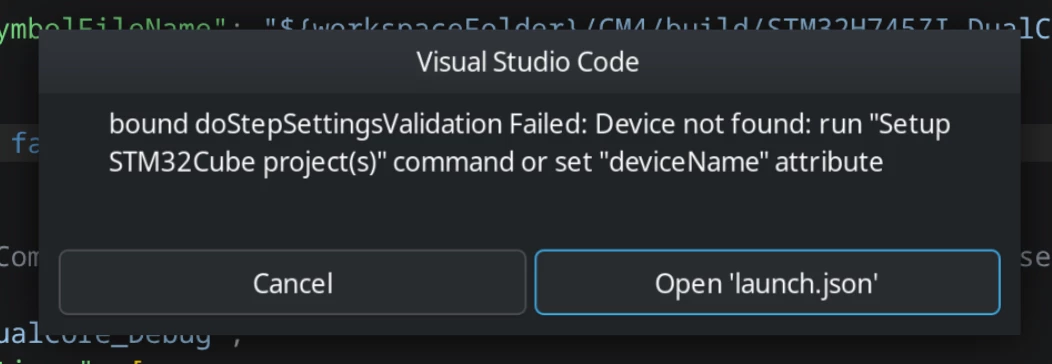
When clicking any of the two buttons the same error pops up a second time, I suspect that’s because of the two cores, but that’s only a guess.
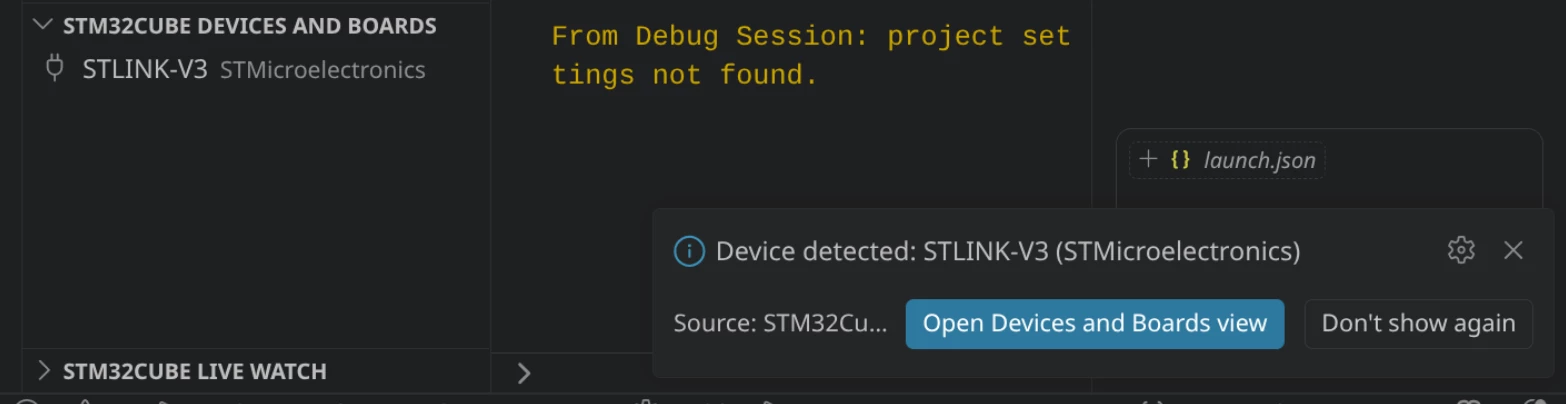
When connecting the NUCLEO-board it is being detected by the operating system and is also listed under “STM32CUBE DEVICES AND BOARDS”:
When I re-run the Project setup I see the Projects correctly assigned to each core, although for the M7 another project has been automatically added, which I did not add myself:
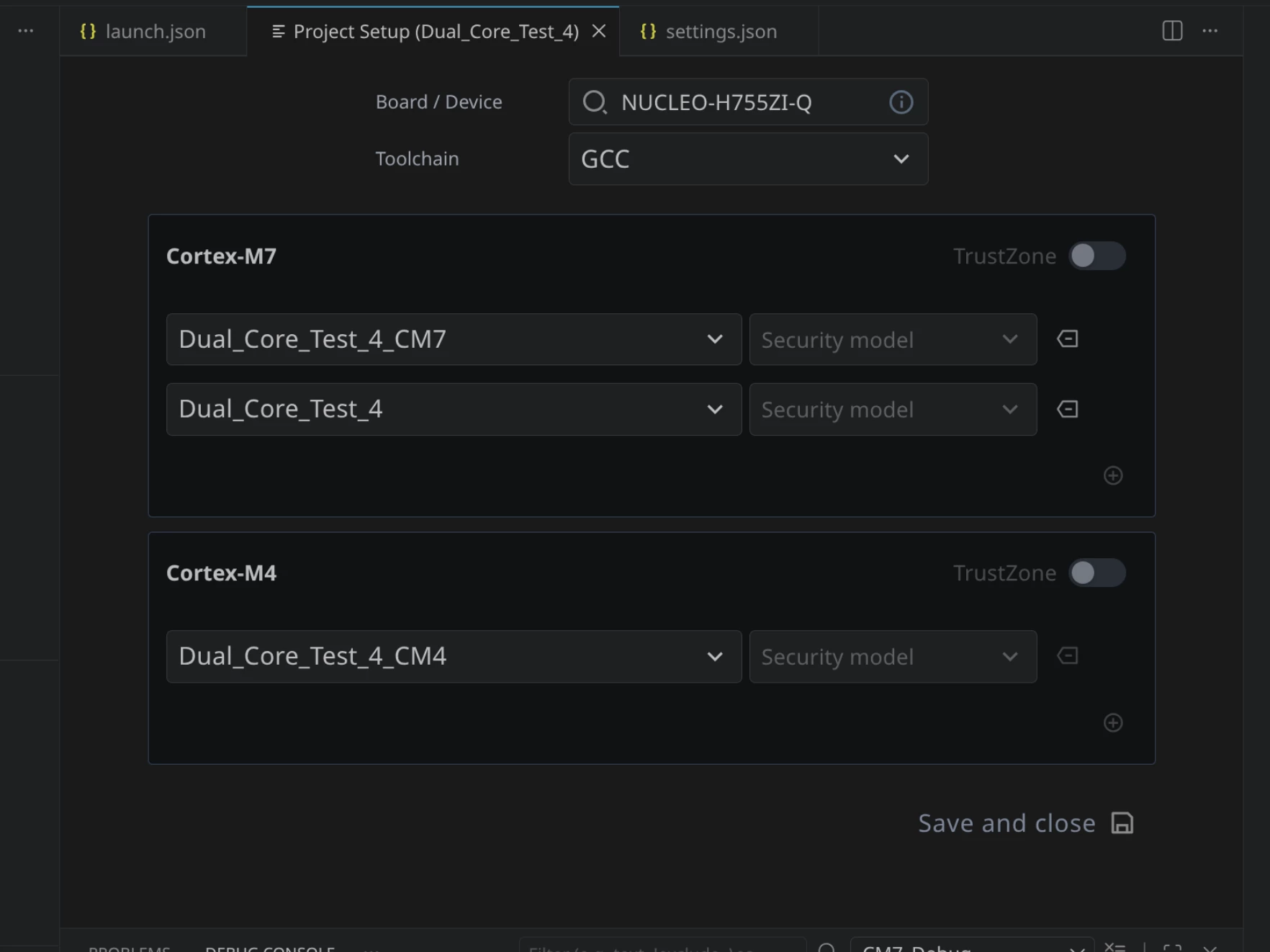
Even when I remove the “Dual_Core_Test_4”-Project from the Cortex-M7 and click “Save and close”, it will reappear next time I run the Project Setup.
I am unsure how to proceed. I am also unsure what to set the “deviceName” attribute to in the launch.json (like the error message suggested), I haven’t tried that yet. I have started over twice and followed the guide again, nothing changed, I still get the same error. The board is connected to my computer via the USB debug connector, the LEDs light up and the MCU is running its example program it was shipped with. I have no extensions installed except the ones the STM32CubeIDE extension installed. I am using Linux (Arch) if that makes any difference.
I would greatly appreciate any help or directions.
Edit: I forgot to mention, the same error message also appears when the NUCLEO-board is not connected to the computer.