


Introducing STM32CubeCLI: your STM32 toolchain from the command line
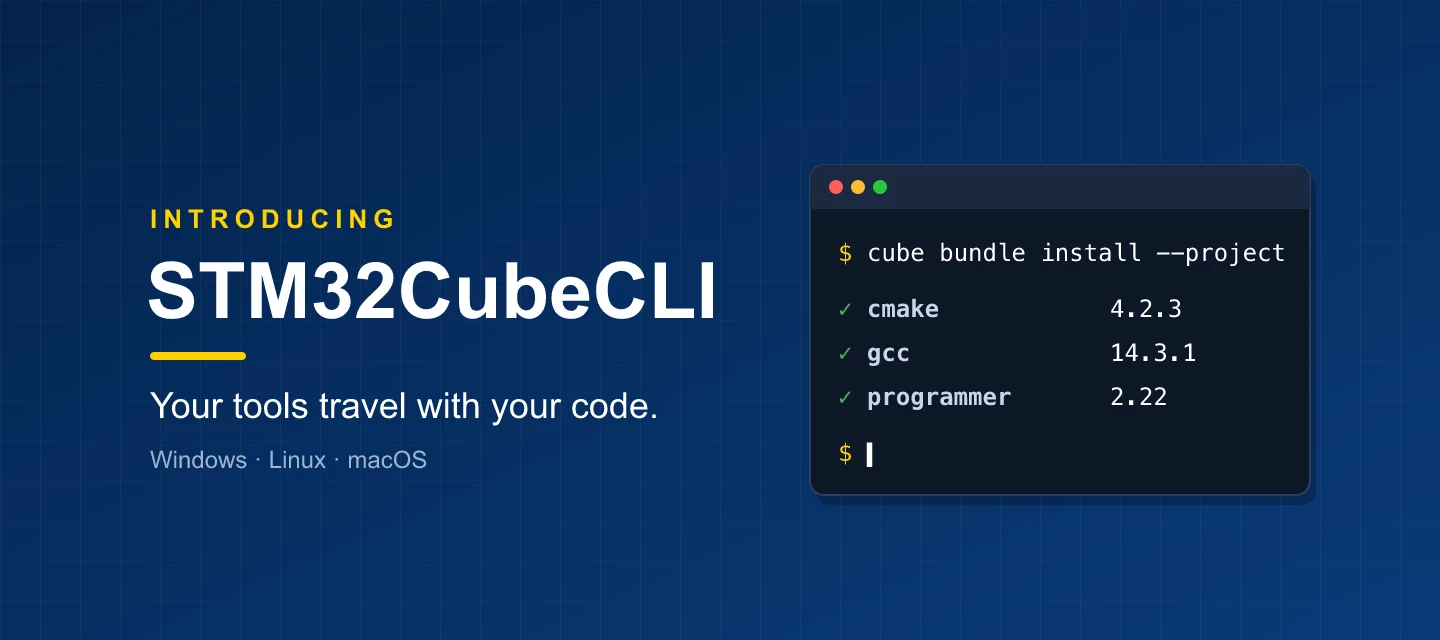
If you use STM32CubeIDE for Visual Studio Code, you have already used STM32CubeCLI.
Since April 2025 it has installed and updated the tools behind the extension, and since March 2026 it does the same for STM32CubeMX2. Now it is available on its own: one cube command to install, build, flash and debug from any terminal or CI runner, on Windows, Linux and macOS.
The idea is simple: your tools travel with your code.
What is STM32CubeCLI?
STM32CubeCLI brings together three things:
- The `cube` command: one consistent way to call STM32Cube tools, such as cube cmake, cube programmer or cube stlink-gdbserver.
- The bundle manager: installs, updates and pins tool versions from ST’s public online registry. No login, no hunting for downloads.
- Bundles: the tools themselves: GCC, CMake, Ninja, STM32CubeProgrammer, ST-LINK GDB server and more.
Get started in 30 seconds
Install on Windows (PowerShell):
irm https://developer.st.com/bundles/install/install.ps1 | iexInstall on macOS or Linux:
curl -fsSL https://developer.st.com/bundles/install/install.sh | bash -Then, in a project with pinned tool versions — every STM32CubeIDE for VS Code project can pin its tools:
cube bundle install --project        # get exactly the tools this project is pinned to
cube cmake --preset Debug            # configure
cube cmake --build --preset Debug    # build
What changes for you
- Working on your own: clone, install, build. No setup document, no "which GCC version was it?"
- Joining a team: productive on day one. The environment comes with the checkout, not from a wiki page someone forgot to update.
- Leading a team: a tool upgrade becomes a reviewed commit, and you always know which tool versions built a release.
- Running CI/CD: the build server is not special. Same lock, same tools as the laptop that wrote the code.
One lock file, same tools everywhere
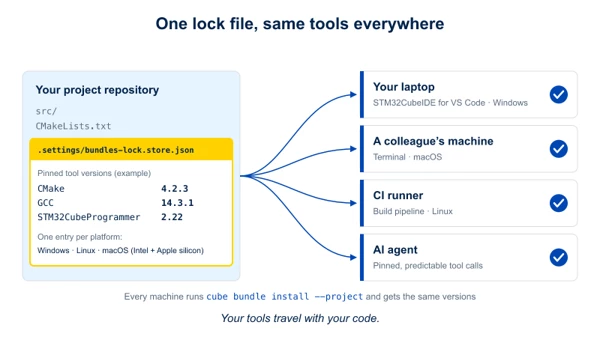
Tool versions are recorded in a lock file committed with your project. It holds one entry per operating system and CPU architecture, so the same file gives the right tools on Windows and Linux (x86_64) and on macOS (Intel and Apple silicon). STM32CubeIDE for VS Code, STM32CubeMX2 and the command line all use the same tools underneath.
Already using STM32CubeCLT?
STM32CubeCLI gives you the tools you know from STM32CubeCLT, plus per-project version pinning, one registry and one command for all of them. Try it side by side on your next project.
Additional resources
- STM32CubeCLI documentation: https://dev.st.com/stm32cube-docs/stm32cubecli/latest/en/index.html
- Questions and feedback: ST Community forum
Your feedback shapes where STM32CubeCLI goes next. We look forward to reading your ideas and questions on our community forum!
First published on Oct 01, 2026