Get ready for the STM32 Summit 2026 | Online, November 3
Explore the latest updates on the STM32Cube ecosystem and more.
Most recent activity
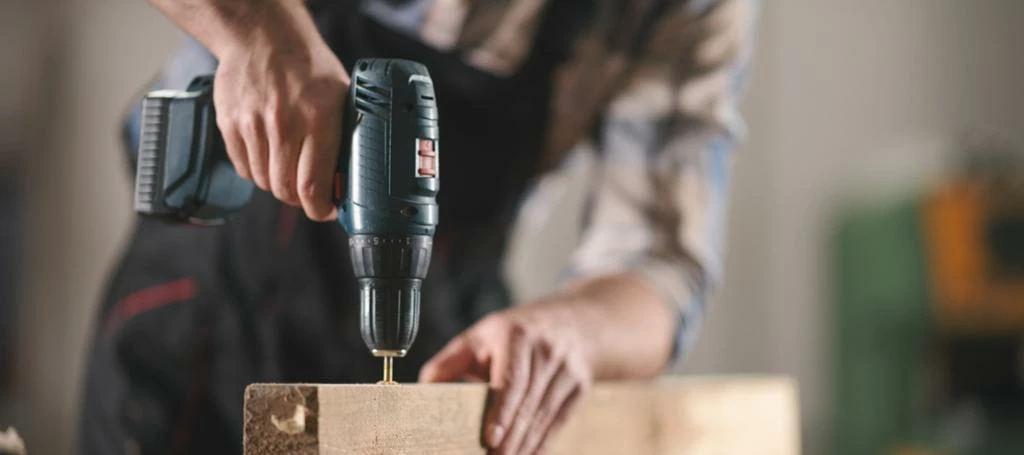
The ZeST software algorithm for STM32 allows sensorless motor drives to achieve full torque at zero speed. This innovation enables smooth and predictable motor control in general-purpose drives. Applications such as power tools, domestic appliances, and e-bikes require motors that can start quickly and with maximum torque. Traditional sensorless drives are unable to meet these demands as they cannot detect rotor position when stationary. The STM32 ZeST algorithm offers a solution that enables optimal sensorless control for any permanent magnet synchronous motor (PMSM) at zero speed, working in conjunction with the high-sensitivity observer (HSO) algorithm. This embedded software solution operates seamlessly without the need for extra hardware or special features in the microcontroller, and it dynamically estimates motor resistance for efficient control. The STM32 ZeST and HSO algorithms not only improve energy efficiency by reducing peak current during startup but also lower the b
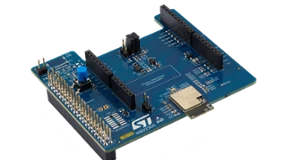
Great news for the smart home and IoT community! The latest X-CUBE-MATTER software expansion now fully supports the ST67W611M1, a high-performance Wi-Fi 6 + Bluetooth® LE 5.4 module designed to simplify your Matter device development. Key benefits for developers: Accelerate Matter device development: leverage the powerful STM32 ecosystem to create secure, high-throughput Wi-Fi Matter products without struggling with complex wireless stacks. Offload wireless connectivity to a dedicated network co-processor: the ST67W611M1 handles all Wi-Fi and Bluetooth® LE operations, freeing your MCU to focus fully on your application logic. Boost performance and security: with network tasks handled separately, your MCU runs more responsively and securely, leveraging Arm® TrustZone® for enhanced protection. Simplify device commissioning: Bluetooth® LE manages device setup, making onboarding easy and secure for users. A powerful and straightforward platform ST offers a complete hardware and soft
To continuously support STM32 developers, STMicroelectronics has rolled out updates across multiple STM32Cube MCU packages. These updates bring important enhancements and fixes aimed at improving your embedded development experience. What’s new? Connectivity & security: Significant upgrades to connectivity stacks and security features help you build more robust and secure applications. Middleware enhancements: Various middleware components have been refined for better performance and reliability. HAL & LL drivers: Numerous bug fixes and optimizations have been applied across hardware abstraction layer (HAL) and low-layer (LL) drivers to improve stability and functionality. Software Bill of Materials (SBOM): Most packages now include an SBOM, offering a standardized inventory of all software components. This addition enhances transparency, making it easier to manage se
This November update includes upgraded toolchains for faster builds, a new quick-reset debug button to speed up testing, and improved platform support for Mac and Linux users, making development smoother and more efficient.Toolchain updates STM32CubeIDE?GDB libncurses for Linux users Linux users no longer need to manually obtain libncurses for GDB to work properly, simplifying setup and reducing troubleshooting. GNU tools for STM32 - GCC-14: now bundled and set as the default toolchain for new projects using GCC. This major version upgrade includes numerous improvements and bug fixes (full changelog available here). Mac users benefit from a native AArch64 package, enabling faster builds without Rosetta emulation. Newlib is rebuilt with -O2 optimization, trading some code size for better runtime performance, aligning with upstream Arm toolchains. ST Arm Clang 19.1.6+st.10 New Osize.cfg tuning for minimal code size, replacing the former Omin.cfg. Package size reduced by approximatel
Clang/LLVM toolchain project overview For over a decade ST has offered GNU tools for STM32 as the free, reference toolchain when developing STM32 applications. It is well supported across the complete STM32Cube ecosystem and will continue to be maintained by ST. The Clang/LLVM toolchain will over time offer STM32 developers better code density and execution speed. This release is a first step on the journey towards better toolchain performance and increased STM32Cube ecosystem integration. The toolchain will be supported within STM32CubeMX and with STM32Cube for Visual Studio Code. This release provides a first version of the ST Arm Clang toolchain built on the Arm LLVM source tree. It allows early adopters to try a toolchain with a similar performance compared to today’s GCC. It offers more sanity checkers, more optimized C libraries, while compiler benchmark figures will come later. Further to this initial release, developers can expect two additional steps: Feedback collection Ear
The STM32Cube ecosystem is continuously evolving, with the latest release of STM32Cube MCU packages bringing significant updates. STM32Cube MCU packages provide optimized drivers and middleware, offering full access to hardware features and ready-to-use examples. These packages are extended by STM32Cube expansions, which include additional application-specific middleware and drivers for companion chips. These essential software components for STM32 devices are regularly updated to support new hardware and include new software examples, enabling developers to achieve more, faster. Key changes in the latest releaseNew tools and versions: The latest STM32Cube tools include STM32CubeMX configuration tool v6.13.0 and STM32CubeIDE v1.17.0. Additionally, there are new versions for eight existing STM32Cube MCU packages and two brand-new packages to support the introduction of the STM32WL3 series and new STM32N6 microcontrollers. Enhanced STM32C0 package: Now, includes support for the lates
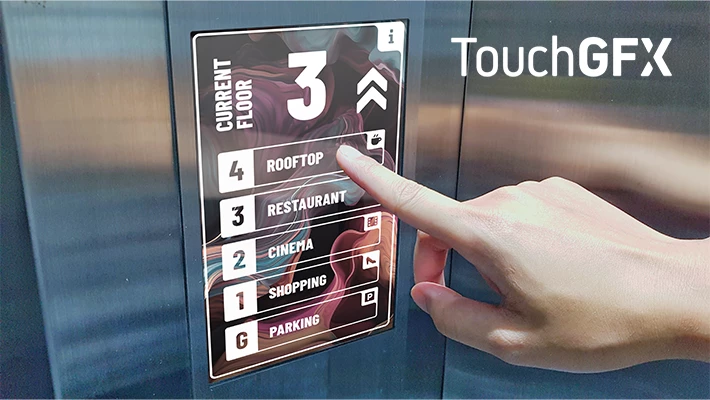
Have you ever thought that small displays mean outdated or retro-style UIs? That’s about to change, starting today! ST is excited to introduce a new program designed specifically for users working with our mainstream STM32 MCUs, including STM32C0, U0, WBA, and U3 series. Thanks to TouchGFX, our free graphics framework optimized for STM32 MCUs, you can now create modern, smartphone-like user interfaces featuring: Smooth, fluid animations Rich, vibrant colors Intuitive and responsive navigation Why this matters to youBuilding advanced UIs on resource-constrained MCUs has never been easier or more cost-effective. TouchGFX leverages smart techniques such as:Asset compression to reduce memory footprint An optimized framebuffer strategy to maximize rendering efficiencyThis means your UI will not only look amazing but also run efficiently on low-cost hardware without compromising performance. What you get, completely free:A step-by-step tutorial guide to get you started in no time An all-in
AI is gaining incredible momentum, and it is making its way into the very heart of our embedded systems. This field, which we call edge AI, brings machine learning capabilities directly onto microcontrollers, microprocessors, and smart sensors.While specialized chips like the STM32N6 series can run complex AI tasks, general-purpose STM32 microcontrollers are also capable of handling many applications, especially those involving time-series data from sensors. Your STM32 is AI-readyThe data captured by sensors from vibration, current, or environmental monitoring represents an excellent opportunity to enhance your projects. By embedding a small AI model in your microcontroller, you can enable your device to perform intelligent monitoring, anomaly detection, or data interpolation locally. This adds significant value and can be implemented across the STM32 portfolio, from the ultra-low-power STM32U3 series and the mixed-signals STM32G4 series, to the high-performance STM32H5 series. Running
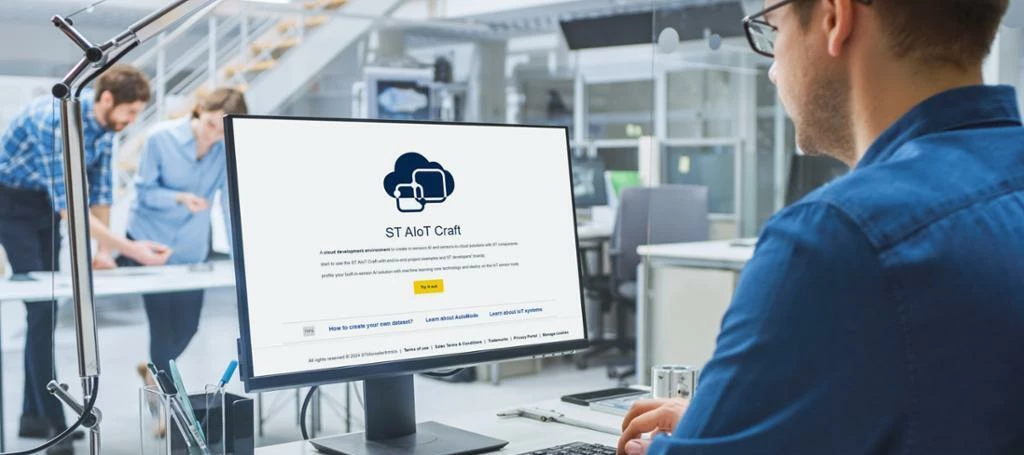
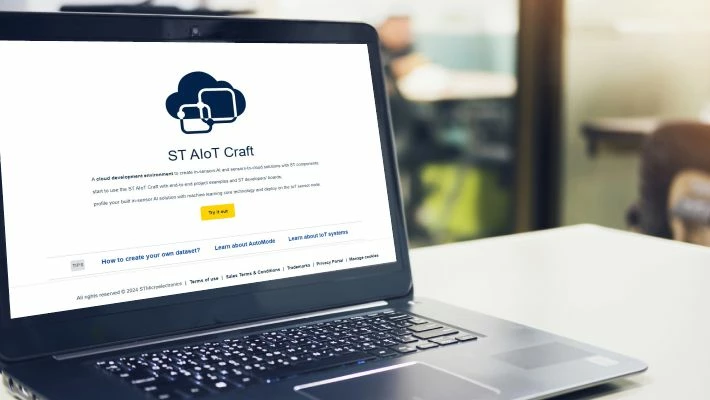
We are pleased to announce the release of ST AIoT Craft V1.2, the latest update to our innovative web-based tool designed to accelerate AIoT (artificial intelligence of things) projects using ST’s smart sensors. Building on the success of previous versions, this release introduces a range of new features, most notably a powerful collaboration capability that makes AIoT development more connected, coordinated, and efficient. With the new project-sharing feature, you can now group multiple models and classifiers within the same project and share them with a defined group of users. This functionality simplifies coordination and helps maintain consistency across your AIoT initiatives. Additionally, dataset sharing enables multiple users to collect data collaboratively for the same model or classifier. This distributed data gathering improves model accuracy and simplifies data management across users. Alongside enhanced collaboration, the new version of ST AIoT Craft introduces several imp
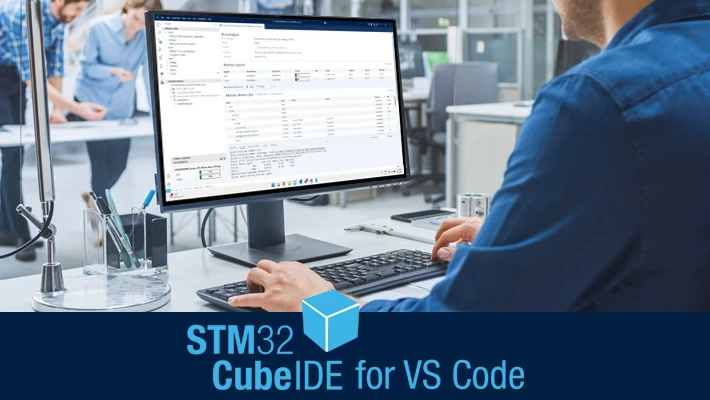
STM32Cube for VS Code deployment: a developer-centric approach This July update marks the first incremental update since the pre-release was published in May. STM32Cube for VS Code will follow an agile development approach with frequent, small updates. This strategy minimizes update risks and enables ST to respond to developer feedback rapidly, ensuring continuous improvement. STM32Cube for VS Code is currently delivered as a pre-release. The pre-release version will soon be merged into the stable track. To install it, select: Install pre-release version What’s new in the July 2025 update #1 Live data watch This feature is one of the most appreciated in STM32CubeIDE. The latest update of STM32Cube for VS Code provides a first version of the live data watch capability, which allows users to: monitor any type of data object in real-time. keep monitored variables across debug sessions. The live expression feature is set up inside launch.json by adding the following lines: #2 Introdu
We’re pleased to announce OpenSTLinux 6.1, now with M33-TD support, enabling you to leverage the Cortex®-M33 core as a trusted domain (TD) boot processor. This release provides a unified ecosystem and contributes to the 5-year maintenance commitment for all STM32 MPUs in production, ensuring your products are built on a stable, long-term software foundation. What’s new? 1) Offload early boot processes to Cortex®-M33Reduce startup load on Cortex®-A35 cores by delegating initial boot processes and security checks to the Cortex®-M33. Enables faster, more efficient boot sequences and lower power consumption. 2) Improved boot time & system efficiencyBoot critical early tasks on Cortex-M33 before going on with Cortex®-A35 start up. Optimizes overall system startup time and resource usage. 3) Enhanced security through isolationKeep secure services on the Cortex-M33 isolated trusted domain. This isolation strengthens the protection of secure boot applications against attacks. 4) Indepen
This preview allows you to explore the new HAL2, providing valuable insights into the improvements we are making to simplify and optimize your development experience. We highly encourage you to share your feedback through our dedicated channels. Your input is essential to help us refine HAL2 and ensure it meets your needs before its official release. How to access the preview The preview version of STM32Cube HAL2 for the STM32U5 series is available on the GitHub repository STM32CubeU5-V2-Preview. What is coming with the updated HAL2 HAL2 expands the features of the previous HAL to enhance developer journey. It offers improvements in the following areas: Performance and footprint Portability across the STM32 portfolio Integration with multiple RTOS API user-friendliness and usability For instance, these improvements include: The split of the initialization API into two for greater flexibility: one for initialization and one for configuration The added feature of HAL drivers, whi
We are pleased to announce the release of TouchGFX 4.25.0, a significant update packed with new core functionalities and numerous bug fixes to enhance your development experience. Here’s a glimpse of what’s new:LTDC-driven display: emulated framebufferThis major feature introduces memory savings by using the MCU’s memory instead of external RAM. By allocating memory for only a subregion of the display and synchronizing between the LCD controller and graphics framework, full screen storage is unnecessary. This is ideal for static UIs but may require adjustments for animations to avoid screen tearing. Check out the blog article and the dedicated page in our documentation. Bitmap font compressionTouchGFX 4.25.0 introduces bitmap font compression, which can drastically reduce flash usage for applications with extensive font usage. You can enable 4Bpp bitmap font compression in the Designer under the Typography tab in the “Text” menu and configure the “Compressed Font Cache Size” in the Tex
ST AIoT Craft revolutionizes the way that you develop edge AI and IoT solutions, with a seamless approach to real-time or offline dataset creation and management, and generation of AI algorithms for the machine learning core (MLC) technology inside MEMS sensors. Experience a no-code environment leveraging AutoML to effortlessly build machine learning models based on decision trees for inertial MEMS sensors. You can validate model performance directly on hardware sensor nodes via intuitive web and mobile apps, guaranteeing real-world reliability. ST also provides reference designs and components to help you explore and evaluate use cases and proofs-of-concept for your innovations, along with project and model management functionality to help you streamline development and reduce time-to-market. Edge AI classification results can be used in end-to-end applications thanks to the ability of ST AIoT Craft to deploy and configure sensor nodes, gateways, and cloud data ingestion resources. Th
Digital power is transforming the way we design and manage power supplies, offering unprecedented efficiency, flexibility, and control. ST is leading this transformation with cutting-edge solutions and comprehensive support to help engineers fully leverage digital power. Benefits of digital powerDigital power technology integrates MCUs into power supply designs, enabling advanced features such as:Enhanced efficiency: optimize power conversion and reduce energy losses Precise control: implement sophisticated control algorithms for better performance Flexibility: easily adapt to different applications and requirements Real-time monitoring: continuously monitor and adjust power parameters for optimal operation ST digital power ecosystemST offers a comprehensive digital power ecosystem centered around the STM32 family of MCUs, providing all the tools and resources needed for successful design and implementation.STM32 MCUs: high-performance MCUs with advanced peripherals tailored for digi
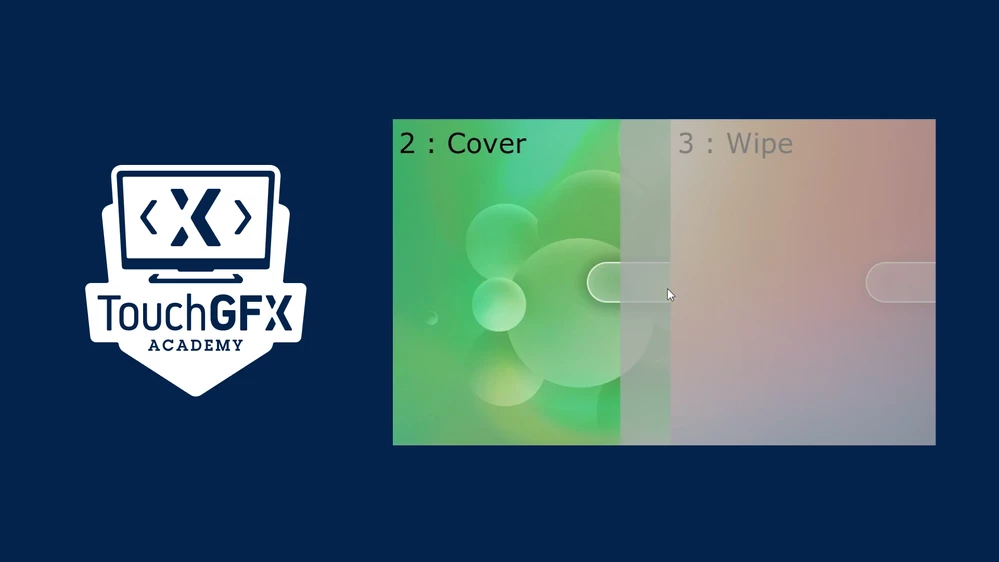
Are you ready to enhance your user interface design?Implementing screen transitions is a crucial aspect of creating a seamless user experience, and we're here to make it easier for you.That's why we created our latest video, "How to TouchGFX: screen transitions and performances", to guide you through implementing screen transitions effortlessly using TouchGFX. What you'll learnAdding screen transitions: whether you prefer using the TouchGFX Designer or coding directly, we've got you covered. Four unique transitions: dive deep into Slide, Cover, Wipe, and Block transitions. Performance optimization: essential tips to ensure your transitions are efficient. Why watch this video?By the end of this video, you will be equipped with the knowledge to seamlessly integrate screen transitions into your projects, choose the right transition, and test its performance, enhancing both functionality and aesthetics.Watch our latest video.Don’t miss outExplore our other videos to further enhance your T
We are pleased to announce the release of TouchGFX 4.24.1, which includes bug fixes and improvements to enhance your development experience. TouchGFX Designer improvementsEnhanced project updater: The project updater now seamlessly updates STM32CubeIDE projects created with STM32CubeMX v6.12.0 and above. This enhancement ensures compatibility with the latest STM32CubeMX updates, providing a better experience for our users. We are pleased to have addressed the specific issues mentioned in the community threads here and here. Optimized 'Images' tab: We have refined the 'Images' tab to eliminate warnings when using an 8 bits per pixel framebuffer, particularly in the compression column. VectorFontRenderer enhancement: We have resolved a minor error in the VectorFontRenderer code when using a 1 bit per pixel framebuffer, ensuring more reliable and accurate font rendering. TouchGFX Core enhancementsImproved font converter: The font converter now efficiently handles fonts with more than 255
Already have an account? Login
Enter your E-mail address. We'll send you an e-mail with instructions to reset your password.