Hello @alpka ,
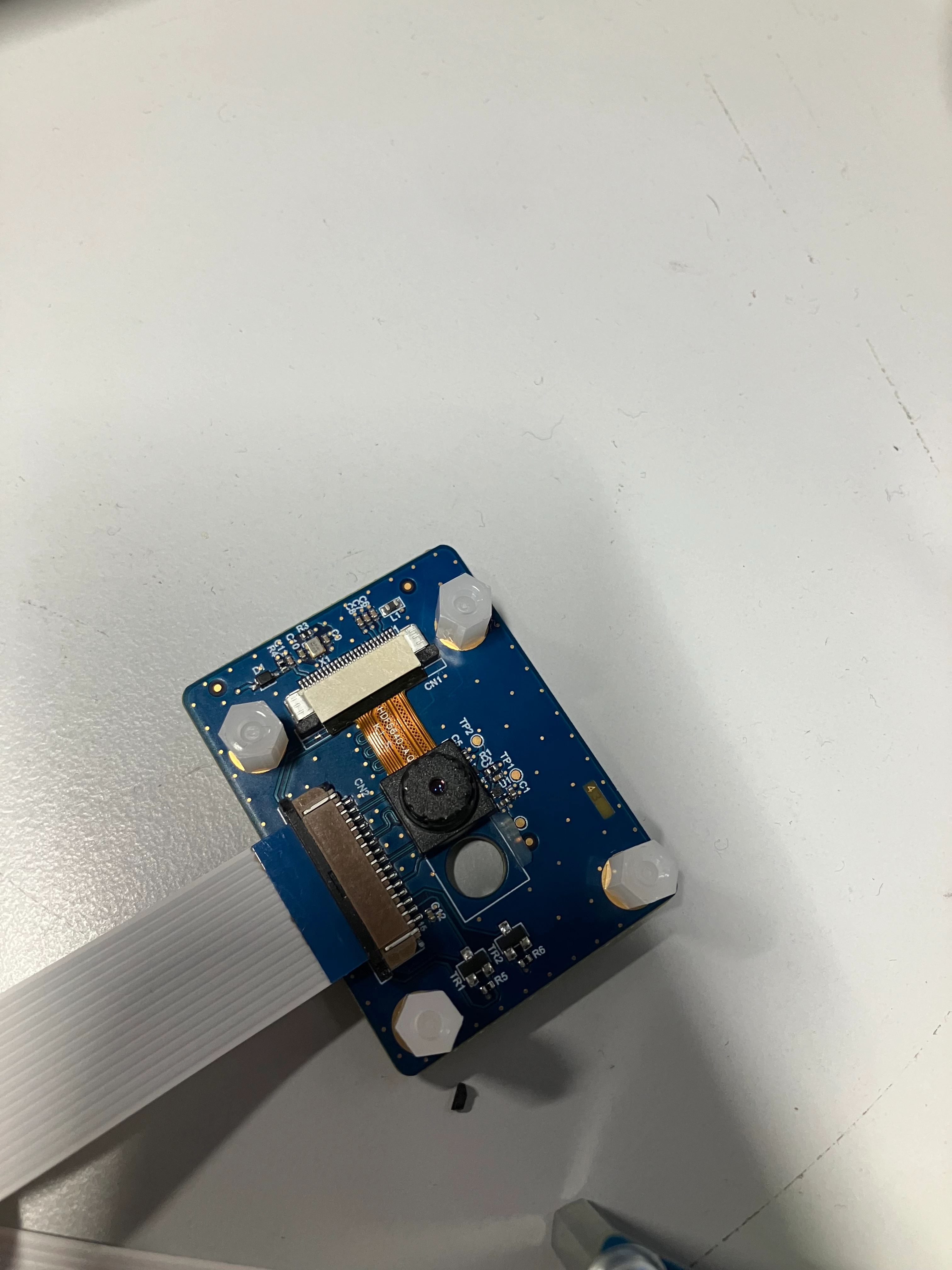
By default, the board device tree of STM32MP135F-DK board configure the Galcore camera and not anymore the OV5640. But it is very simple to switch by modifying the device tree. Please see below :
In arch/arm/boot/dts/stm32mp135f-dk.dts in Linux sources, you will see :
gc2145: gc2145@3c {
		compatible = "galaxycore,gc2145";
		reg = <0x3c>;
		clocks = <&clk_ext_camera>;
		IOVDD-supply = <&scmi_v3v3_sw>;
		AVDD-supply = <&scmi_v3v3_sw>;
		DVDD-supply = <&scmi_v3v3_sw>;
		powerdown-gpios = <&mcp23017 3 (GPIO_ACTIVE_LOW | GPIO_PUSH_PULL)>;
		reset-gpios = <&mcp23017 4 (GPIO_ACTIVE_LOW | GPIO_PUSH_PULL)>;
		status = "okay";

		port {
			gc2145_ep: endpoint {
				remote-endpoint = <&mipid02_0>;
				clock-lanes = <0>;
				data-lanes = <1 2>;
			};
		};
	};

	ov5640: camera@3c {
		compatible = "ovti,ov5640";
		reg = <0x3c>;
		clocks = <&clk_ext_camera>;
		clock-names = "xclk";
		DOVDD-supply = <&scmi_v3v3_sw>;
		status = "disabled";
		powerdown-gpios = <&mcp23017 3 (GPIO_ACTIVE_LOW | GPIO_PUSH_PULL)>;
		reset-gpios = <&mcp23017 4 (GPIO_ACTIVE_LOW | GPIO_PUSH_PULL)>;

		port {
			ov5640_0: endpoint {
				/*remote-endpoint = <&mipid02_0>;*/
				clock-lanes = <0>;
				data-lanes = <1 2>;
			};
		};
	};
Please change the status of ov5640 from disabled to okay and the one of gc2145 from okay to disabled.
Kind regards,
Erwan.
In order to give better visibility on the answered topics, please click on 'Accept as Solution' on the reply which solved your issue or answered your question.