


Question
getting error - program "gcc" not found in the path
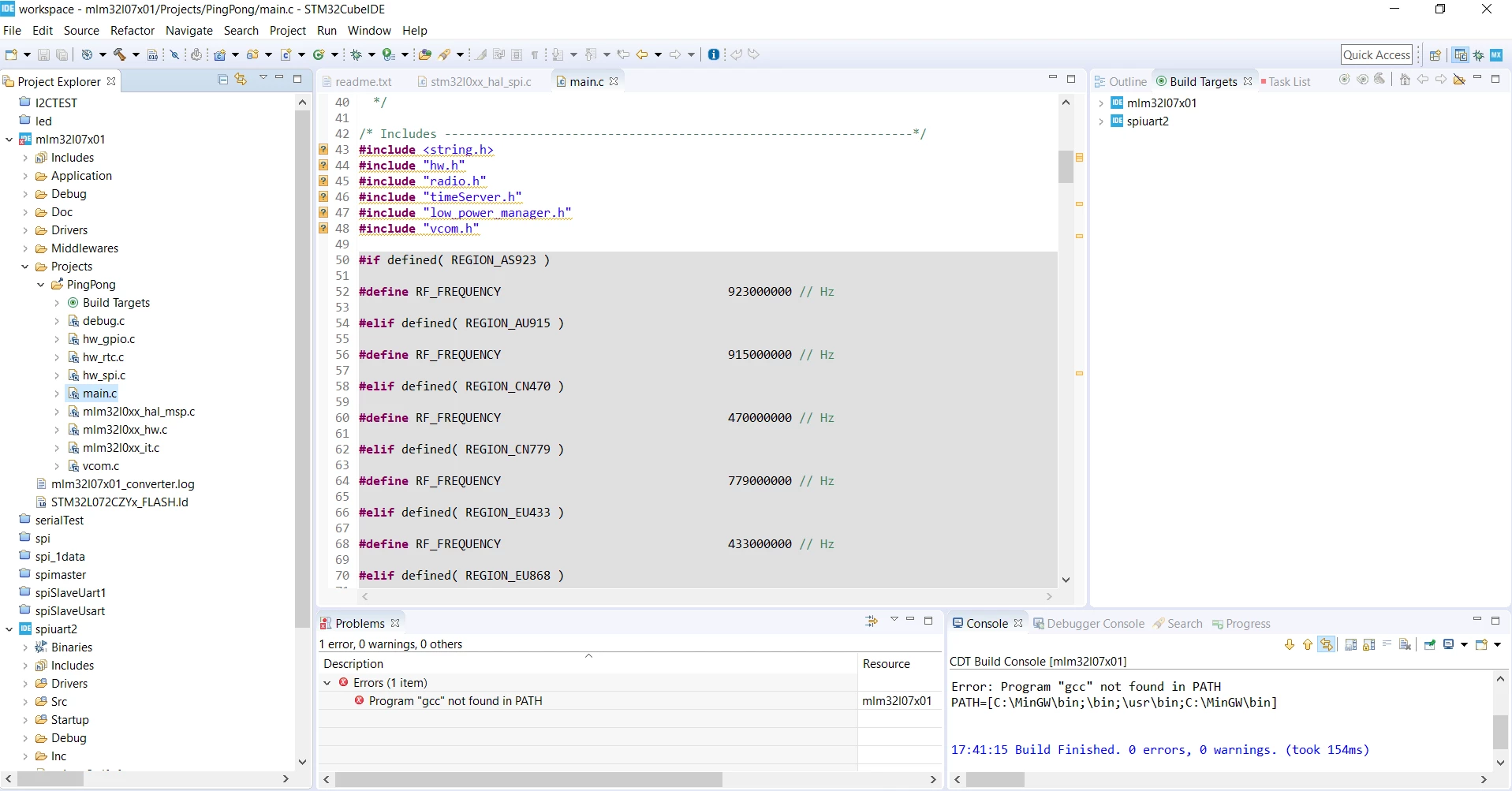 I am trying to execute ping pong experiment with B-L072Z-LRWAN1 discovery kit using STM32CubeIDE. I have used the codes which are available on stm32 website along with firmware . After bringing the project file in IDE problem window is showing error-
program "gcc" not found in the path.
also on building , consoles shows no error but the previous problem persist.
On debugging the process terminates with message - binaries not found
also there is no binaries file created in project explore window.
I have tried this code with other IDE (like True studio, eclipse ) but getting same error.
please suggest why this is happening and how to rectify that.
Thanks