FGom65
Visitor II
June 24, 2022
Solved

CubeMX : How to choose a specific MCU Package version for code generation ?

  • June 24, 2022
  • 1 reply
  • 1711 views

I am using STM32CubeIDE Version: 1.9.0 and STM32CubeMX Version 6.5.0 under Win 10

I am modifying the End Node example on a NUCLEO-WL55JC and I need to use the STM32Cube_FW_WL MCU Package.

For compatibility reasons I need to use the Version 1.0.0 of the MCU Package (newer versions are a no go for me)

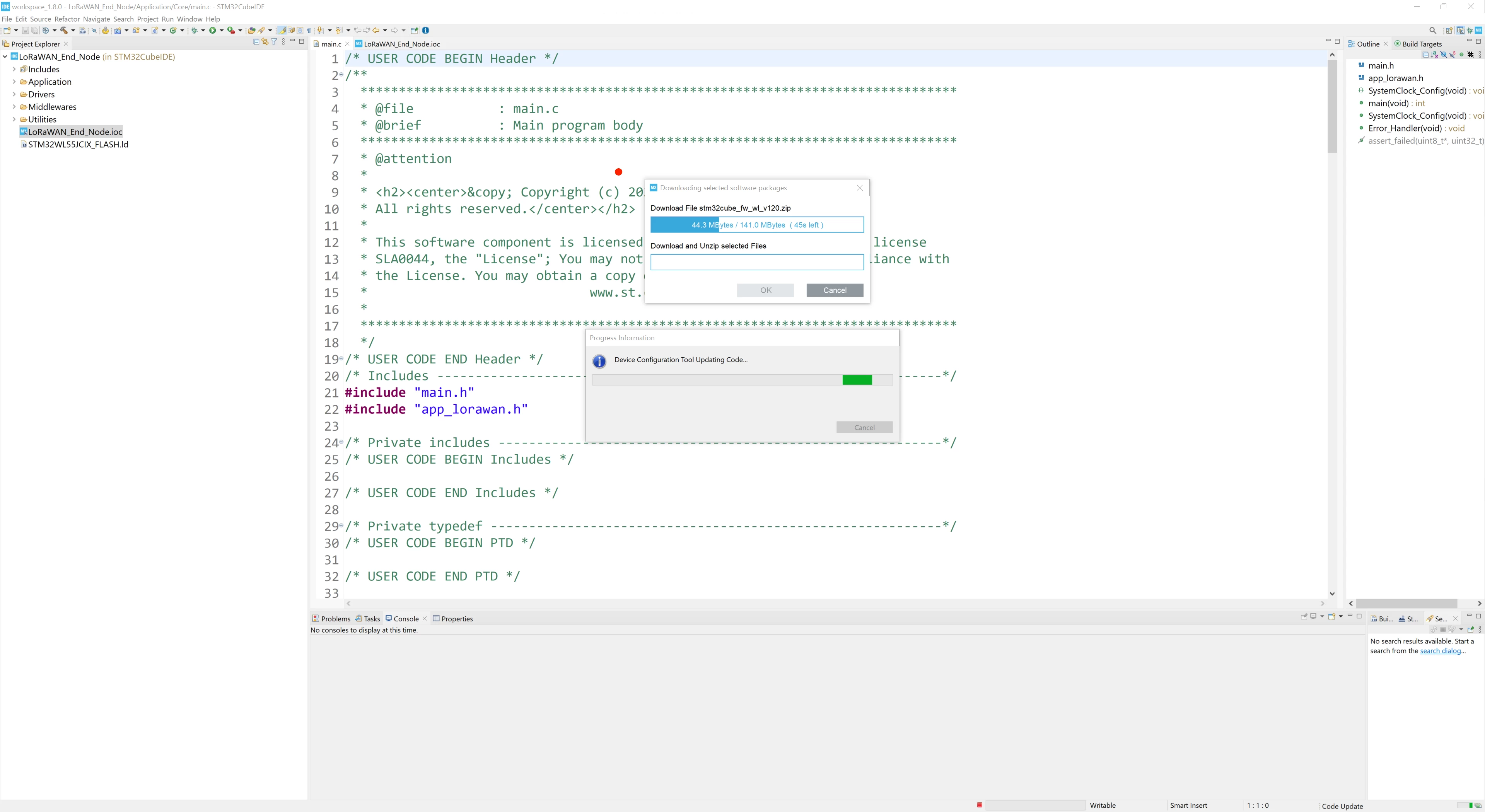
During code generation, CubeMX automatically upgrades the MCU Package to the latest available release (1.2.0).

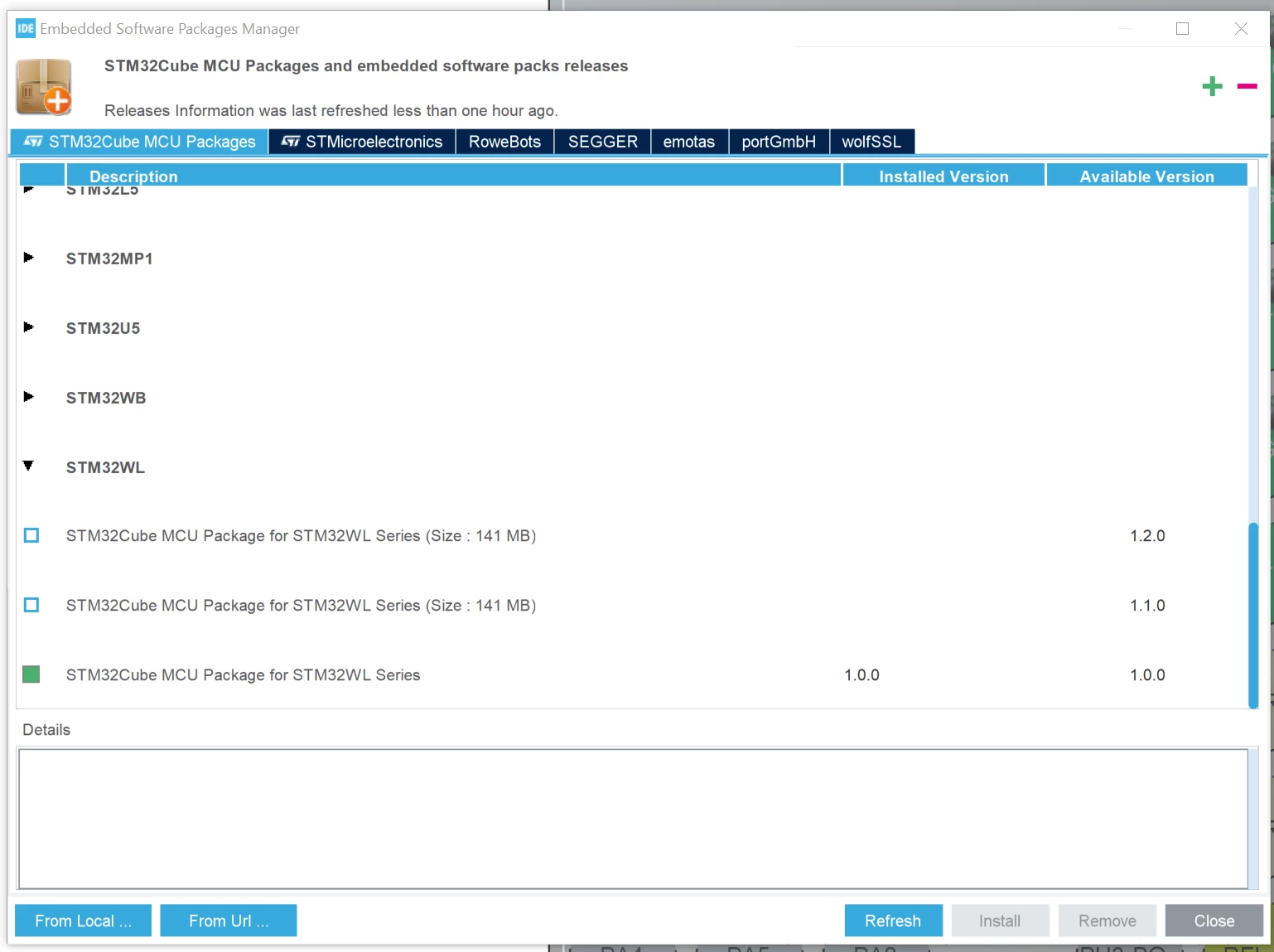
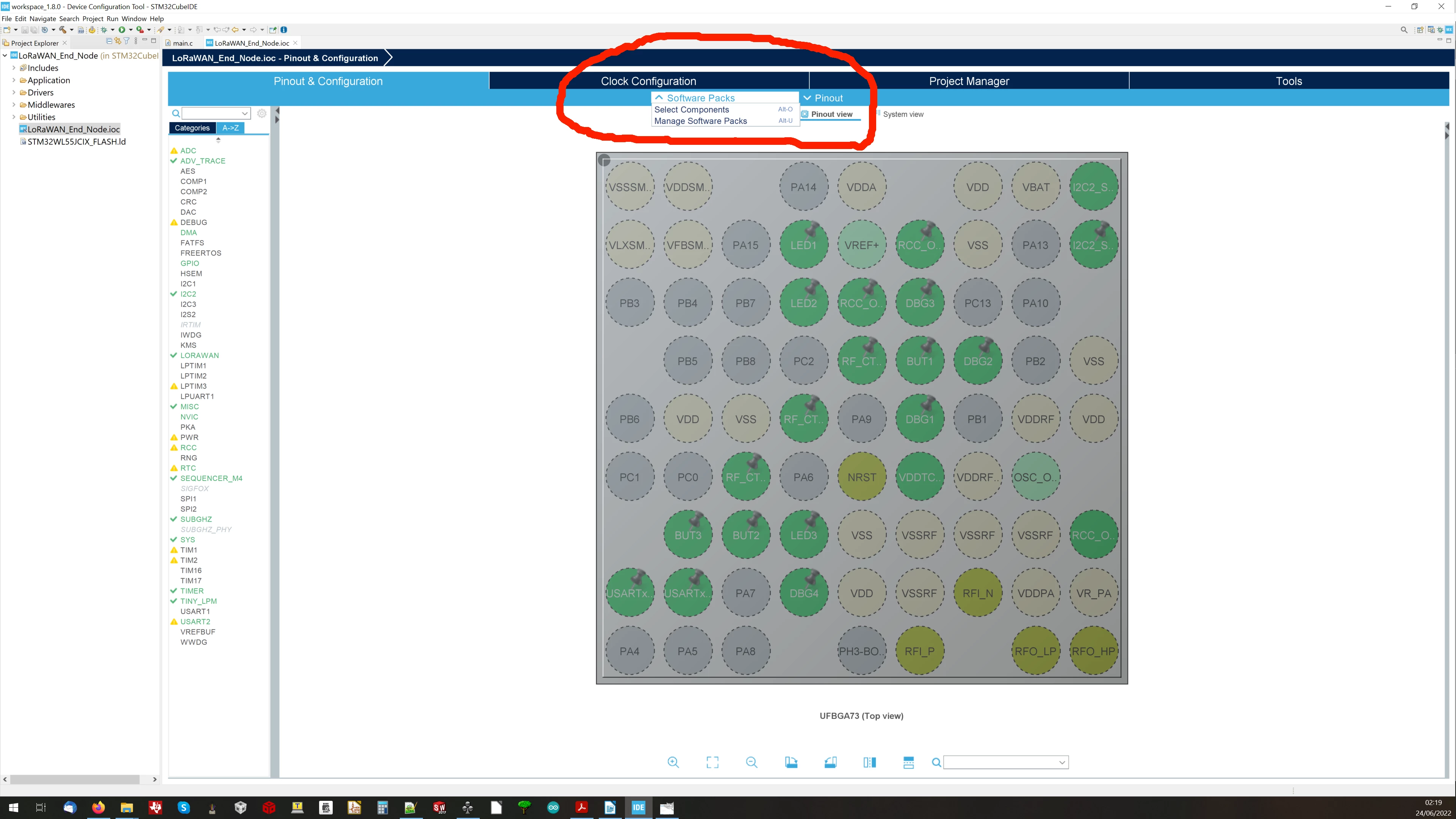
Trying to avoid this, I selected under Software Packs -> Manage Software Packs 0693W00000NsehyQAB.pngthe Version 1.0.0 but at the moment of generating the code it still uploads version 1.2.0...
Any help is appreciated 0693W00000NseiwQAB.png0693W00000Nsei3QAB.png
This topic has been closed for replies.
Best answer by Peter BENSCH

Welcome, @FGom65​, to the community!

If you use this default project, you should have a look at the Project Manager > left tab Project. By default, the Use Default Firmware Location is checked so that the latest version is used.

If you uncheck this option, you can also permanently select any older version, which will then remain set (often used to avoid time-consuming and expensive re-approvals).

Does it work for your and answer your question?

Regards

/Peter

1 reply

Peter BENSCH
Peter BENSCHBest answer
ST Technical Moderator
June 24, 2022

Welcome, @FGom65​, to the community!

If you use this default project, you should have a look at the Project Manager > left tab Project. By default, the Use Default Firmware Location is checked so that the latest version is used.

If you uncheck this option, you can also permanently select any older version, which will then remain set (often used to avoid time-consuming and expensive re-approvals).

Does it work for your and answer your question?

Regards

/Peter

In order to give better visibility on the answered topics, please click on Accept as Solution on the reply which solved your issue or answered your question.