


Question
want to display two rows of text in a single scroll list
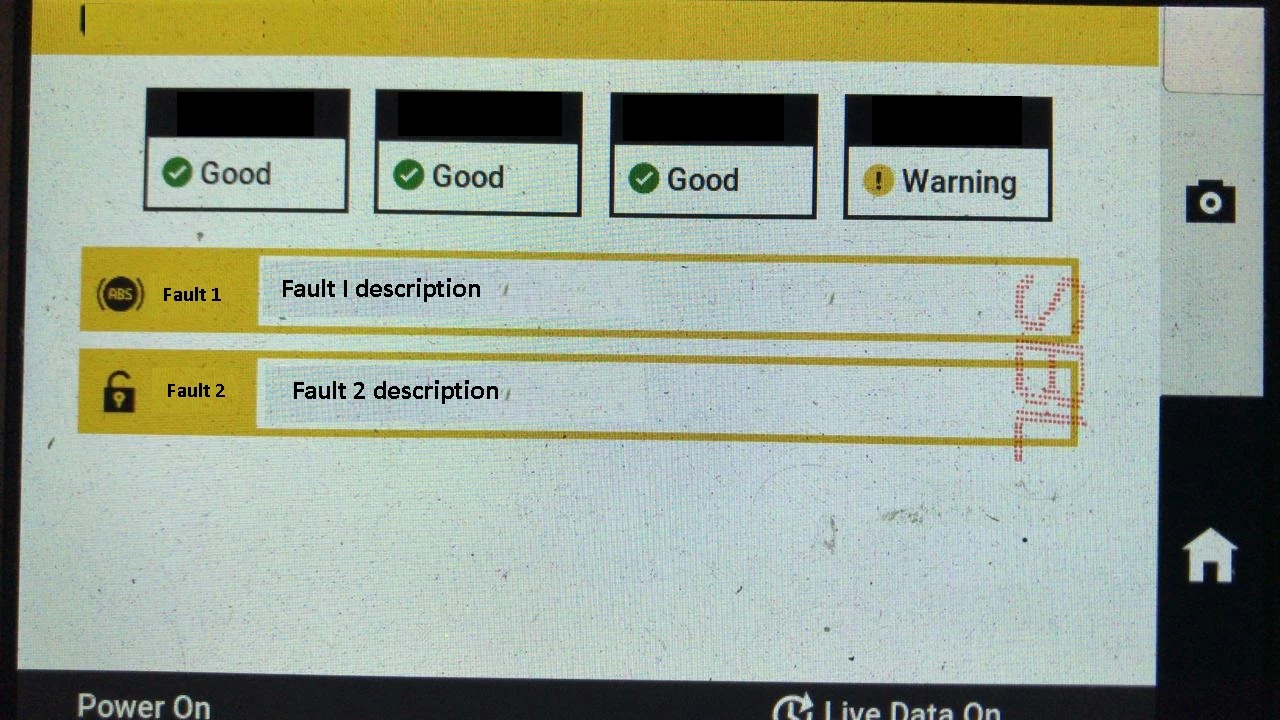
In a touchgfx based UI, I am able to display the text in the scroll list under the details box. But the length of the text is more, so that is not able to fit in a single row. I want to add one more row in Fault 1box.
For reference, I have attached the image snapshot which has the current UI display
 I want to add one more row (row 2) in the Fault 1 tab as shown in below image snapshot
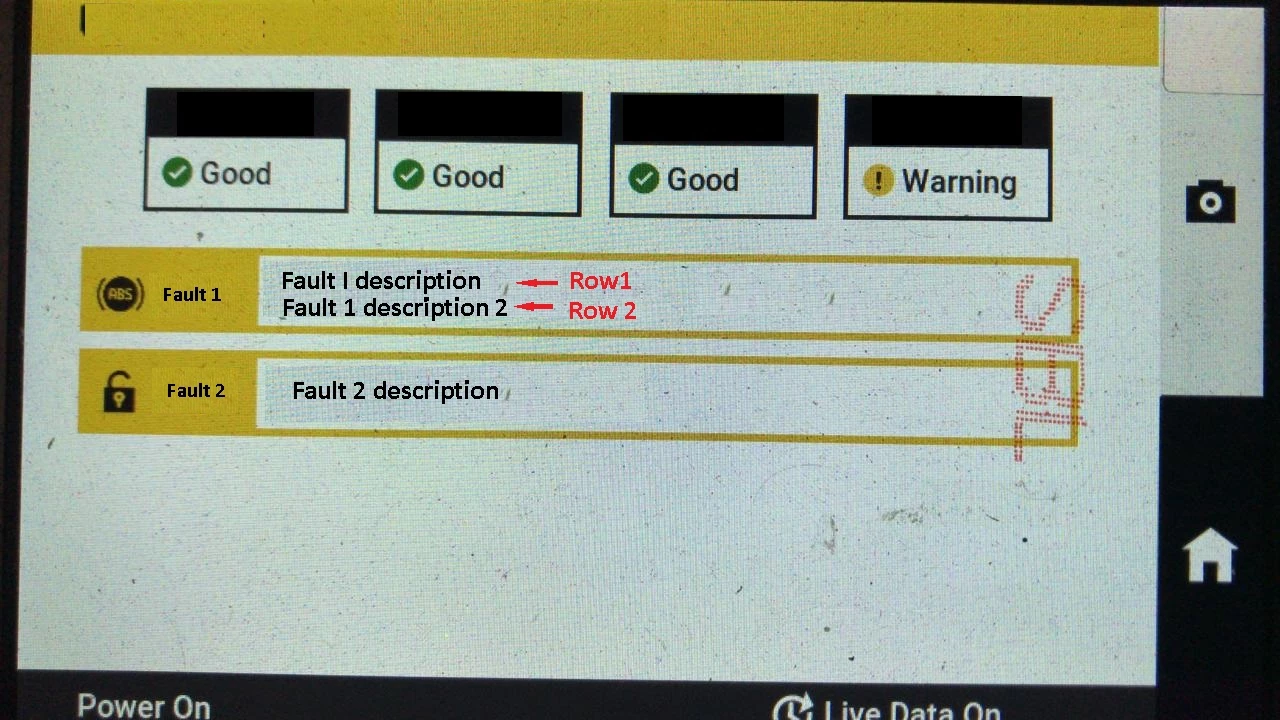
Note : scroll list tab (that is Fault 1 and Fault 2 tab), is displayed according to condition. And message/text inside this tab changes according to condition.