Associate
February 5, 2025
Solved

TouchGFXDesigner cannot run target

  • February 5, 2025
  • 2 replies
  • 1249 views

1. Developing tools directories as this:

D:\ProgramData\STMicroelectronics\STM32Cube\STM32CubeMX
D:\ProgramData\STMicroelectronics\STM32Cube\STM32CubeProgrammer
D:\ProgramData\STMicroelectronics\TouchGFX\4.24.2\

2. ST link drivers are installed well.(because code can be compiled and downloaded via usb ST-link)

3. Hardware is STM32U5A9J-DK.

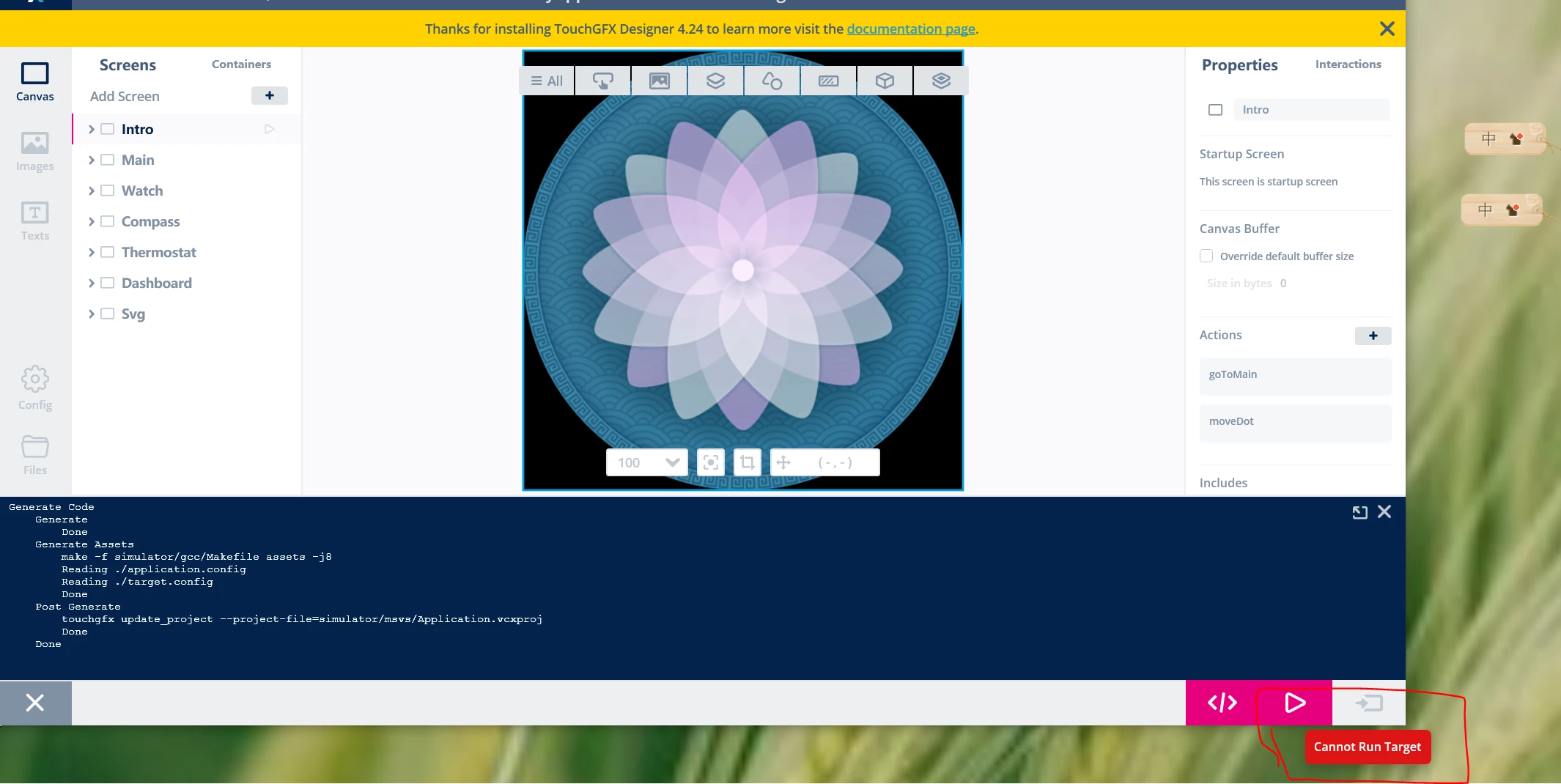
4. TouchGFX Designer demo is TouchGFX Demo6. Run simulator is OK.
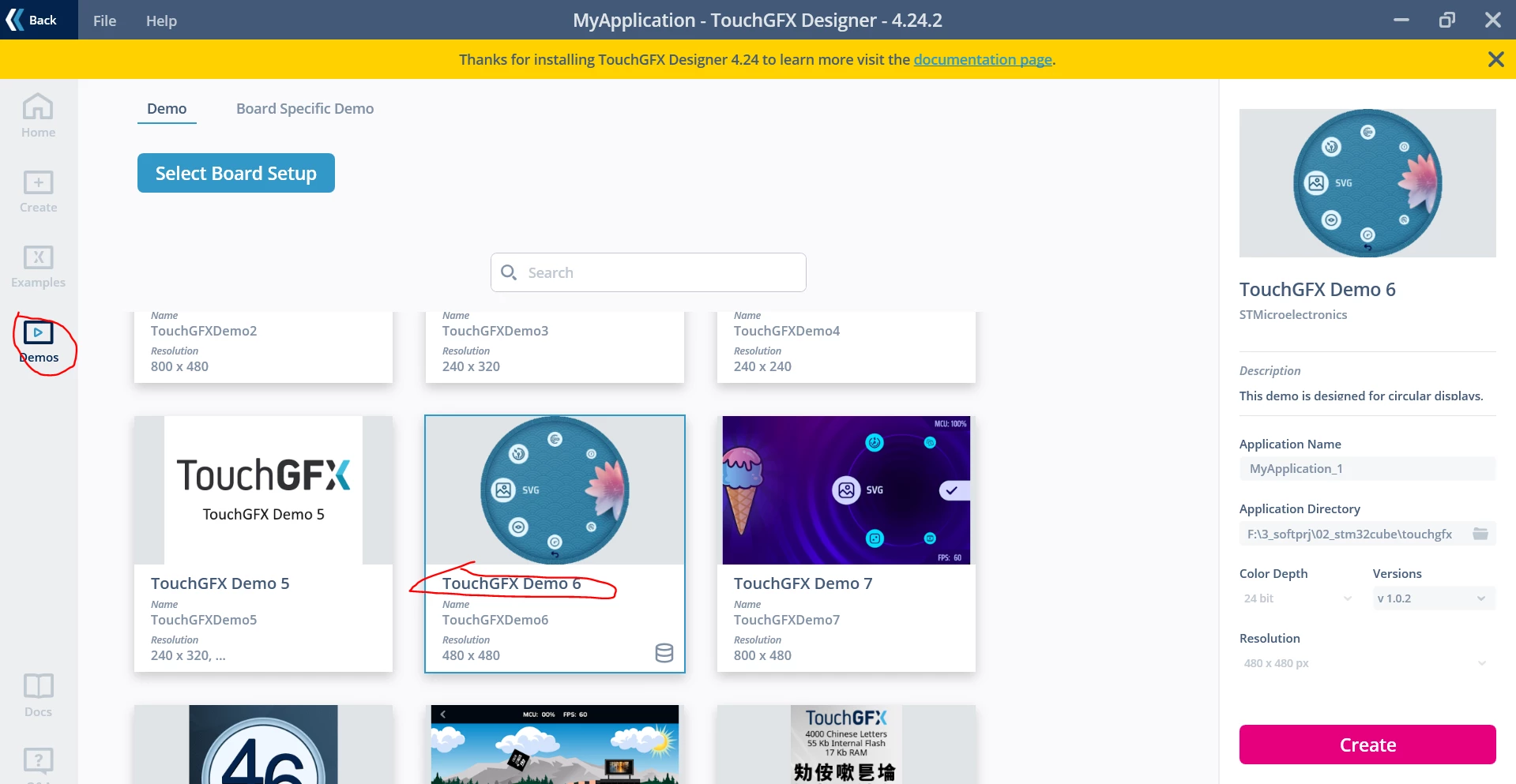
demo6.PNG

target.PNG

My question is:

   I want to run this demo on STM32U5A9J-DK, but the run button can not work and display 'Cannot Run Target'.

   which procedure is wrong? Or is there any guidance to solve this problem?

 

    This topic has been closed for replies.
    Best answer by mƎALLEm

    Hello,

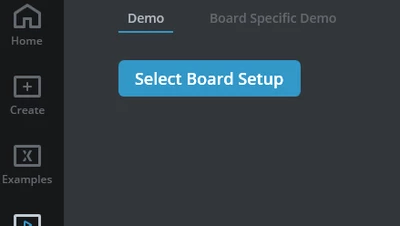
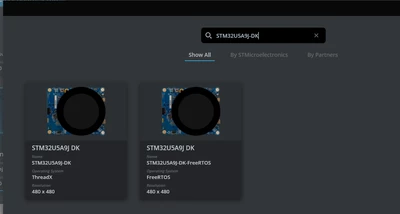
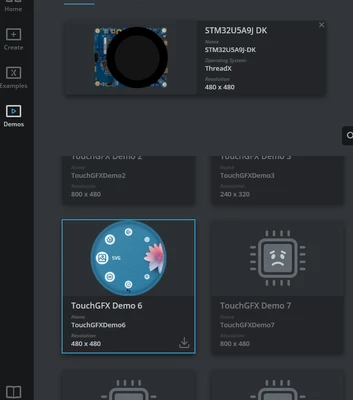
    Did you select first the board STM32U5A9J-DK in the Board setup before creating the demo?

    SofLit_0-1738774339949.png

    SofLit_1-1738774394632.png

    SofLit_2-1738774454755.png


    2 replies

    mƎALLEm
    mƎALLEmBest answer
    ST Technical Moderator
    February 5, 2025

    Hello,

    Did you select first the board STM32U5A9J-DK in the Board setup before creating the demo?

    SofLit_0-1738774339949.png

    SofLit_1-1738774394632.png

    SofLit_2-1738774454755.png


    To give better visibility on the answered topics, please click "Best answer" on the reply which solved your issue or answered your question.
    rhine1012Author
    Associate
    February 6, 2025

    It works,thank you!