TouchGFX RGB Color Output Problem Questions.
Hello, I'm asking you this question because there is a problem that I couldn't solve during the Touch GFX test.
First, let me tell you about the current environment.
1. Evaluation board: NUCLEO-L4P5ZG
2. IPS TFT-LCD
1) Resolution: 320 × 240, 16-bit color
2) Interface: 8080-parallel (using FMC)
3) Driver: ILI9341V
3. CubeMX Settings
1) Interface: Custom
2) Framebuffer Pixel Format: RGB565
3) Width: 320, Height: 240
4) Framebuffer Strategy: Partial Buffer
5) Number of Blocks: 3
6) Block Size: 15,360 bytes
7) Application Tick Source: Custom
8) Graphics Accelerator: None
9) Real-Time Operating System: No OS
TE pin on LCD was received as external input and called
"touchgfx::HAL::getInstance()->vSync();" and "touchgfx::OSWrappers::signalVSync();".
Inserted a user function that sends the ILI9341 driver's cursor and frambuffer data within the function
"void touchgfxDisplayDriverTransmitBlock(uint8_t* pixels, uint16_t x, uint16_t y, uint16_t w, uint16_t h)".
* Problems
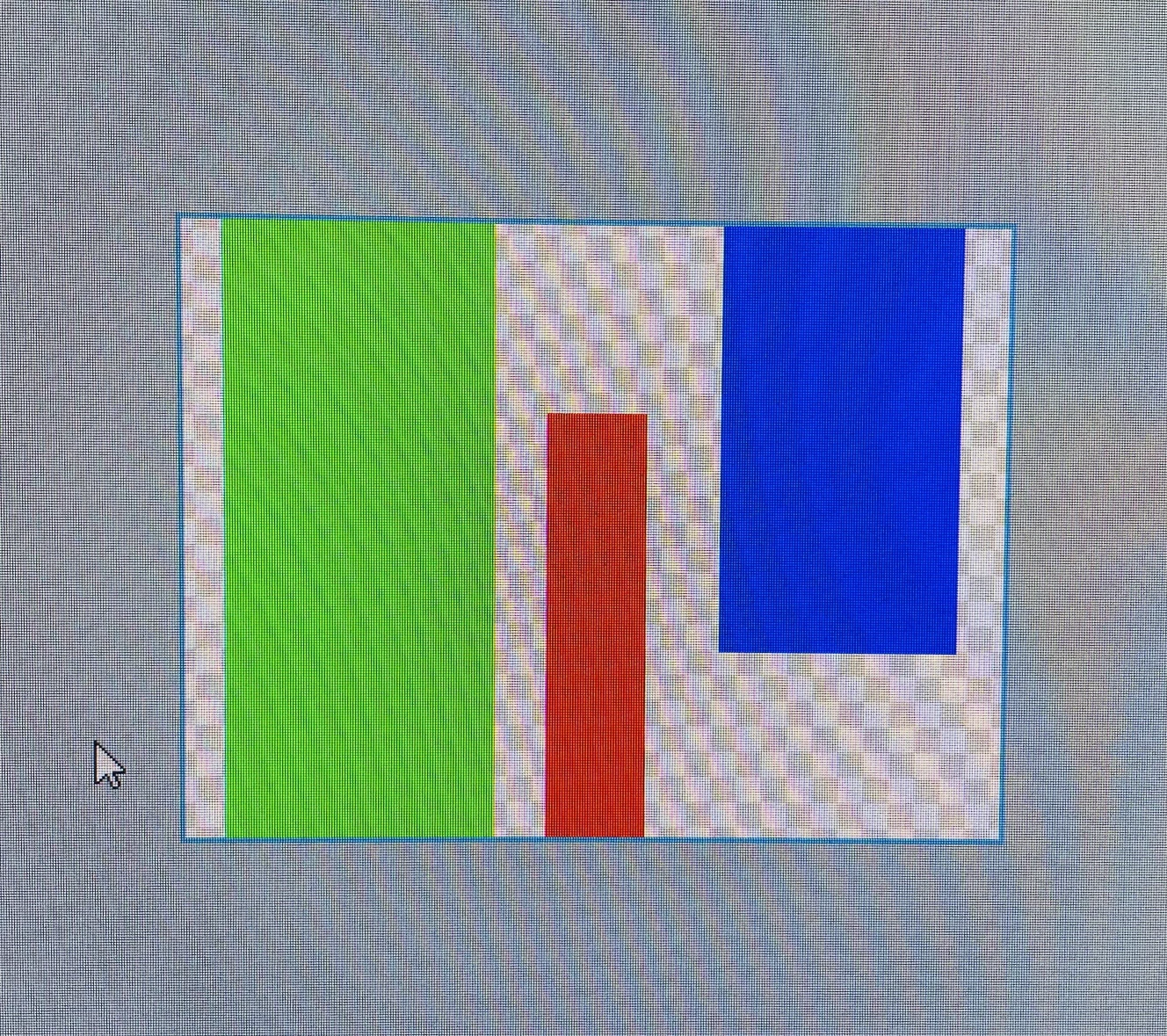
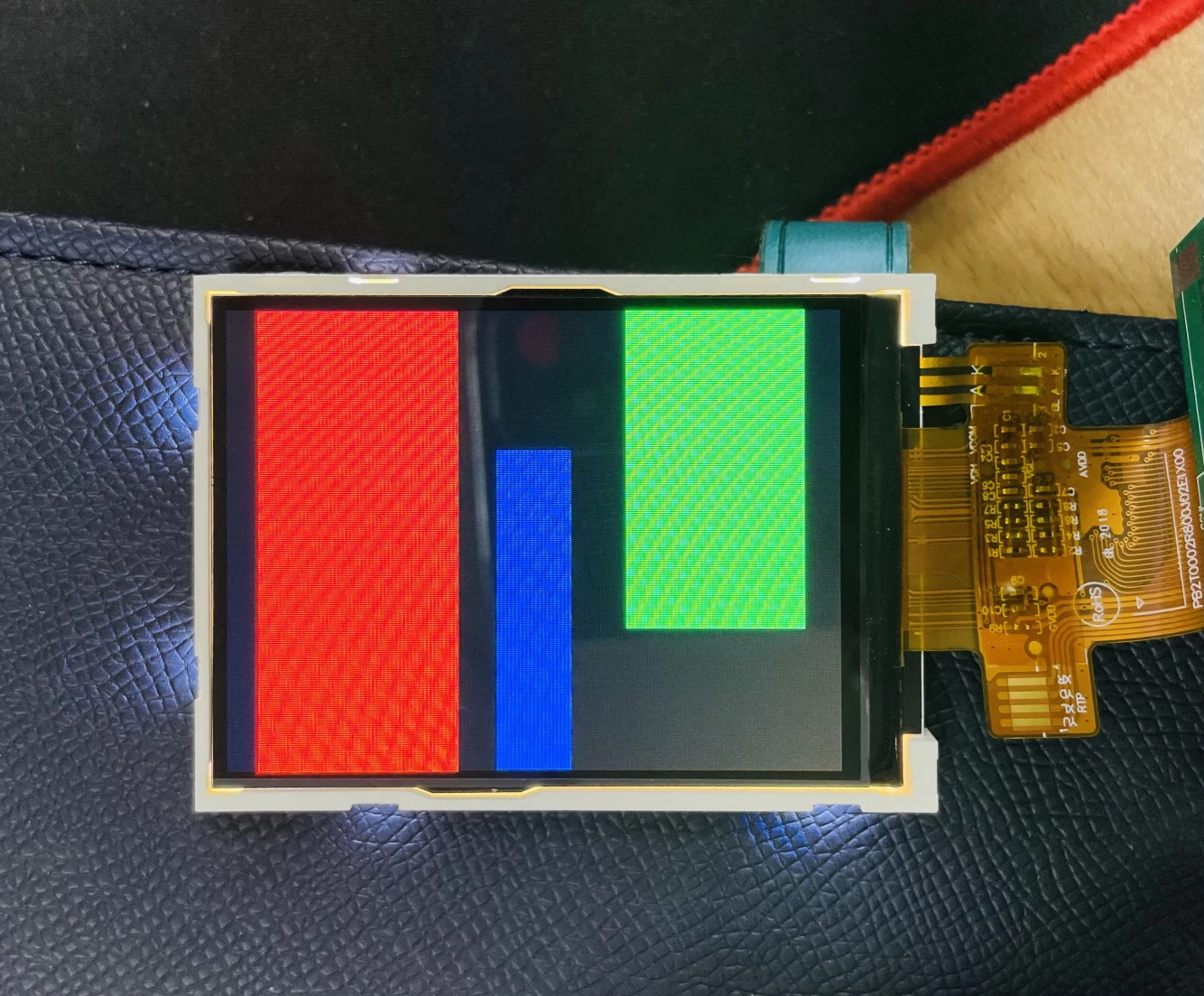
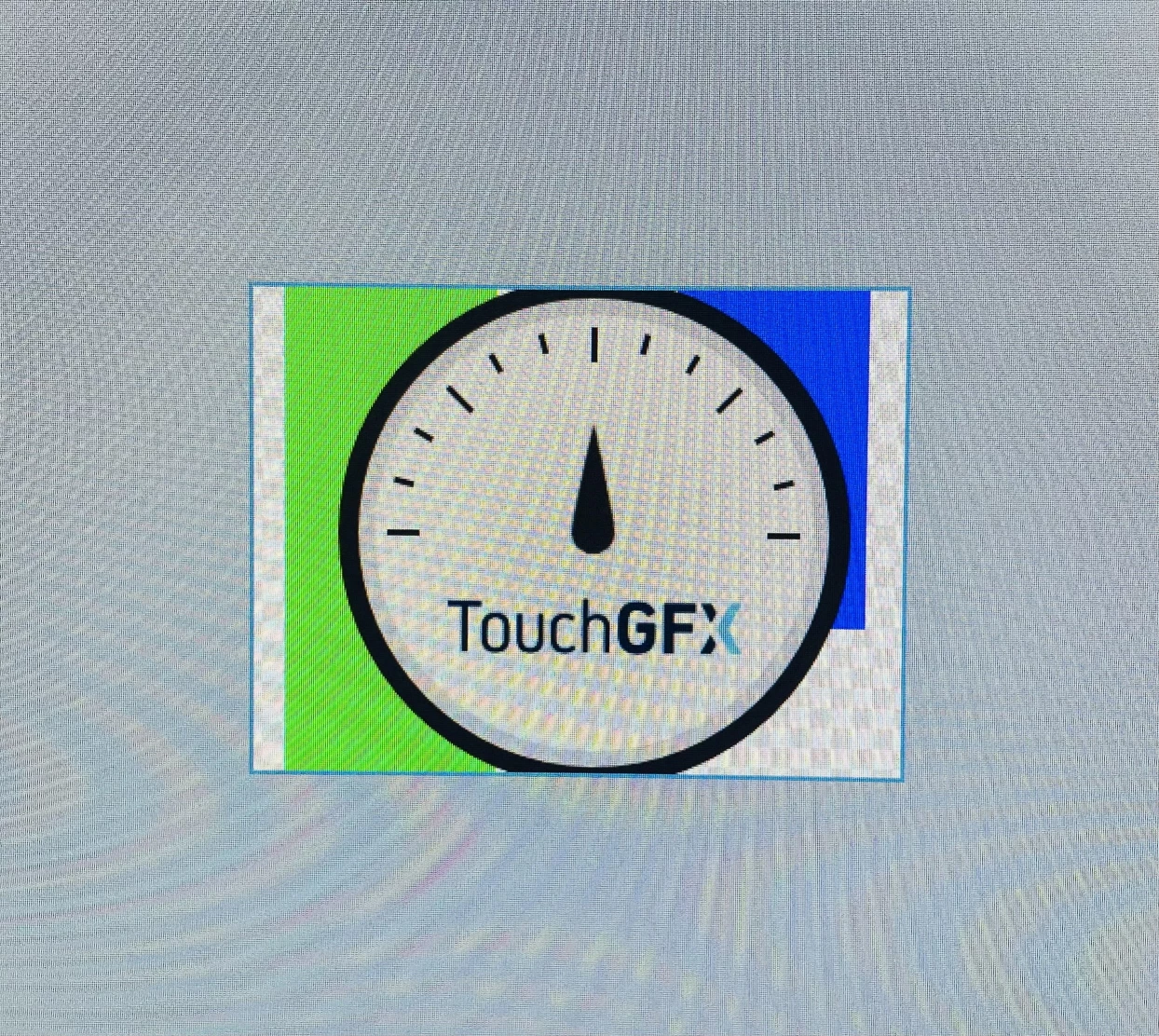
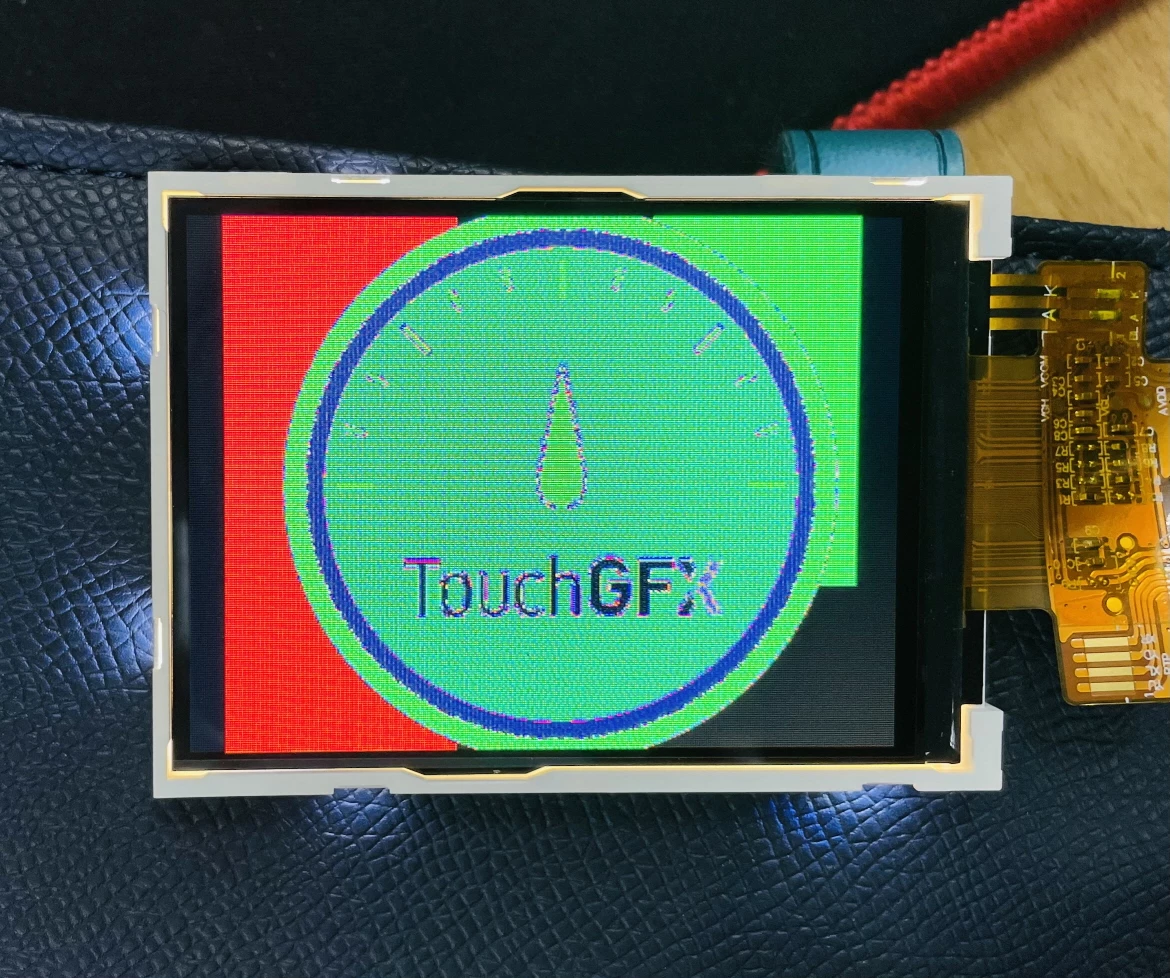
We used TouchGFX designer to draw red, green, and blue boxes and print them out to LCD.
The problem is that it changes to Red -> Blue, Green -> Red, Blue -> Green. (I have attached an image for the problem situation.) If you set the BGR setting to 'RESET' in ILI9341 driver settings, it changes to Red -> Red, Green -> Blue, Blue -> Green.
I wonder if the problem is caused by the lack of sync between the rendering of TouchGFX engine and the transmission of LCD, or if it can be solved by setting on TouchGFX or LCD driver. I know you are busy, but please reply. Thank you.