


TouchGFX Documentation Search Bug
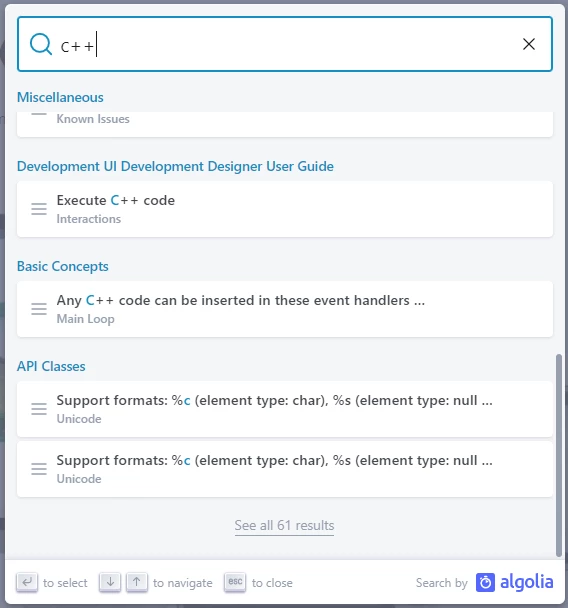
When browsing the TouchGFX online documentation, pressing Ctrl-K (or clicking on "Search") displays a popup window where the search term is entered, and a partial list of hits is displayed with a link at the bottom to "See all xx results":
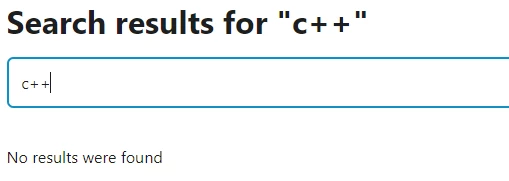
 When the "See all..." link is clicked, rather than displaying the additional hits, the following screen is displayed:
 This occurs on all browsers and platforms I've tested (Windows10/Chrome/Edge, MacOS/Chrome/Safari).
I think the online documentation is excellent and shows considerable thought and effort. However, in such a non-linear format (and especially with material so voluminous and diverse), a good search capability is a must. And it appears that the search function does indeed work well. But if the target of one's search does not appear in the initial list, the lack of access to the additional links is a serious deficiency, rendering the search tool useless in a large number of cases.