zhangtinglu
Associate III
January 2, 2019
Solved

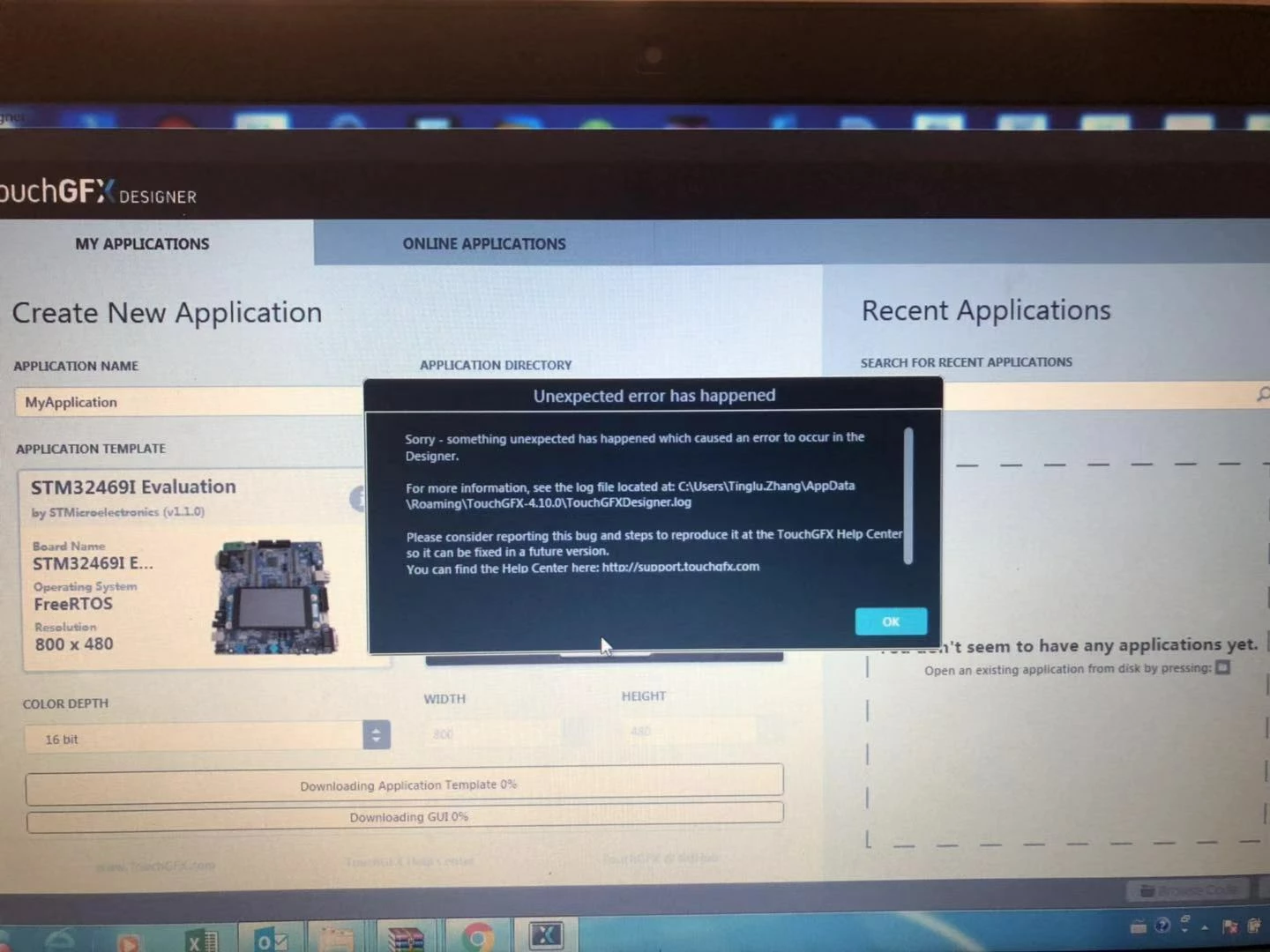
TouchGFX Designer crashes in Windows FIPS mode

  • January 2, 2019
  • 5 replies
  • 2192 views

0690X000006CwPWQA0.jpg

This topic has been closed for replies.
Best answer by Martin KJELDSEN

Hi Zhang Ting,

I think i know what the problem is.

From your logs it looks like calls to an MD5 crypto library are failing because your Windows is configured in FIPS mode. FIPS mode allows only FIPS-validated cryptographic algorithms and MD5 does not fulfill this requirement.

Are you able to take your Windows configuration out of FIPS mode?

Best regards,

Martin

5 replies

Clark Sann
Associate III
January 2, 2019

The dialog box says to look at the TouchGFXDesigner.log file. Please post the contents of that file. I'm sure someone can help you but they will need to know the contents of that file.

zhangtinglu
Associate III
January 3, 2019

Please help me solve this problem. Thank you.

Martin KJELDSEN
Principal III
January 2, 2019

Hi!

You seem to be getting this error when creating the application. This could indicate a problem with retrieving the packages you've selected (Application Templat and GUi template). Are you behind a proxy?

As Clark said, please attach the log file and we'd know for sure what the problem is.

Thanks!

Martin KJELDSEN
Martin KJELDSENBest answer
Principal III
January 3, 2019

Hi Zhang Ting,

I think i know what the problem is.

From your logs it looks like calls to an MD5 crypto library are failing because your Windows is configured in FIPS mode. FIPS mode allows only FIPS-validated cryptographic algorithms and MD5 does not fulfill this requirement.

Are you able to take your Windows configuration out of FIPS mode?

Best regards,

Martin

zhangtinglu
Associate III
January 4, 2019

The problem has been solved. Thanks very much.