Question
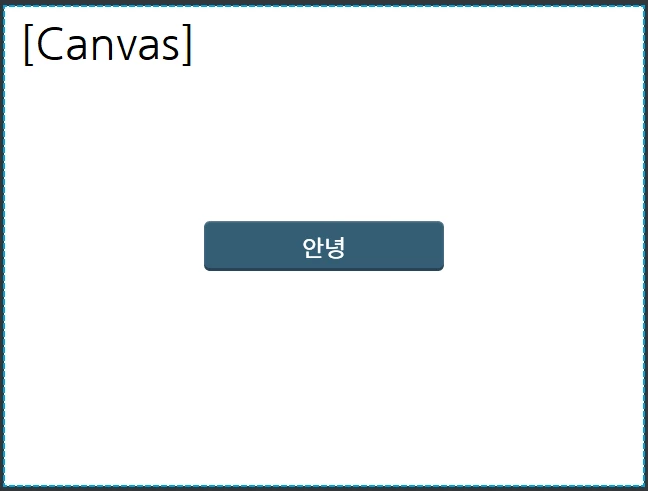
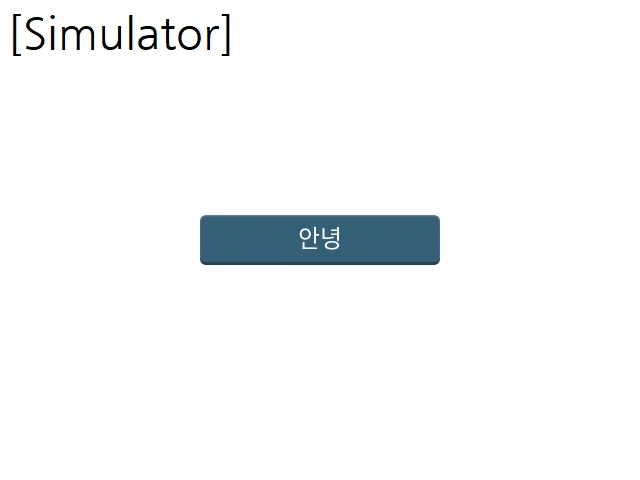
The Korean text displayed in the canvas area and the simulator area are displayed differently.
Hi, I am a Korean developer.
So, I use Korean to mark the text.
But there's a little problem.
First, after organize the UI on the canvas,
When I run the simulation, the position of the Korean characters(Text Area) does not exactly match the position I set, or the font looks a little different.
Even if I use other Korean fonts, this phenomenon occurs.
How can I solve this problem?
- Used Fonts: Noto Sans KR