ferro
Lead
May 22, 2024
Question

Text View: double-click adjusts only one column

  • May 22, 2024
  • 1 reply
  • 1317 views

Dear Gfx Team,

Could you please consider changing the following behaviour.

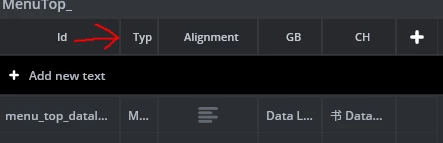
When in Text view and double click in any edge, adjust width of all columns - not just the one associated with that edge.

Example:

Intial widths
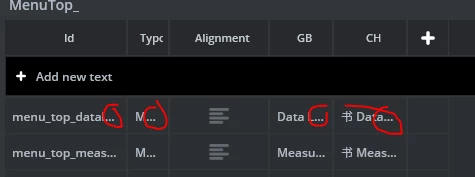
ferro_4-1716376225260.png

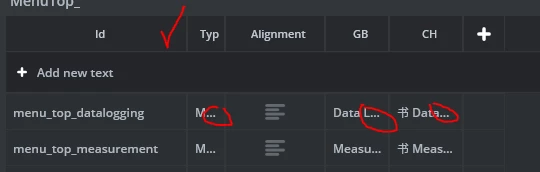
Double click on the boundry

ferro_6-1716376320963.png

... only the 1st columns adjusted

ferro_5-1716376274662.png

But, this is what should ideally happen after the double-click:
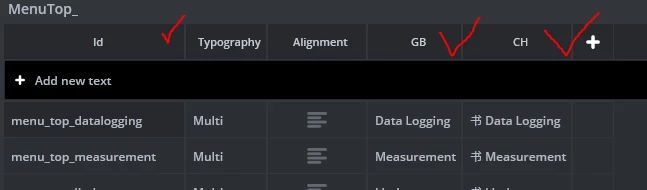
ferro_3-1716376169362.png


Thank you

Ferro


    This topic has been closed for replies.

    1 reply

    ST Employee
    May 28, 2024

    Hello @ferro ,

    Thank you for your suggestion, I will talk with the team about this feature.


    Regards,

    Louis BOUDOST Software Engineer | TouchGFX