

STM32H747I-DISCO 16-bit Color Depth Problem
Hello,
I have a stm32h747i-disco board. When I create a touchGFX project by using touchGFX designer template, it works perfectly. Its color depth is 24-bit and when I change color depth to 16-bit(RGB565), it fails.
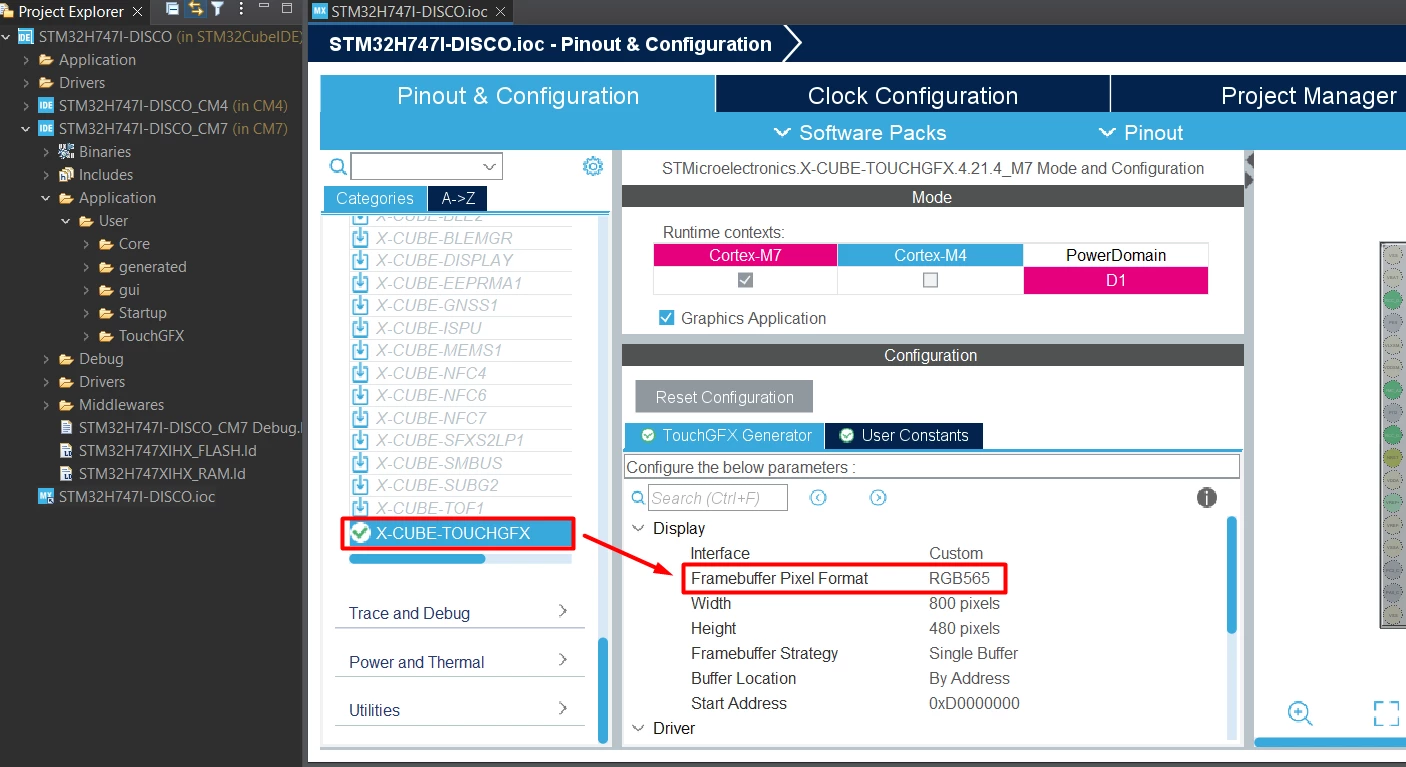
To change color depth to 16-bit, firstly I am changing Framebuffer Pixel Format section to RGB565 like in the below:
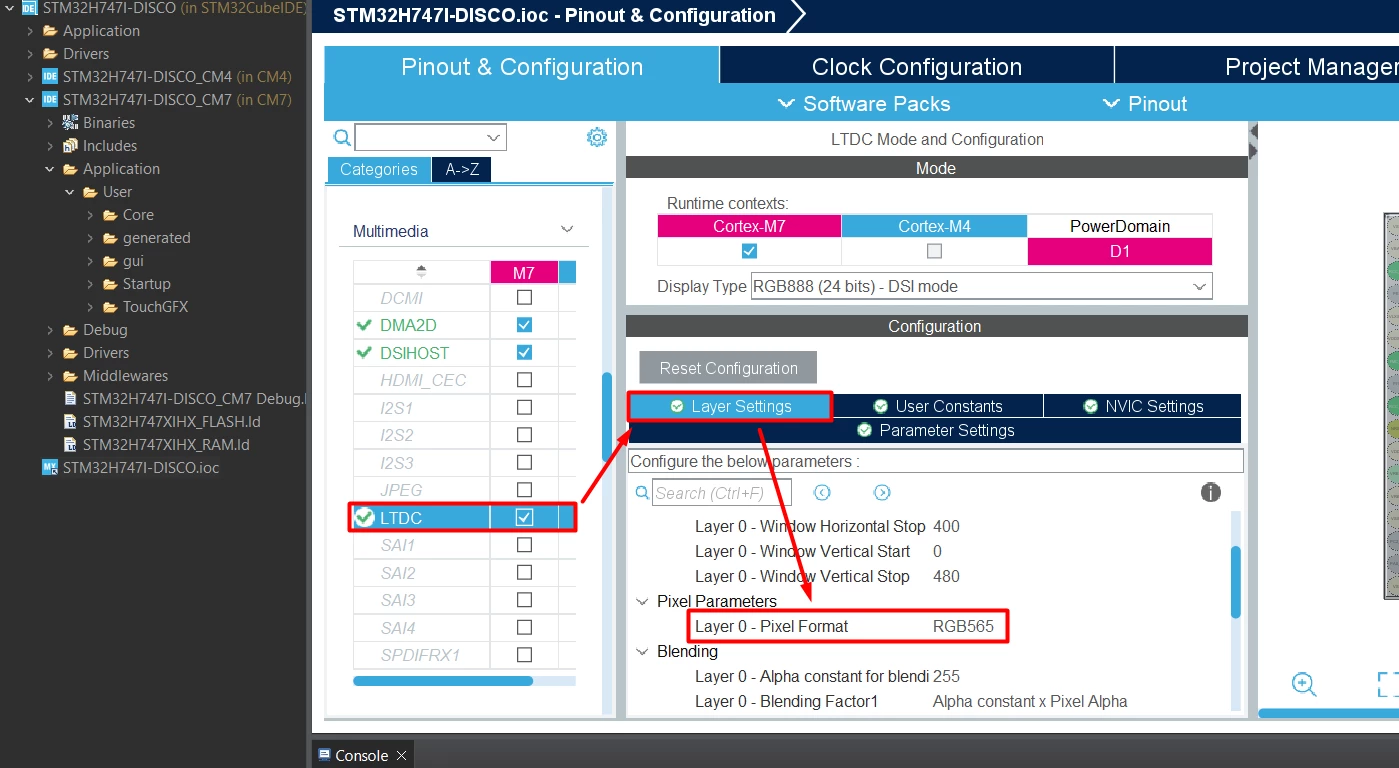
Then I am changing the Layer 0 - Pixel Format section to RGB565 like in the below:
Before pressing to cubeMX save button, I am deleting target folder. After that, pressing cubeMX save button. Ref: https://community.st.com/t5/stm32-mcus-touch-gfx-and-gui/8-bpp-color-palette/m-p/221627
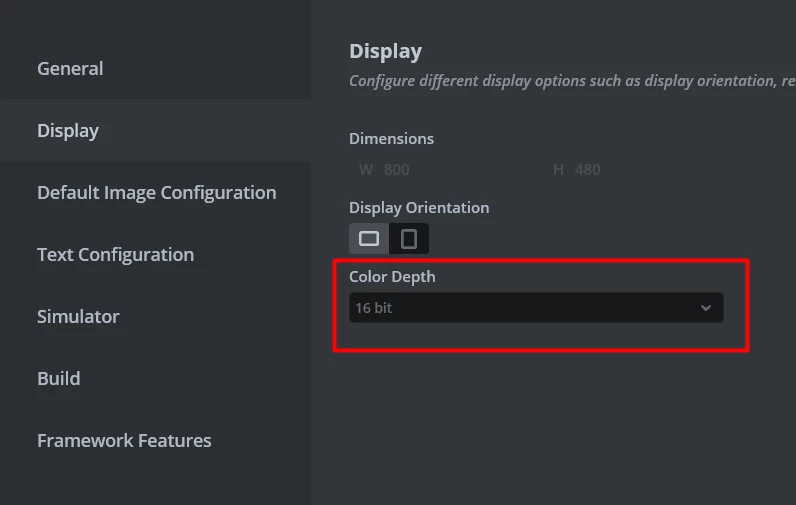
Later, I am opening touchGFX project and as you can see it is 16-bit now.
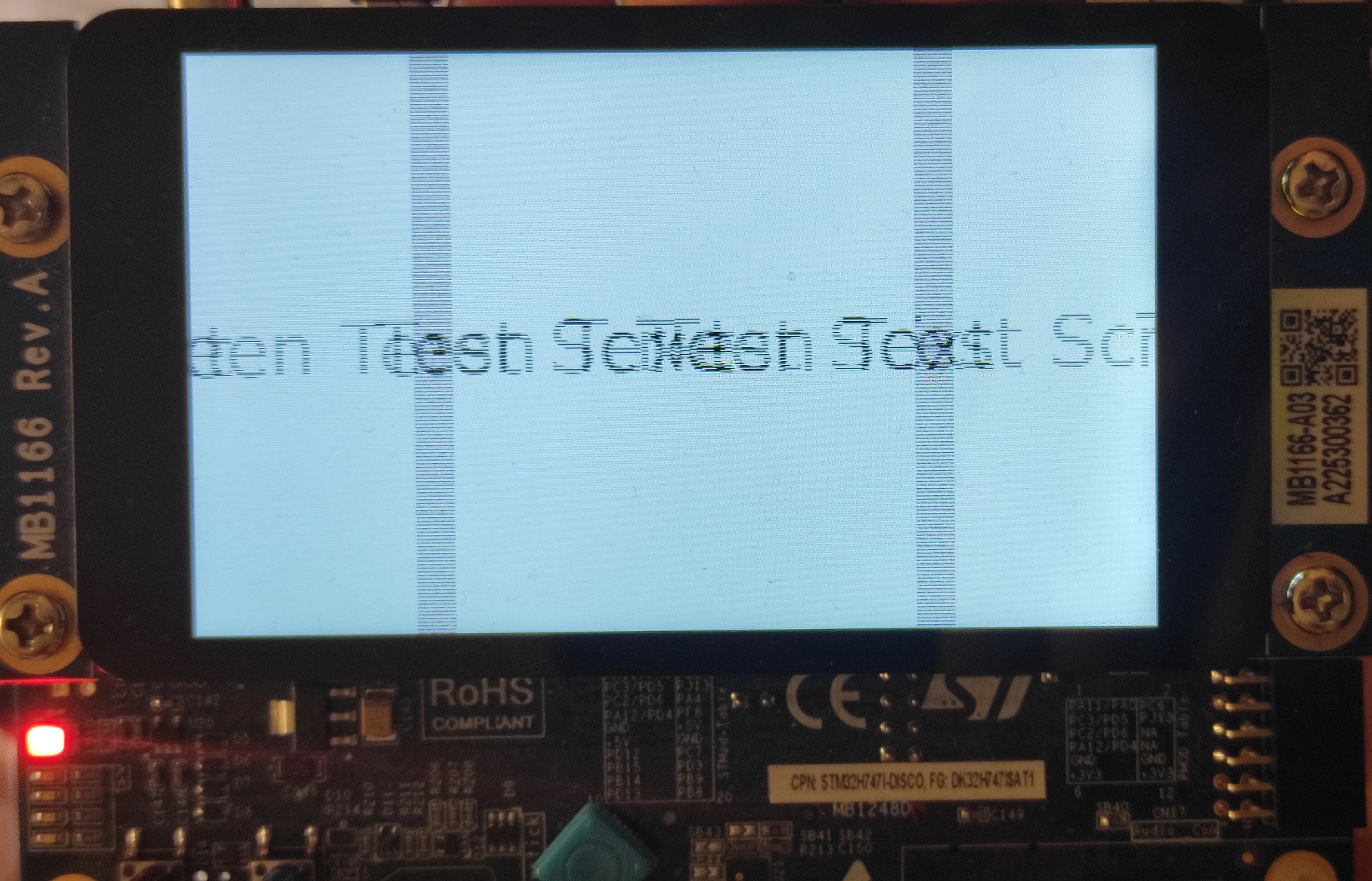
Then I am pressing "generate code" button and finally, i'm downloading new 16-bit project to stm32h747-i disco but it shows me this screen when I try to use 16-bit color depth. It fails.
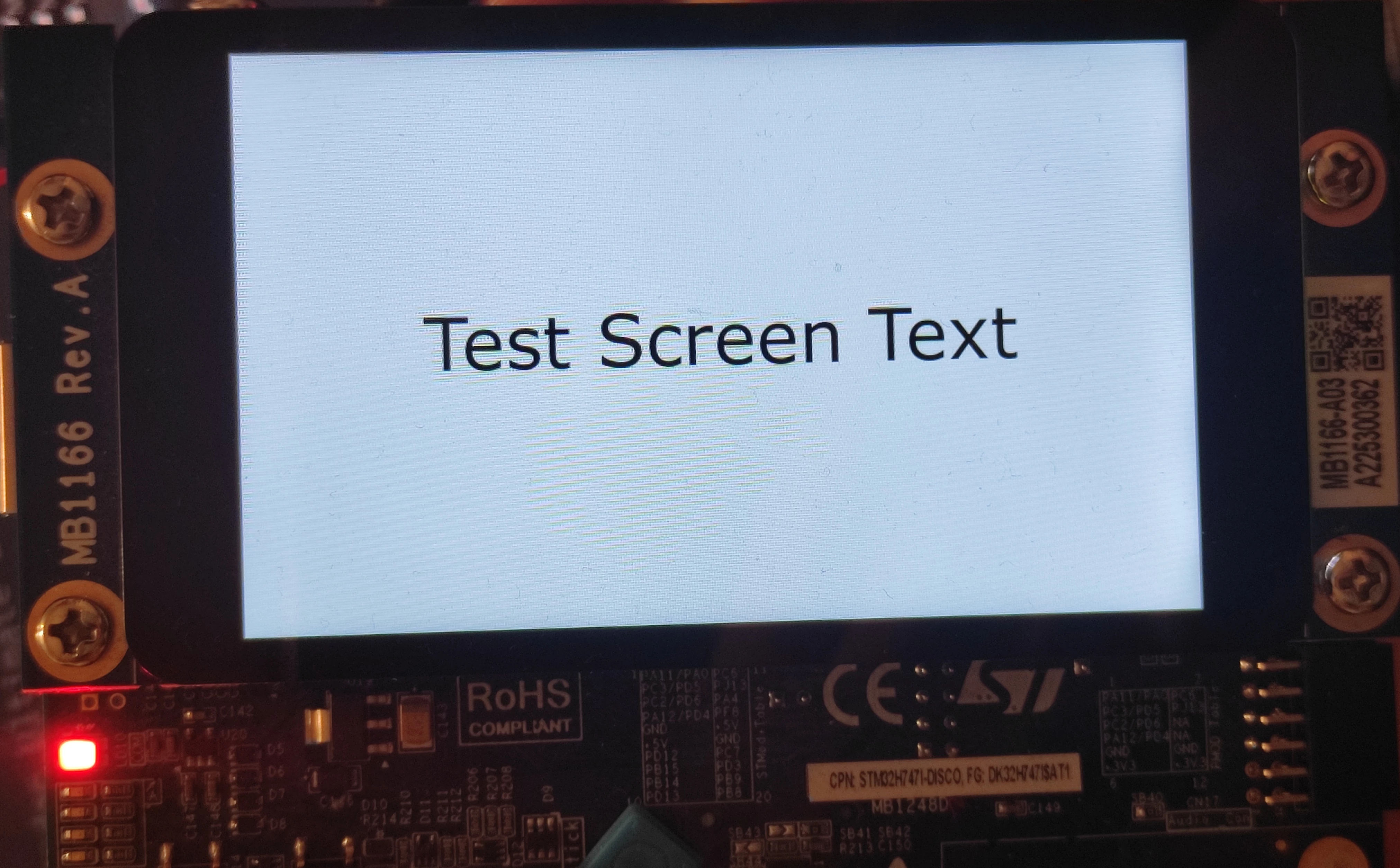
However, when i use 24-bit color depth, it shows me this screen as expected and works without any problem!!!
How can I use STM32H747I-DISCO development board with 16-bit color depth? What am I missing? What should I do? Thank you for all answers!