


STM32H743II: Configure SDRAM
For around the last month and a half I've been working on implementing the LVGL open source GUI framework on an STM32H743II utilizing this external SDRAM on a Alientek board that shares similarities to the STM32H743II-Eval board.
This should be the RAM Chip: https://www.digikey.com/en/products/detail/winbond-electronics/W9825G6KH-6/5001919
I've been able to get LVGL running and implemented along with displaying on an LTDC display I have configured properly the only hold up is that I cannot create a display buffer large enough to actually display across the entire screen so I obviously need to use the external ram to handle this.
Going through the documentation provided with the board the pinout for the SDRAM appears to be the same as that generated by the CUBEMX for the STM32H743I-EVAL Board, now its possible I've misunderstood the documentation provided so I've included a couple screen shots just so people can point out if I'm clearly being stupid in terms of my physical hardware connections. 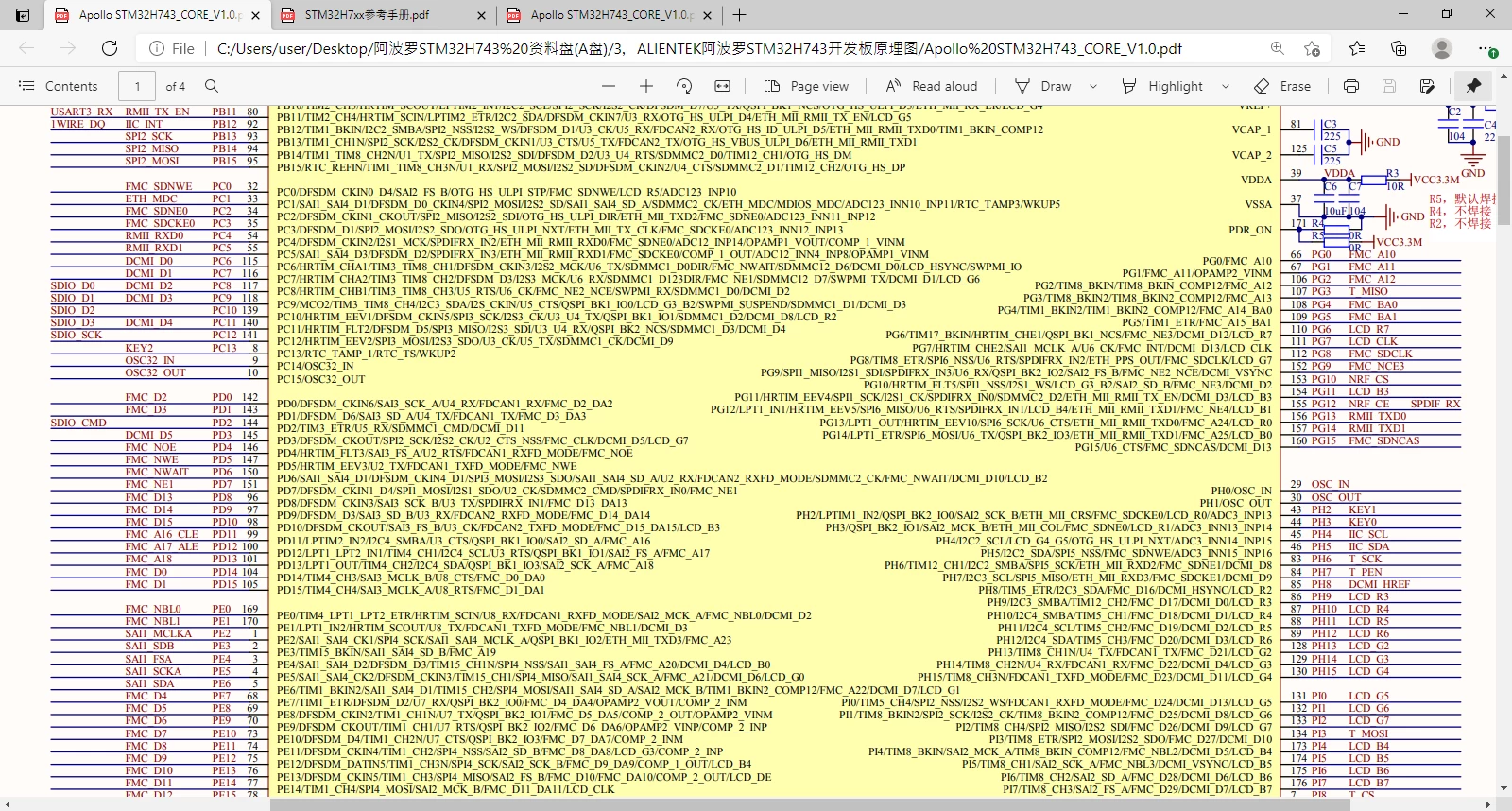
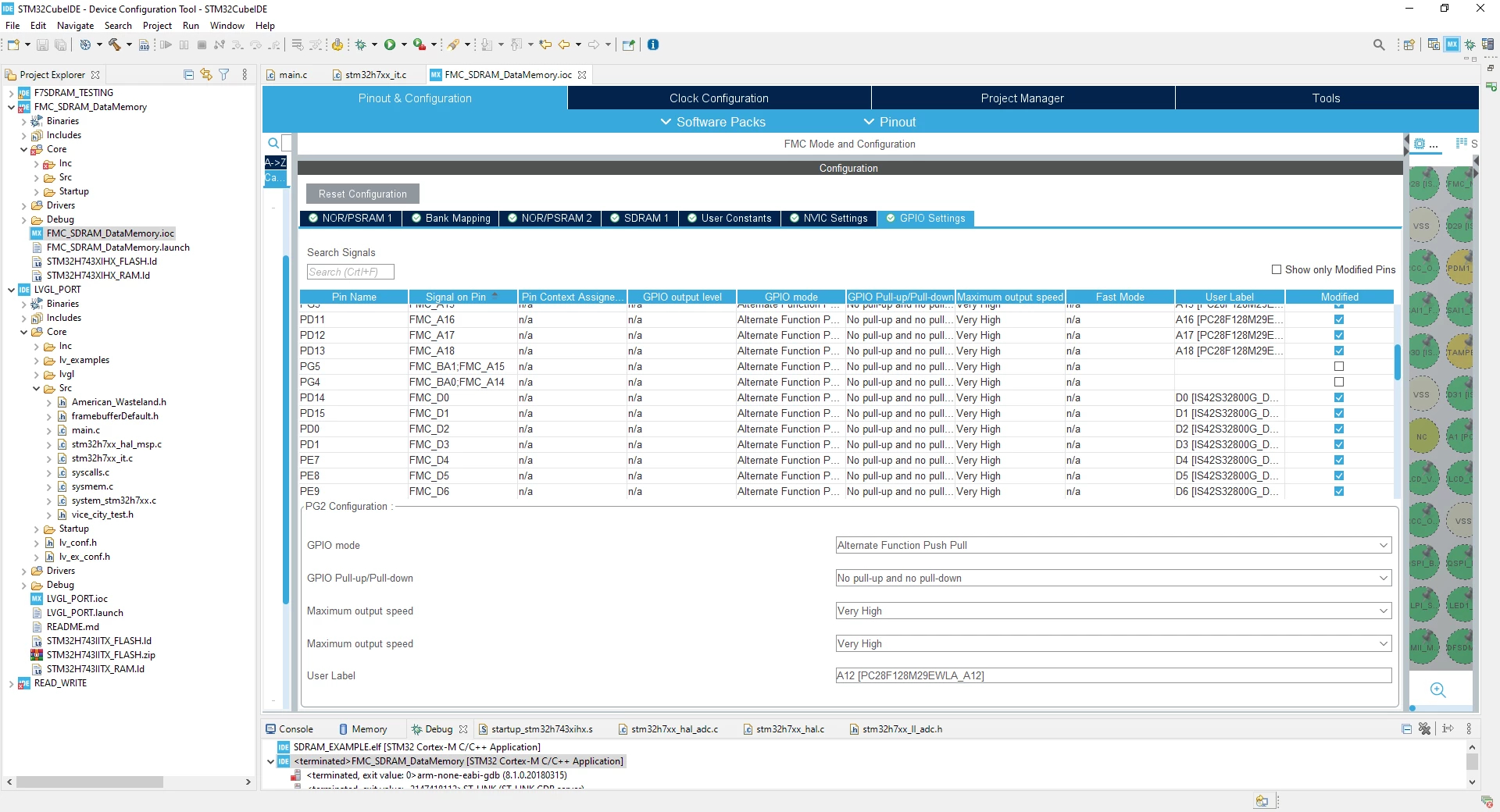
I've attempted to implement this example: https://github.com/STMicroelectronics/STM32CubeH7/tree/master/Projects/STM32H743I-EVAL/Examples/FMC/FMC_SDRAM_DataMemory by creating a new project using the STM32H743II-Eval board template provided by the CubeIDE and copying the main.c file code over but to no avail.
Attempts to just import that example have always lead to major driver conflicts and an inability to compile so if anyone knows a good method of simply compiling that example on a fresh project that would also probably resolve my problems.