jdreili95
Visitor II
March 12, 2019
Question

STM32F769I-Disco with CubeMX + sw4stm32

  • March 12, 2019
  • 2 replies
  • 1667 views

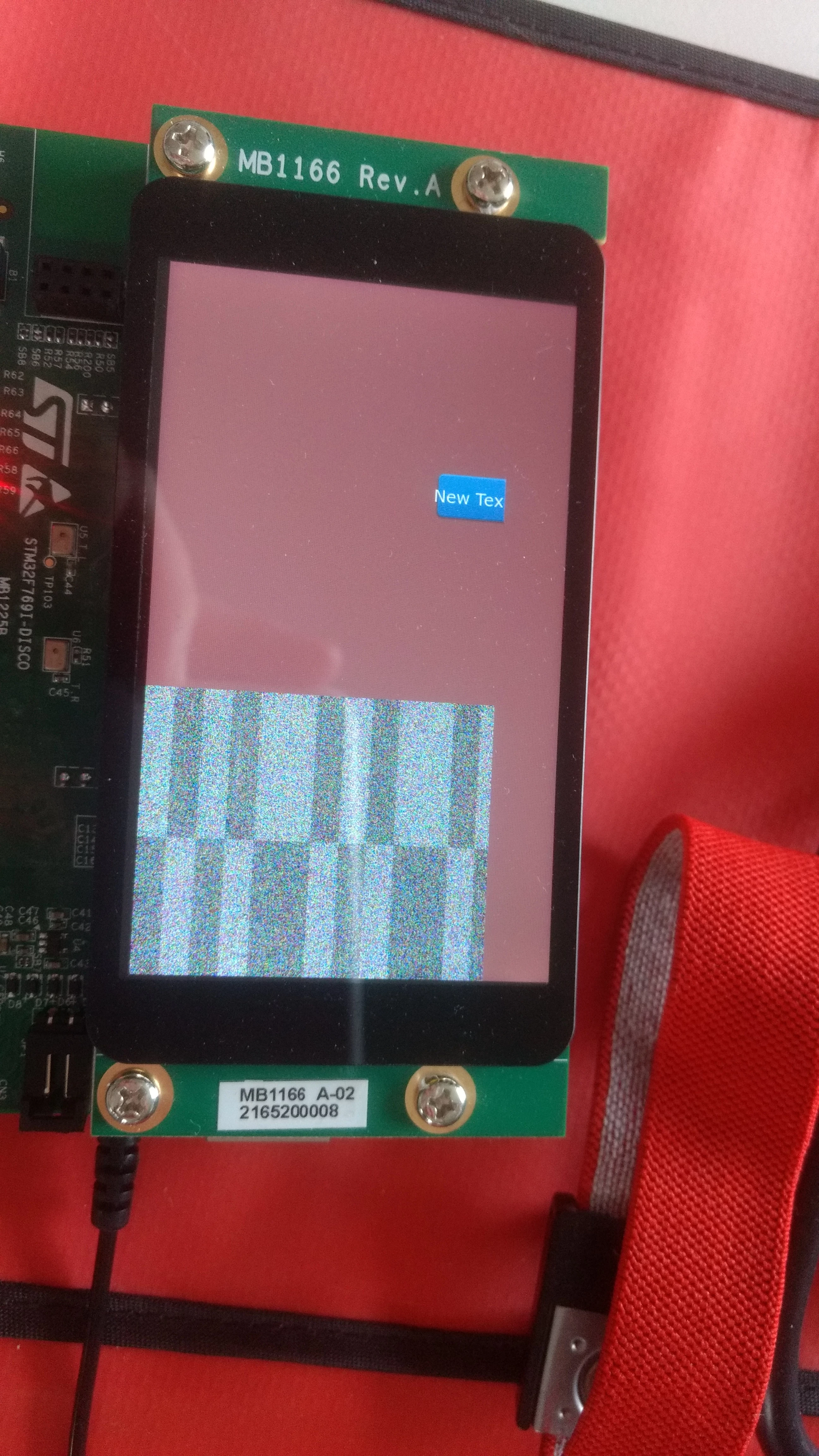
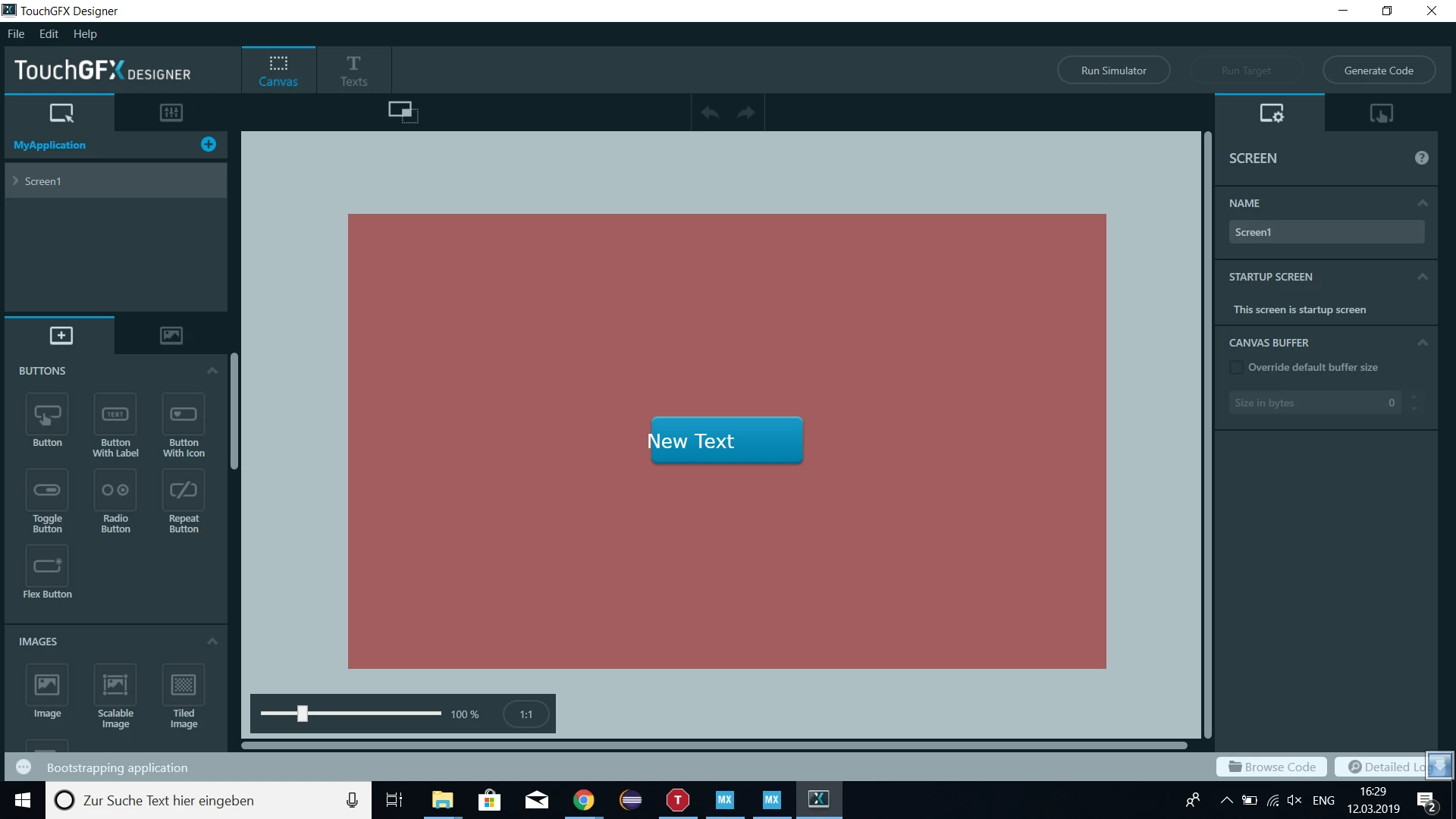
Hello,I have tried to generate a simple GUI with touchgfx, CubeMX and sw4stm32 for stm32f769I-Disco. I used the guide "Configuring STM32F769I-Disco" from TouchGFX I have also read the Tutorial 10 from UM1718. But the GUI on the Screen does not look like, as it should.

Any idea what I have missed?
0690X0000087qesQAA.png0690X0000087qdQQAQ.jpg

This topic has been closed for replies.

2 replies

CFyfe
Visitor II
March 12, 2019

It looks like the width in the LTDC config in CubeMX is set for 400 pixels. Should it be 800 for that LCD or am I missing something?

I would also double check the resolution is set correctly in TouchGFX and the framebuffer is setup for landscape.

Mon2
Senior III
March 12, 2019

Hi. A quick summary:

1) User IAR compiler if possible - it is better suited for the current state of these tools

2) Use v2.0.0 template for your target kit

3) Launch a fresh project from TOUCHGFX first - very important -> select v2.0.0 template

4) Do you GUI thingy

5) Generate the code inside this tool -> run the simulator -> browse to the source code

6) NOW launch the IOC file to invoke the CubeMX -> select the IAR compiler -> insert what you want from this tool. Generate code. Now the code will break again - yes a pain.

7) Launch the IAR tool and FIX the broken code using this article:

https://touchgfx.zendesk.com/hc/en-us/articles/360020208091-Configuring-STM32F769I-DISCO

Then you will ok.

PS: DO NOT launch TouchGFX from within CubeMX else your GUI will reset to defaults as you are showing. If you must alter the GUI screens, do so DIRECTLY from TouchGFX tool only. This is well documented.

It is a mess but the above works.

Hope this helps.