Question
[SOLVED] TouchGFX 4.12.3 vu-meter with plot line bug ?
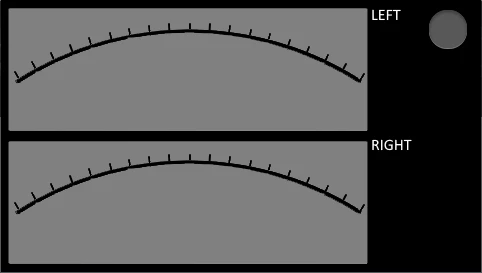
I am developping a vu-meter with STM32F476G-DISCO + TouchGFX 4.12.3.
The line is plotted but there are some strange effect in some positions probably a bug of the line function or graphic environment.
Also in the simulation the same effect.
here some better result with the optional code
I can share the complete project if necessary for the debug.
void Screen2View::handleTickEvent()
{
 if (count < 2)
 {
 count++;
 return;
 }
 // optional code to get a better result
 //left.setLineWidth(0);
 //left.invalidate();

 count = 0;

 if (value < 1024) value += 10;
 else value = 0;

 float value1 = (value * 68 / 1022) + 56;

 plot((float)value1, 179.0, 350.0, 128.0, 313.0);

 left.setLineWidth(2);
 left.invalidate();
}

void Screen2View::plot(float level, float x0, float y0, float ymax, float r)
{
#define C 3.141592/180.0

 char buf[30];
 float s, c, r2, x1, x2, y1, y2;


 s = sin(level * C);
 c = cos(level * C);

 x1 = x0 + (r * c);
 y1 = y0 - (r * s);

 r2 = (y0 - ymax) / s;

 y2 = ymax;
 x2 = x0 + (r2 * c);

#ifdef SIMULATOR
 sprintf(buf, "line %d,%d,%d,%d", (int)x1, (int)y1, (int)x2, (int)y2);

 touchgfx_printf("%s \n", buf);
#endif

 left.setLine((int)x1, (int)y1, (int)x2, (int)y2);
}