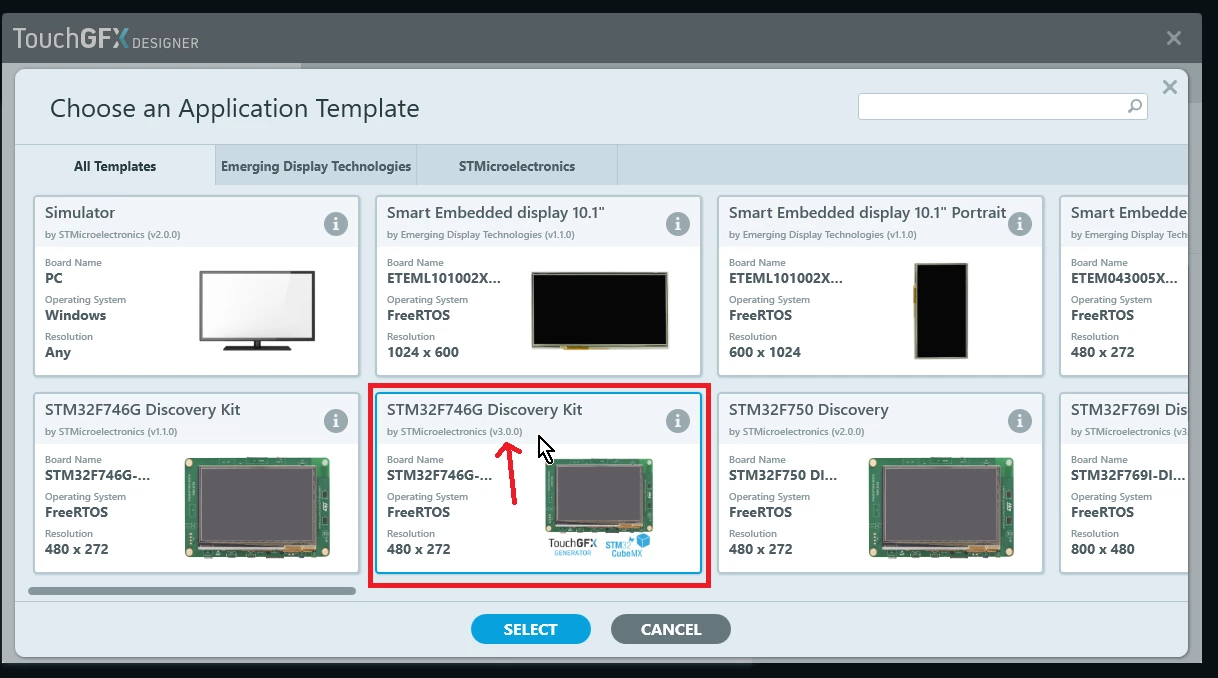
Just use the F746G-DISCO application template. Here, let me exemplify, for good measure.
1) Select V3 of the F746G-DISCO template. It has an .ioc file that works with CubeMX 5.5 / TouchGFX Generator, has the correct LTDC GPIO configuration for the display, and has all the additional code to setup QSPI and SDRAM and linker script to place image and font assets in external flash.
Generally, the application templates are supposed to be easy to use because we've done all the work for you. You can find any additional work done in C-code inside CubeMX generated USER CODE sections.
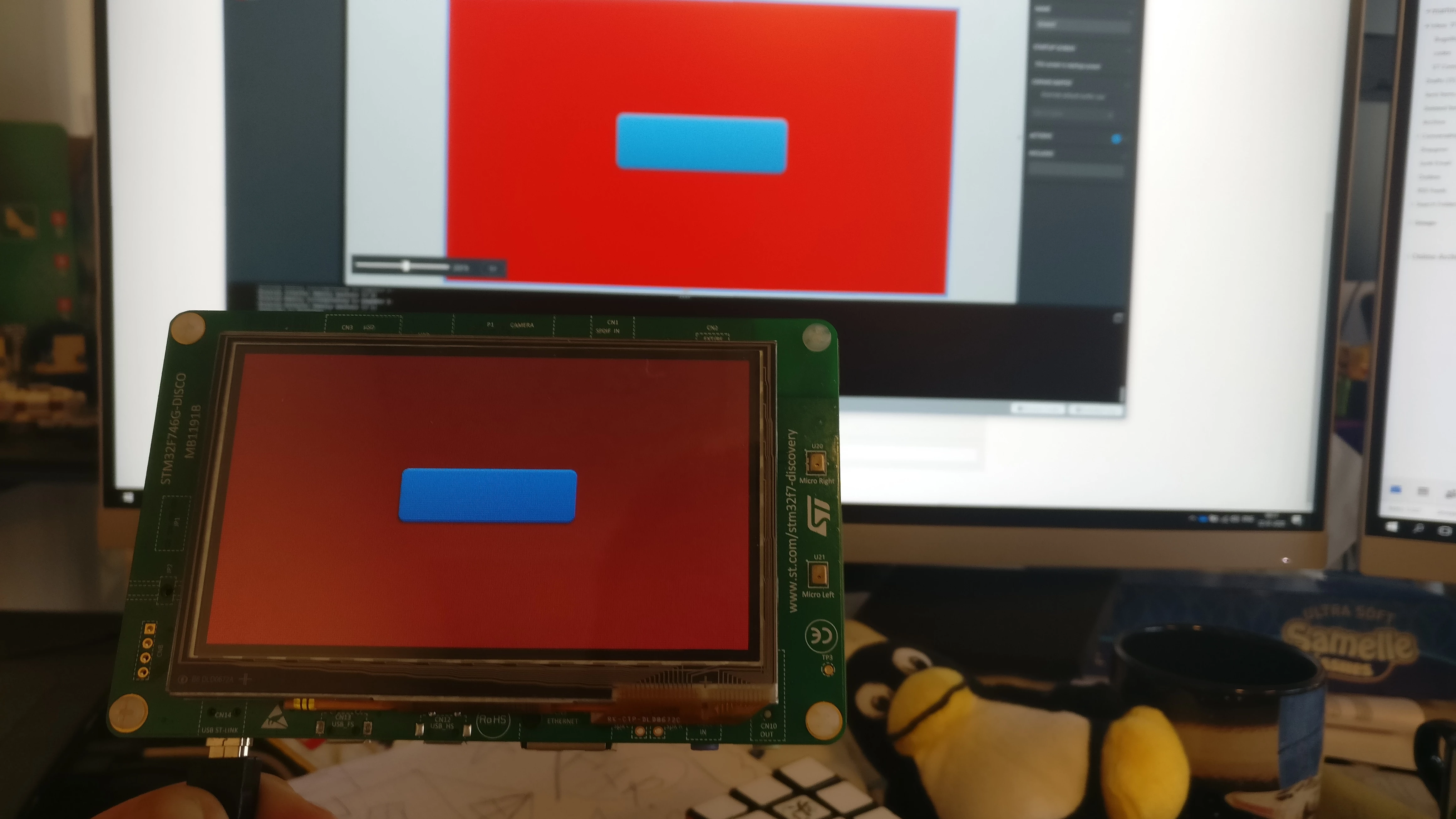
2) Create a stunningly beautiful application, like the one i did below with a button and a background box. Press "Generate code"
3) Press "Run target"
4) Enjoy your running application!
5) Open up the .ioc file in Cubemx 5.5, if you want and make some modifications to hardware configuration.
/Martin