


Martin KJELDSEN
Principal III
January 8, 2020
Question

OFFICIAL RELEASE: X-CUBE-TOUCHGFX v4.13.0

  • January 8, 2020
  • 162 replies
  • 69425 views

Goodmorning everyone!

With the release of CubeMX 5.5.0 we've removed TouchGFX from the Middleware section of CubeMX and are now offering TouchGFX configuration through an X-CUBE.

The X-CUBE pack contains the following:

  1. TouchGFX Designer .msi, as per usual
  2. TouchGFX Generator - A tool through "additional software" for creating your TouchGFX HAL based on CubeMX settings.

CubeMX is a tool for configuring your MCU.

CubeMX is not a tool for completely configuring peripherals like touch controllers and external memories.

TouchGFX Generator (new since 4,13) is a CubeMX extension that can generate all or parts of your TouchGFX HAL Layer based partially on settings taken from your MCU configuration in CubeMX.

TouchGFX Generator (new since 4,13) is not a tool that provides complete configurations for touch controllers, external memories, etc. It only generates the TouchGFX HAL - Rendering strategies, acceleration strategies, etc.

TouchGFX Designer is a tool that can supply you with application templates for existing stm32 display kits. We are working on getting all of them updated to use the new Generator.

Please read the following guides for instructions on how to install the new TouchGFX X-CUBE and how to use the TouchGFX Generator to develop your TouchGFX HAL:

From now on it is the X-CUBE that receives a version bump, bumping the version of both tools contained within.

A few application templates already support the new TouchGFX Generator (and thus CubeMX 5.5.0), with lots more to come. One of our main priorities is to get the rest of the application templates ported to use the TouchGFX Generator,

  • STM32H7BI-DK v.3.0.0 (uploaded)
  • STM32F746-DISCO v.3.0.0 (uploaded)
  • STM32F769I-DISCO v.3.0.0 (uploaded)
  • STM32H750B-DK v3.0.0 (uploaded)
  • STM32F750-DK v3.0.0 (in progress)
  • STM32L4R9-DISCO v3.0.0 (in progress)
  • STM32L4P5-DISCO v3.0.0 (in progress)
  • STM32H743-EVAL v3.0.0 (In progress)

Generally, any application template that supports the Generator/CubeMX 5.5.0 will be major version 3.
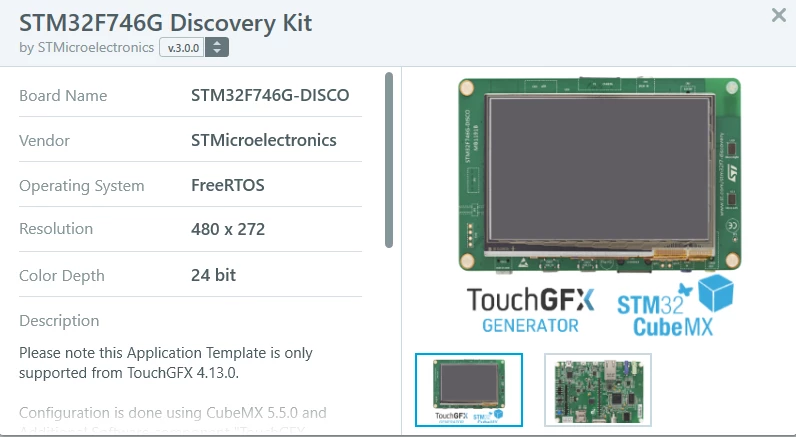
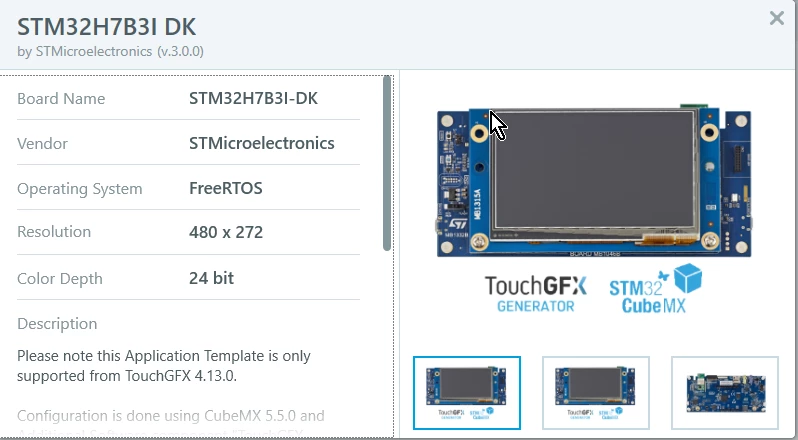
0690X00000BviXRQAZ.png 

0690X00000BviXWQAZ.png

Let me know here if you have any questions or face any issues! We're eager to see how this works for everyone.

Now that we are officially live with X-CUBE-TOUCHGFX we'll continue working on improving documentation, offering support and updating the current application templates you can find through the designer.

Aside from that i'll do my best to catch up on this community, something i've had to neglect a bit because of the new Generator.

Best regards,

TouchGFX Generator Team

This topic has been closed for replies.

162 replies

belair55
Associate III
February 18, 2020

For some reason I am not seeing any configurable settings under the generator after getting it added to project.

0690X00000DBpIeQAL.jpg

Karl Yamashita
Principal
February 19, 2020

Any word on updated V3 templates?

If a reply has proven helpful, click on Accept as Solution so that it'll show at top of the post.CAN Jammer an open source CAN bus hacking toolCANableV3 Open Source
3blake7
Associate
February 22, 2020

i was wondering if someone could help me. i created a new ioc, selected the pins for 16-bit FSMC on my f407ve, i already got my tft working with a simple test screen. then i enabled freetos cmsis (tried v1 and v2) and touchgfx. it downloaded libraries and updated main.c etc. i went into touchgfx designer, then generated code (using a windows VM, but the folder is shared with linux host) when i compiled i got missing file errors so i went through each one and added the paths to the includes. now the only error i get is::: make: *** [makefile:79: App.elf] Error 1

its so vague not sure what to check next

3blake7
Associate
February 22, 2020

tried compiling on my windows VM. started from scratch. it included all the paths automatically, i didn't have to add any but i still get the same error except it says line 74

https://pastebin.com/JA6PcbKV my touchgfx

https://pastebin.com/nWK0HwV2 ioc

pasted these since it might be platform specific

A Nelson
Visitor II
March 16, 2020

Where is the official API documentation for version 4.13? The https://www.touchgfx.com/documentation/html/index.html lists version 4.10. The documentation appears to be generated by Doxygen, so for future releases, can you include that documentation locally in the installer package? There are API call differences between 4.10 and 4.13 which is causing confusion, so having only a particular version available online is going to be a problem over time if we select the specific version we are using.

scottSD
Senior III
March 16, 2020

@A Nelson​ 

I believe ST is working on online documentation for this. Until it is complete you can find the manual in pdf form on your computer's TouchGFX install directory.

For me, it is located here:

C:\TouchGFX\4.13.0\doc

VRote.1
Associate II
March 19, 2020

Hello,

has anyone run an UI-Template with the STM32H7B3I-DK Board?

I get only a black screen....

Martin KJELDSEN
Principal III
March 19, 2020

All the time. What happens when you just use a blank template and create a simple application?

/Martin

VRote.1
Associate II
March 19, 2020

I open GFX Designer, select AT for STM32H7B3I DK and select the blank UI Template.

Create the project and add an Image and a simple Button.

Press "Run Target" and the after building and flashing nothing happens....

VRote.1
Associate II
March 20, 2020

Any other suggestions?

Sba.1
Visitor II
March 27, 2020

Could anybody provide provide clear instructions on integrating touchgfx and cubeide?

Martin KJELDSEN
Principal III
March 30, 2020

Can you be more precise in your request?

* All V3 templates from the Designer come with .ioc files that can be used to generate CubeIDE projects (The ATs come with pre-generated CubeIDE projects also).

* If you're starting from CubeMX/CubeIDE because you have a custom board, then read the documentation in this sticky on how to use the TouchGFX Generator to create your initial TouchGFX project and then Bootstrap it using touchgfx designer,.

/Martin

Sba.1
Visitor II
March 30, 2020

thanks for the answer,

I try to create the project for STM32F469I-DISCO in this order:

1) the project is created in Designer,

2) ios file is imported in CubeIDE (targed language is C ++)

3) open partial file from project in designer to make some changes

4) try to compile without any changes in cubeide with success

5) and finally get a black screen

tushar_tp
Associate III
March 27, 2020

Hello @Martin KJELDSEN​ 

any updates for the V3 template for STM32H743-EVAL?

Thanks,

Tushar

Martin KJELDSEN
Principal III
March 30, 2020

It should be online. Do you see V3?

/Martin

tushar_tp
Associate III
March 30, 2020

Yes I see it now. I will try that template and let you know how it worked.

Any updates for STM32H747 dual core V3 template? I know that we are waiting for the additional software section in the CubeMX but do you know any timeline from CubeMX team.

Thanks

Tushar