


ANapa
Associate III
April 7, 2020
Question

My touchscreen is not working properly

  • April 7, 2020
  • 17 replies
  • 3490 views

Hi All.

I have my own development board on STM32.

TouchGfx 4.13.0 is ported to it.

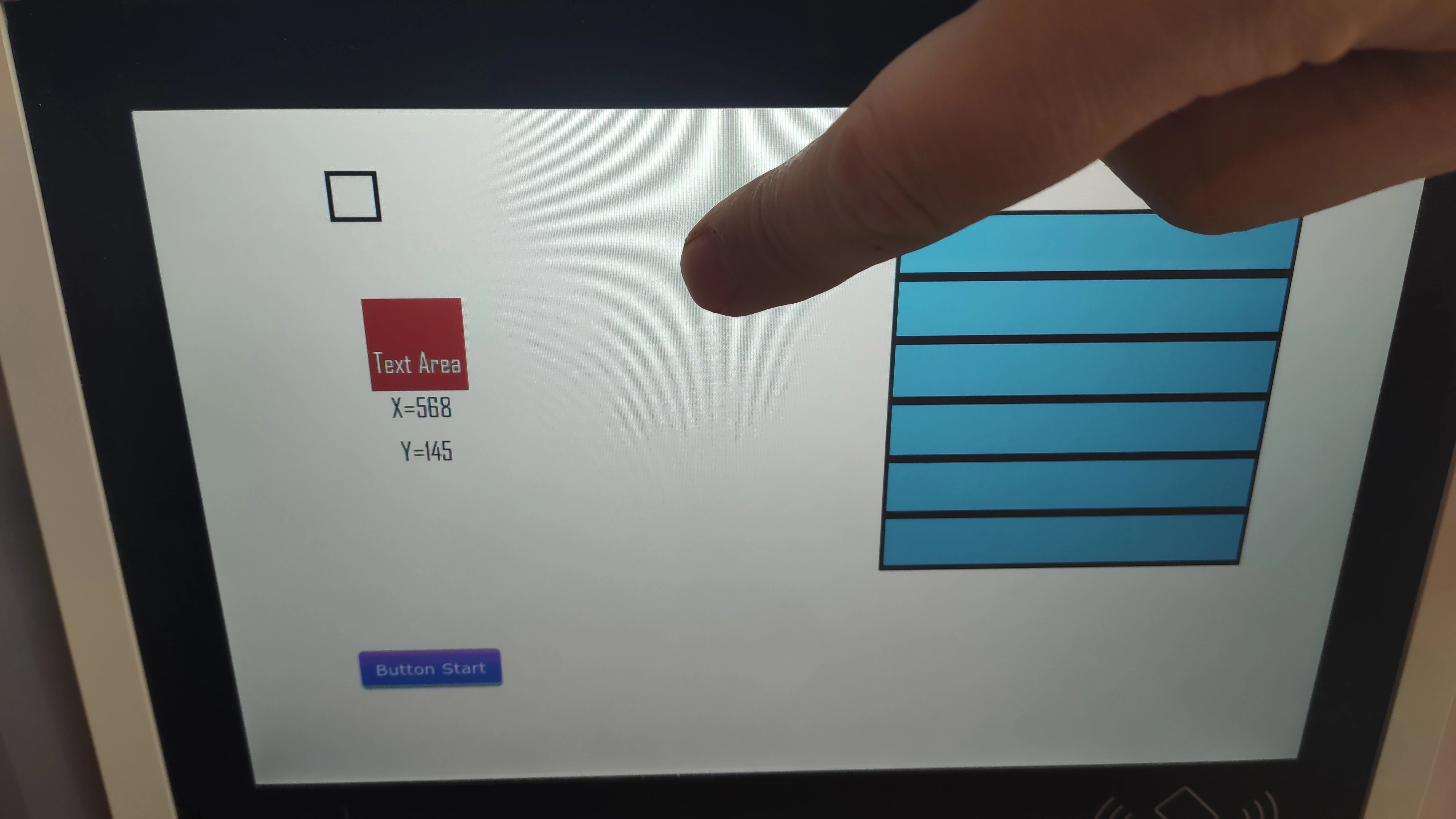
Displays box, button, scrollbox and text.

The coordinates of the touchscreen I pass to

bool STM32TouchController::sampleTouch(int32_t& x, int32_t& y)
{
 
 if(touchDataReady == true)
 {
 x = tscX; // tscX is correct and given from I2C4 STM32H7BIT6
 y = tscY; // tscY is correct and given from I2C4 STM32H7BIT6
			
			touchDataReady = false;
 
 return true;
			
 }
 
 return false;
		
}

This function is permanently called from the TouchGfx kernel.

On "View", the overrided "handleTickEvent()" works well, but my overrided

"handleClickEvent()" not called.

The screen does not respond to clicks.

This is my third development with the TouchGfx.

Used version 4.13.0 and STM32H746BIT6

Two previous boards were built on controllers STM32F746 with TouchGfx 4.10.0

and work fine.

Help me, please!
0693W000000VSTcQAO.jpg

This topic has been closed for replies.

17 replies

Martin KJELDSEN
Principal III
April 7, 2020

Strange, but joyful! :)

ANapa
ANapaAuthor
Associate III
April 7, 2020

Still pleased that the performance of t under stm32h7 is enormous. Everything is very smooth and fast on the screen 1280x800!

Thank you again!

Martin KJELDSEN
Principal III
April 8, 2020

No problem! And yes, the H7 is great! :)

TomJJJ
Associate II
July 23, 2020

Hi,

i have the same issue. How did you solve it?

Thank you

ANapa
ANapaAuthor
Associate III
July 23, 2020

Hi,

It was an excruciating floating bug.

After a lot of trying to figure it out, it became clear that this is a hardware problem. Bad contact in the touchscreen circuits.

I can add, also, that this helped me a lot when diagnosing the problem: https://www.dreamsourcelab.com/shop/logic-analyzer/dslogic-plus/

Good luck TomJJJ !

TomJJJ
Associate II
July 24, 2020

Thank you,

But i'm not sure about it. Because like you I see the touch work properly. Also if I simulate a touch in the touchgfx sample touch function the library doesn't work. I see the same thing on your video . Your touch was working but there wasn't an effect on library.

Thank you

​

Martin KJELDSEN
Principal III
August 10, 2020

Hi,

What does this mean exactly? " if I simulate a touch in the touchgfx sample touch function the library doesn't work."

Also, nice find @ANapa​  :)