idrissmc
Associate III
January 19, 2020
Solved

Linker errors and "Run target" fails

  • January 19, 2020
  • 43 replies
  • 10145 views

hi everyone,

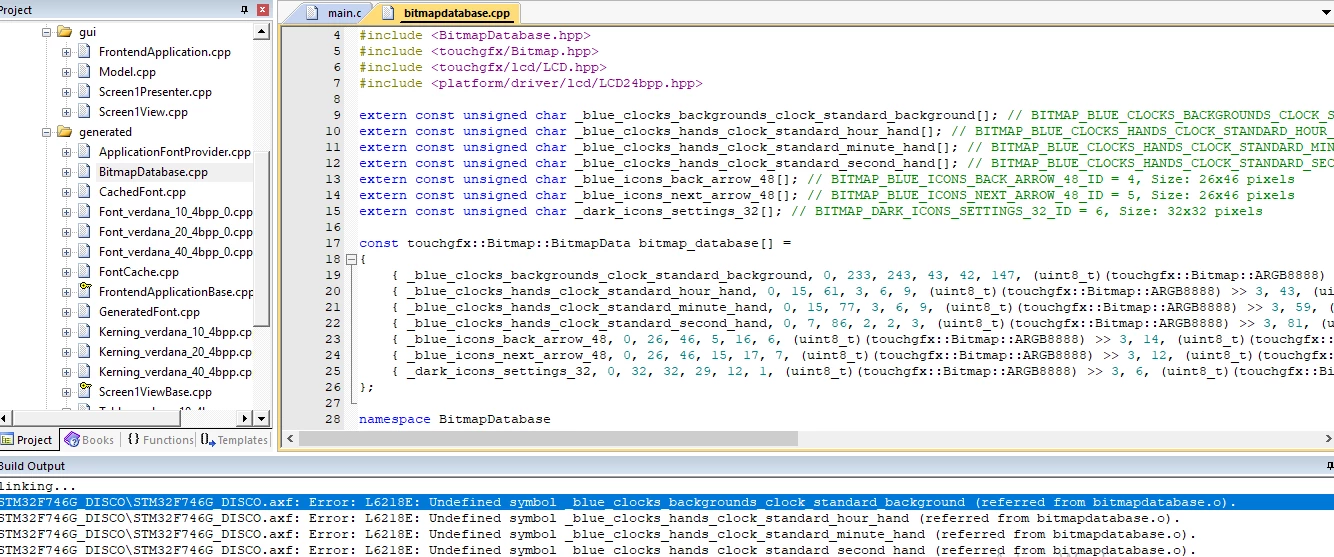
i wanted to create a project with touchGFX but there are errors, i just create the graphic interface, i didn't add any code!

even though when i tried to upload to my card an example it said error too!

how can i resolve this?

 0690X00000BwBSfQAN.png

0690X00000BwBRIQA3.png0690X00000BwBRDQA3.png0690X00000BwBR8QAN.png

This topic has been closed for replies.
Best answer by Martin KJELDSEN

It's working as intended =) You're getting the right ideas now.

As i said, CubeMX does not know anything about touch controllers. This is BSP! It only does MCU configuration.

The application template comes with a working project. What we did is start from cubemx/generator (like you) and then manually made the touch controller work, manually configured SDRAM and QSPI, because that's how you would bring up a custom board. The touch controller is display/board specific! CubeMX has no clue, so you need to write the code yourself. And that's what we did for you, in all the application templates.

/Martin

43 replies

Martin KJELDSEN
Principal III
January 20, 2020

Please show me the log from the designer on why "run target" fails - Which board is this? You need ST-Link installed, and you haven't, is my guess.

As far as your linker issues - Looks like the generated image code has not been added to your project. This looks like Keil - Did you simply start from an Application template? The "Generate" code button should update the project with new files but you can add them manually - I'm not sure what could be wrong with that - but "Generate code" will fail if it cannot execute its "post generate command".

/Martin

idrissmc
idrissmcAuthor
Associate III
January 20, 2020

hi @Martin KJELDSEN​,

i use the F746G-disco board, I have cubeProgrammer installed, I found the trick but now i have an other problem, PostGenerateCommand "echo test" i put.

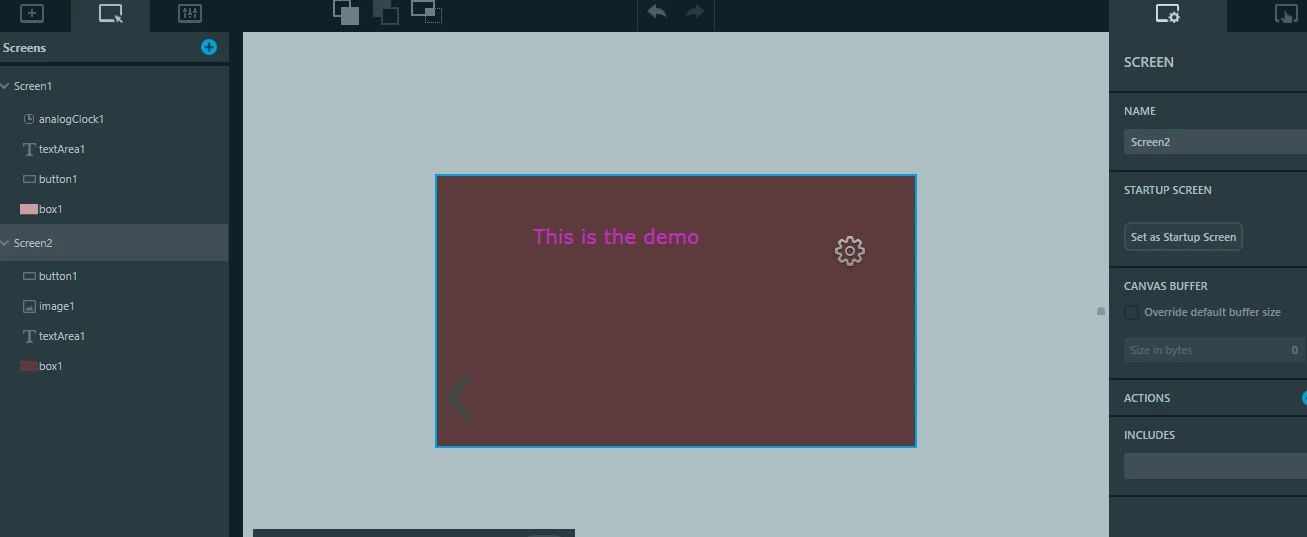
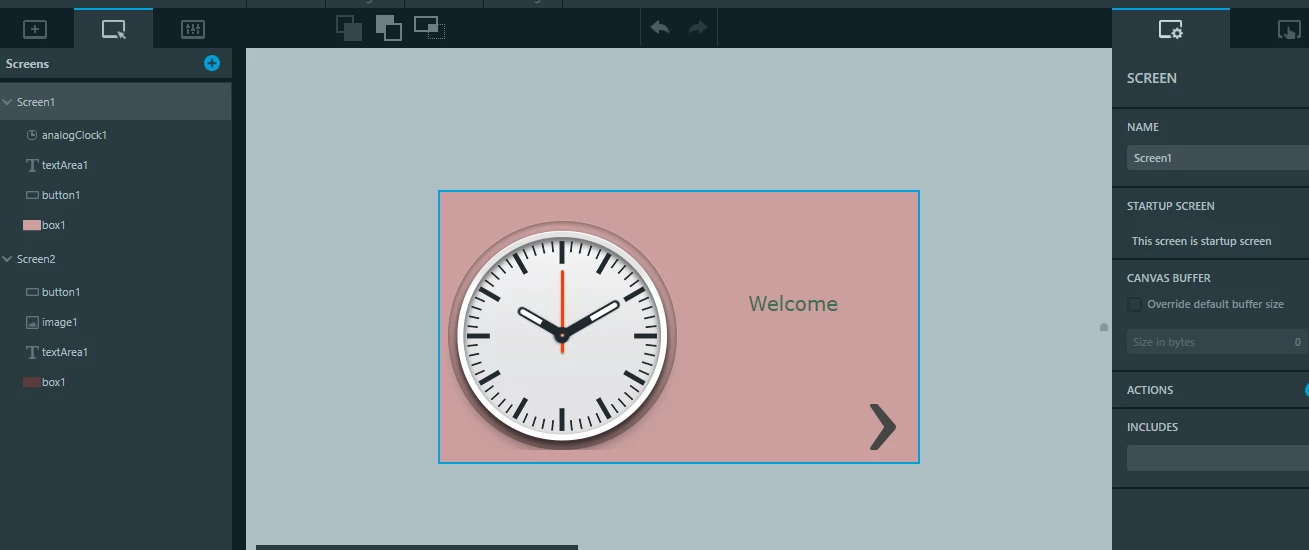
so, I created a project on cubeIDE, I added TouchGFX on the middleware, then I executed TouchGFX Designer, I created 2 screen to test, Then I opened again Cube IDE, and here the errors.

I use Cube IDE 1.0.2 and touchGFX 4.13.0

N.B.: I tried to exclude simulators files as someone did on a tutorial but it didn’t work!

is there any documents?

0690X00000BwFPLQA3.png

0690X00000BwFPVQA3.png

HP_it
Senior II
January 20, 2020

you'll have to have ST-Link installed. It's not the same as the cubeProgrammer (although it might rely on ST-Link as well? I'm not completely sure)

It seems that you have followed a guide for an old version of TouchGFX. Be aware that the 4.13.0 have significant enhancements and changes that most likely render the 'old' method obsolete.

idrissmc
idrissmcAuthor
Associate III
January 21, 2020

hi @Martin KJELDSEN​ 

I got 1 error now, please help, I can't understand how to make .elf

0690X00000BwFrFQAV.png

It said cannot find -llibtouchgfx-float-abi-hard

0690X00000BwFsIQAV.png

Martin KJELDSEN
Principal III
January 21, 2020

There's a linker error somewhere - Can you show me a bit further up the log window?

/Martin

idrissmc
idrissmcAuthor
Associate III
January 21, 2020

Hi @Martin KJELDSEN​ ,

14:39:21 **** Build of configuration Debug for project Gaming_Project ****

make -j4 all 

arm-none-eabi-g++ -o "Gaming_Project.elf" @"objects.list" -llibtouchgfx-float-abi-hard -mcpu=cortex-m7 -T"C:\Users\Idris\STM32CubeIDE\workspace_1.0.2\Gaming_Project\STM32F746NGHX_FLASH.ld" --specs=nosys.specs -Wl,-Map="Gaming_Project.map" -Wl,--gc-sections -static -L"C:\Users\Idris\STM32CubeIDE\workspace_1.0.2\Gaming_Project\Middlewares\ST\TouchGFX\touchgfx\lib\core\cortex_m7\gcc" --specs=nano.specs -mfpu=fpv5-sp-d16 -mfloat-abi=hard -mthumb -Wl,--start-group -lc -lm -lstdc++ -lsupc++ -Wl,--end-group

c:\st\stm32cubeide_1.0.2\stm32cubeide\plugins\com.st.stm32cube.ide.mcu.externaltools.gnu-tools-for-stm32.7-2018-q2-update.win32_1.0.0.201904181610\tools\arm-none-eabi\bin\ld.exe: cannot find -llibtouchgfx-float-abi-hard

collect2.exe: error: ld returned 1 exit status

make: *** [makefile:83: Gaming_Project.elf] Error 1

"make -j4 all" terminated with exit code 2. Build might be incomplete.

14:39:40 Build Failed. 1 errors, 0 warnings. (took 18s.447ms)

here what i excluded:

0690X00000BwHXvQAN.png

0690X00000BwHY0QAN.png

here the path I added:

0690X00000BwHYPQA3.png

0690X00000BwHYUQA3.png

I hope you'll find the error !

Thank you

idrissmc
idrissmcAuthor
Associate III
January 21, 2020

0690X00000BwHr2QAF.png

I found it i add it but it still the same error

Martin KJELDSEN
Principal III
January 21, 2020

Just created a project that links fine (CubeIDE 1.2.0)

* CubeMX Project Generator - Toolchain: CubeIDE

* Generate code

* Open part-file in TouchGFX Designer - Generate code

* Refresh project in CubeIDE and build

0690X00000BwIwSQAV.png

idrissmc
idrissmcAuthor
Associate III
January 22, 2020

Hi @Martin KJELDSEN​ , the problem i’ve installed cubeIDE 1.2.0 but in middleware there’s no graphics any more, so can you tell me how to open touchgfx directly from CubeMX (execute : as the previous version), I have to select additional software then activate graphics touchgfx & then how to open touchgfx?

thank you

Martin KJELDSEN
Principal III
January 22, 2020

Please read the sticky on installing and using X-CUBE-TOUCHGFX 4.13.0. TouchGFX Graphics middleware is no more as of CubeMX 5.5.0 (it had too many restrictions on required hardware).

idrissmc
idrissmcAuthor
Associate III
January 30, 2020

Hi @Martin KJELDSEN​ ,

i can now debug into QSPI, but when I created some images on TouchGFX, I can’t see them on the LCD when I debug but I still see texts and backgrounds made of boxes, only when I add images I can’t see them on the board, what do you think it could be the problem? :thinking_face:

Martin KJELDSEN
Principal III
January 31, 2020

Did you program the external flash? you need to specify a flashloader for that particular chip through stlink or stcubeprogrammer.

idrissmc
idrissmcAuthor
Associate III
February 2, 2020

Yes @Martin KJELDSEN​ i did it, it works now but I think I have to program QUADSPI through CubeMX and not leave the default settings, when I did that it works, if I understand maybe when I generate code , the sittings (of QSPI) will interact with an other file(Im not sure) but when modify the prescaler and fifo it works, but I still not understanding what’s the flash size? I put 24 but 24 isn’t the size of the external flash! :thinking_face: