

Increased click area for toggle buttons
Hi everyone,
I’d like to propose an enhancement for a future TouchGFX update.
Currently, the clickable area of a ToggleButton is limited strictly to the dimensions of the button’s image. While this works in simple cases, it can be limiting in more practical UI designs.
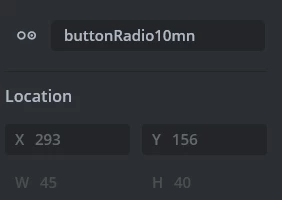
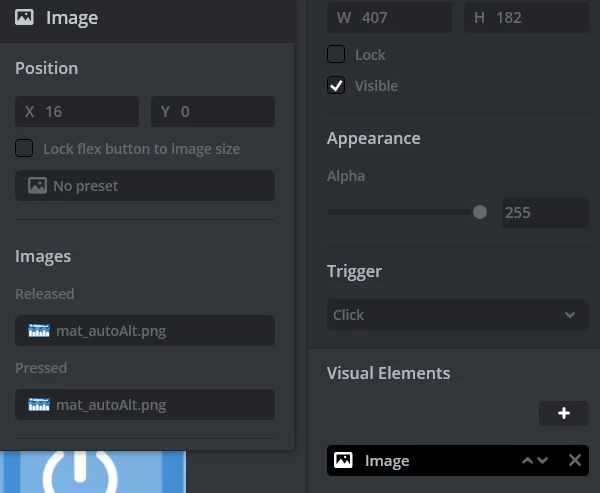
I suggest giving the ToggleButton a resizable clickable area, similar to the way the FlexButton works. Specifically, this would allow the developer to:
-
Expand the clickable area independently via standard width and height properties.
-
Freely position the toggle image within that area (just like an image placed inside a FlexButton).
Use case example:
Imagine a screen with multiple toggle options, each accompanied by explanatory text or an icon next to the button. With this feature, users could simply tap on the descriptive text or icon to activate the toggle, instead of having to precisely hit the small button image. This would significantly improve the user experience, especially on smaller screens or touch targets.

I believe this would make ToggleButtons much more flexible and touch-friendly. Thanks for considering it!
EDIT: I just figured it out the title has a typo. If someone could edit “are” into “area”. Thanks