ihsanoglu
Senior
July 1, 2019
Solved

Images not displaying correctly

  • July 1, 2019
  • 6 replies
  • 2530 views

Hello ,

In my project I am using many images as assets , some as a logo others just a background for a button.

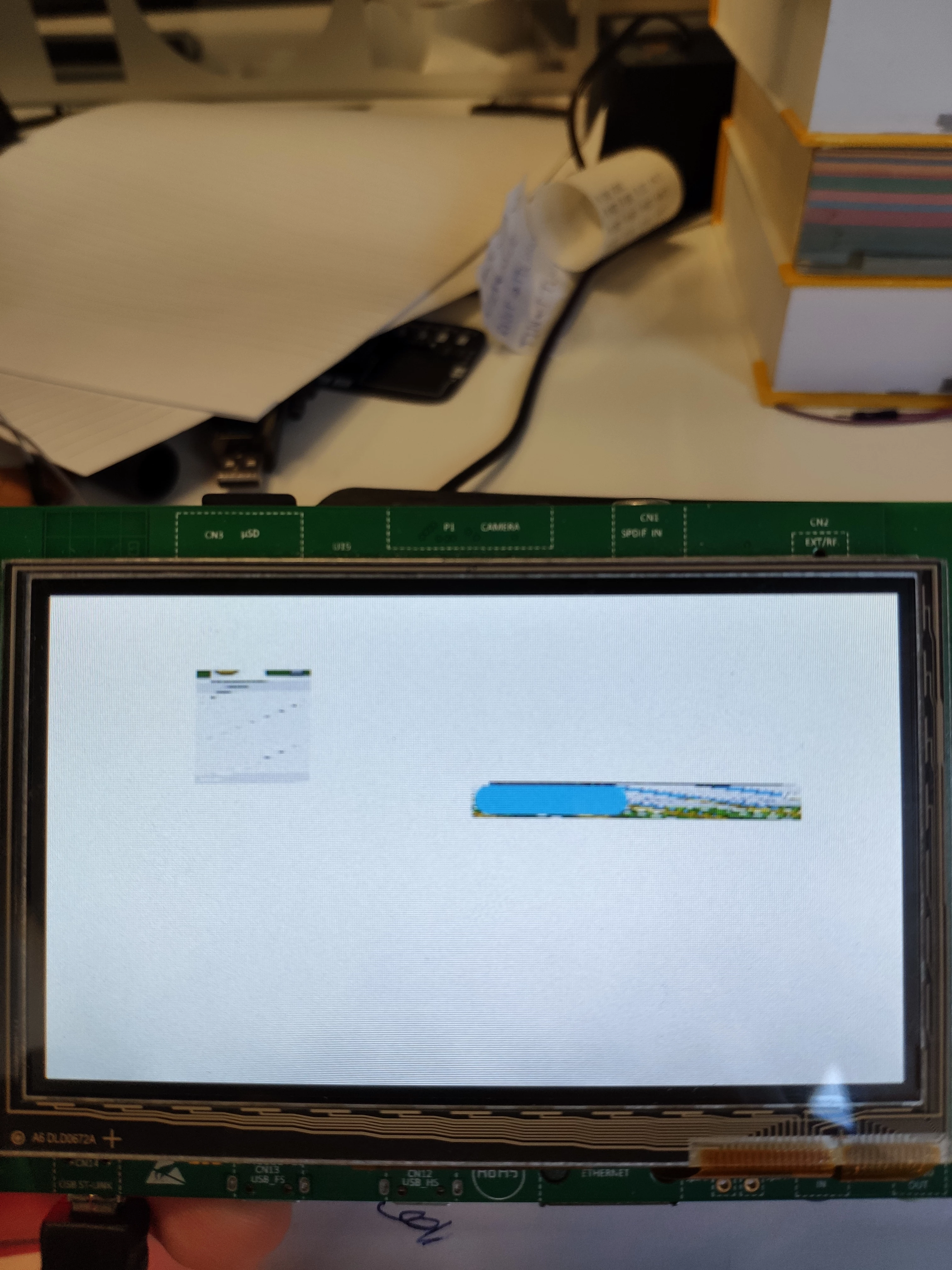
However, when I compile the project through Keil, the images appear weird and noisy.

In the other hand when I compile the project through TouchGFX (GCC). The images are displayed correctly.

Example:

Here is the screen when compiling through TouchGFX Designer (GCC):
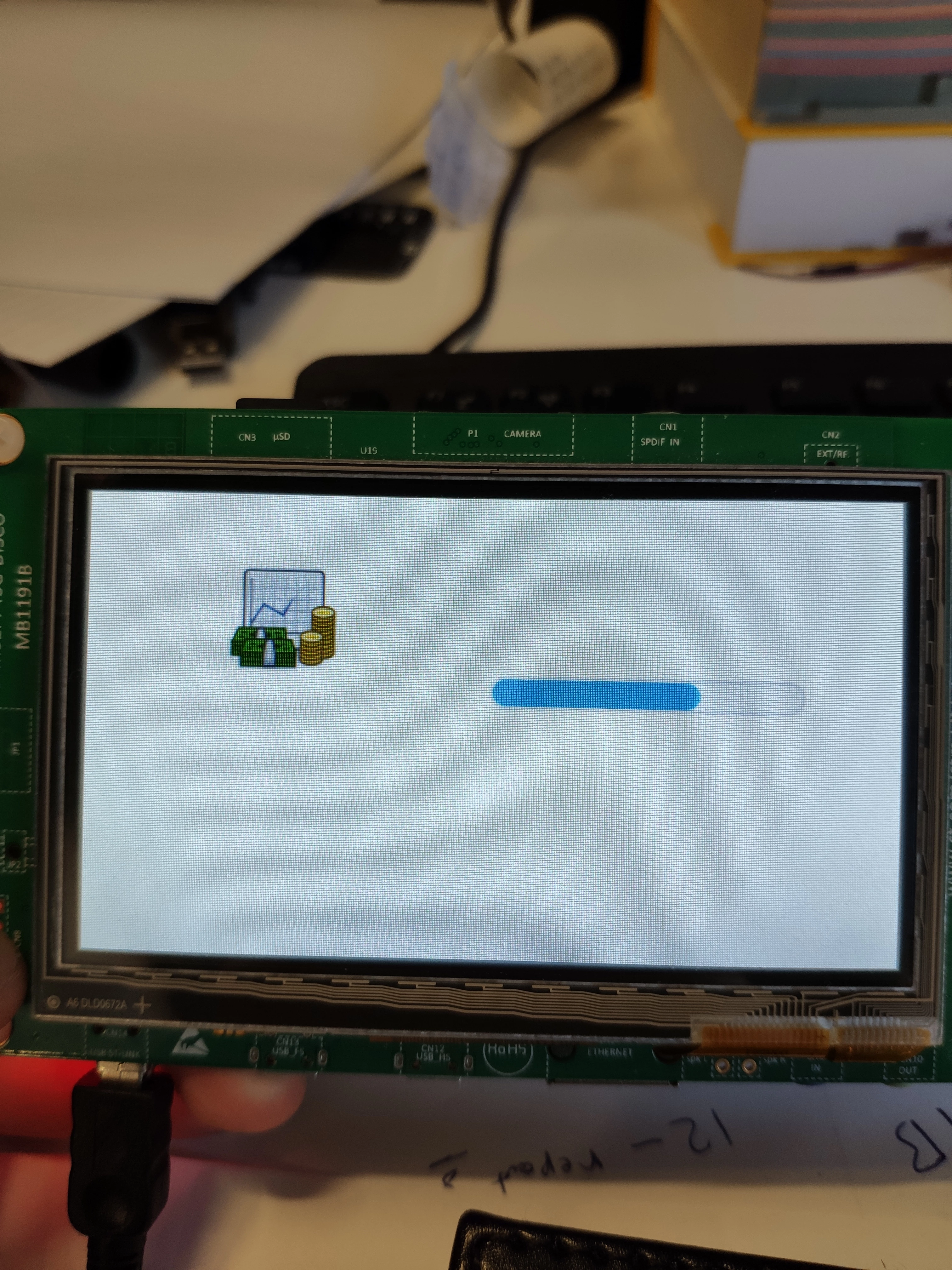
0690X000009YFj5QAG.jpg

Here when compiling through Keil:0690X000009YFj0QAG.jpg

Any solution to let Keil compile correctly ?

This topic has been closed for replies.
Best answer by Martin KJELDSEN

The post-generate command in the keil projects should generate a .hex file that you can open with ST-Link or STCubeProgrammer. Choose the External Flashloader that matches the one on your board - This enables ST-Link or STCubeProgrammer to program the range present in the .hex file.

Let me know if that makes sense

/Martin

6 replies

Martin KJELDSEN
Principal III
July 1, 2019

Hi, I think you need to reprogram the flash. The Keil project does not support a flashloader for the QSPI (Where as the TouchGFX project calls ST-Link behind the scenes).

/Martin

ihsanoglu
ihsanogluAuthor
Senior
July 1, 2019

How can I do this exactly ? would you please explain more