Korry
Associate III
July 28, 2020
Question

If any other color is encountered, it will not be filled

  • July 28, 2020
  • 9 replies
  • 4707 views

Hi

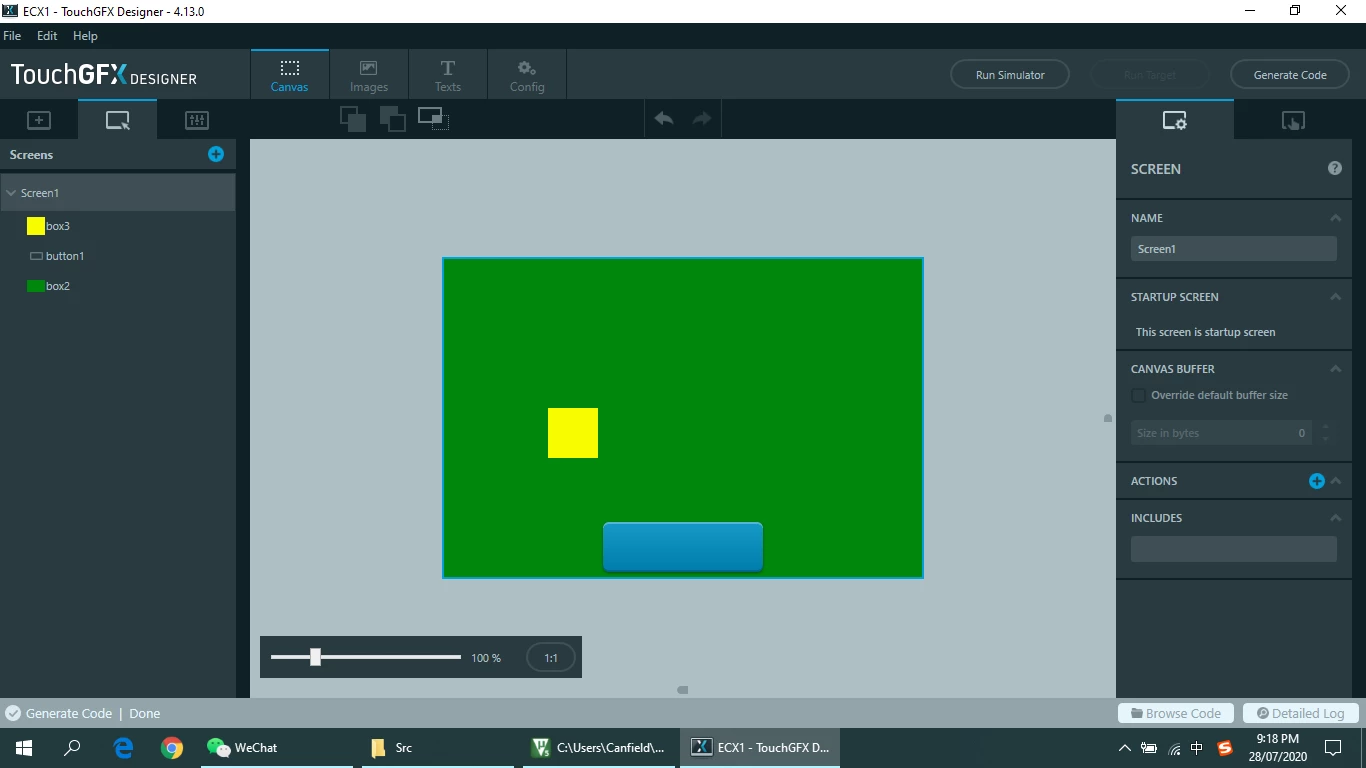
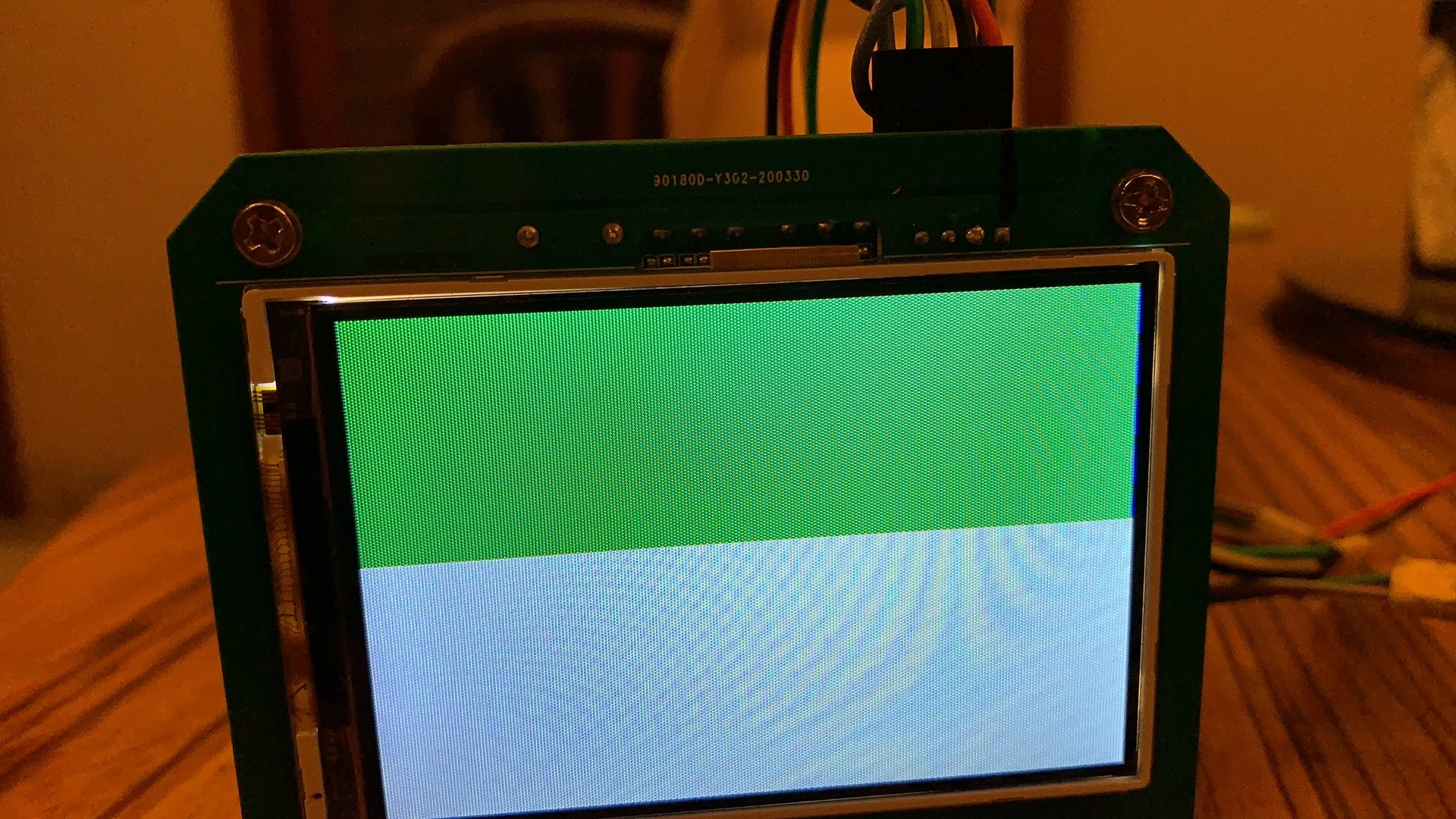
I used partial frame buffer + FSMC.A strange thing happened to me.Any monochrome can fill an entire screen.But if you use more than one color, GFX will no longer fill when it encounters another color.

Did I do something wrong?

GFX version 4.130693W000003BWVFQA4.jpg0693W000003BWUvQAO.png
Thank you very much.

This topic has been closed for replies.

9 replies

MM..1
Super User
July 28, 2020
Korry
KorryAuthor
Associate III
July 29, 2020

Thank you very much for your answer.

Yes there are.

The problem of not being able to fill the entire screen is now resolved.

Now there's a new problem. The image seems to be stretched.

And only half of the images in the designer are displayed.

​I noticed the comment "//Change to SPI datasize to 8 bit from 16 bit". 

Can only use 8 bit data transfer? I'm using a 16-bit data transfer here.

0693W000003BZyFQAW.png0693W000003BZy5QAG.jpg

​

MM..1
Super User
July 29, 2020

You dont write how framebuffer and RGB888 or RGB565 . Seems as any miss in setup

When you stay use partial buffer, then check function to write.

Korry
KorryAuthor
Associate III
July 29, 2020

If I just initialize the screen, the screen will only show backlight, no other colors.

The following files are the main changes I made using GFX. Would you please have a look at them?

Maybe I have a problem with the initialization of the screen?

MM..1
Super User
July 29, 2020

LCDManager_WriteStartAndFrameBufferBlock(x,y,r,b,pixels);

you i mean need check this call and function.

As first is pixels in good format, as second x,y,r,b, seems as bad info... This function need only width and height...

And you stay dont reply how colour scheme used in touchGFX and how in LCD internal buffer...

And you cant call LCDManager_TransferComplete();

as next line when SPI use non blocking DMA transfers...

Korry
KorryAuthor
Associate III
July 29, 2020

Both GFX and LCD pixel formats are RGB565.

LCD use 8080 timing to transmit data.I'm not using DMA. XD

MM..1
Super User
July 29, 2020

Your LCDManager_WriteStartAndFrameBufferBlock(x,y,r,b,pixels); is fail , too colour order is bad writed to LCD.

Korry
KorryAuthor
Associate III
July 31, 2020

Thank you very much for your patient answer. I found that GFX always returns a pointer of type Uint8_t no matter what pixel format I set it to

"Const Uint8_t * pixels = frameBufferAllocator->GetBlockForTransfer (r);"

How do I get the format I want?For example, the RGB565. Documentation here doesn't seem to have a detailed description of how to store after rendering.