


EJasi.1
Associate
March 25, 2020
Solved

How to use touchGFX in a project on m3 processor (on f107 for example) without tft display?

  • March 25, 2020
  • 1 reply
  • 758 views

Cube does not allow connecting through additional applications, and the library does not have libtouchgfx.a for m3. In version 4.10 this file is. Use old version?
This topic has been closed for replies.
Best answer by EJasi.1

I figured it out.

Create a project for the board (cortex-m4 or cortex-m0) with a screen. Turn on touchGFX. Interface - Custom. App Tick Source - Custom. Graphics Accelerator - None. The rest is as you need.

Copy the TouchGFX folder (where the gfx project is) and copy the library folder (Middlewares / ST / touchgfx).

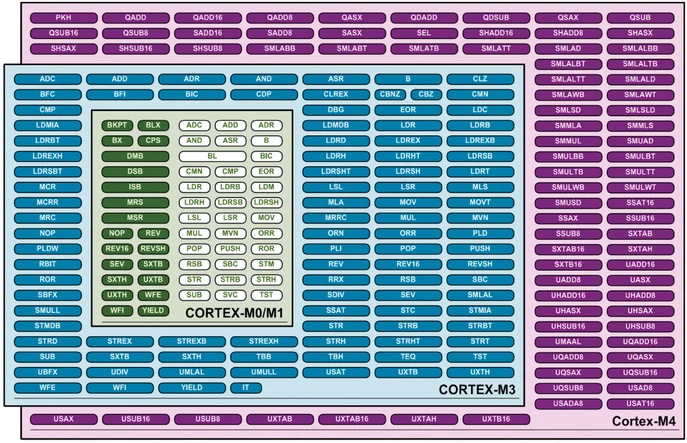
Understand includes and use the libtouchgfx.a library for Cortex-m0.0693W000000V4q8QAC.png

1 reply

EJasi.1
EJasi.1AuthorBest answer
Associate
March 31, 2020

I figured it out.

Create a project for the board (cortex-m4 or cortex-m0) with a screen. Turn on touchGFX. Interface - Custom. App Tick Source - Custom. Graphics Accelerator - None. The rest is as you need.

Copy the TouchGFX folder (where the gfx project is) and copy the library folder (Middlewares / ST / touchgfx).

Understand includes and use the libtouchgfx.a library for Cortex-m0.0693W000000V4q8QAC.png