kvkhekale
Associate III
February 27, 2019
Solved

How to print a Dot "." in Touchgfx?

  • February 27, 2019
  • 5 replies
  • 1621 views

I need to take input fractional values from user through UI built via TouchGFX.

There is a separate Dot button on my UI keypad. But, I am not able to print it on the screen.

Please help me for above problem. Just a short clue on what to use will also be sufficient.

Sharing the photo of my keypad here with.

This topic has been closed for replies.
Best answer by Martin KJELDSEN

Concretely:

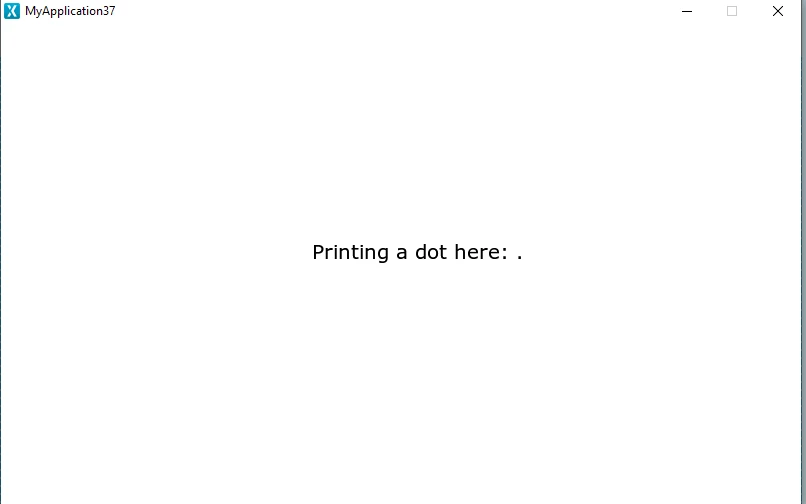
  • For the typography you're using you must define a dot ('.') in your wildcard list in the texts tab.
  • Call Unicode::strncpy(myBuffer, ".", 1); to update the buffer and invalidate the textarea.

0690X0000087ZNuQAM.png

5 replies

Mon2
Senior III
February 27, 2019
Martin KJELDSEN
Principal III
March 6, 2019

You can use Unicode::strncpy() in TouchGFX to copy those kinds of characters into an array of Unicode::UnicodeChar (a wildcard buffer).

Martin KJELDSEN
Martin KJELDSENBest answer
Principal III
March 6, 2019

Concretely:

  • For the typography you're using you must define a dot ('.') in your wildcard list in the texts tab.
  • Call Unicode::strncpy(myBuffer, ".", 1); to update the buffer and invalidate the textarea.

0690X0000087ZNuQAM.png

kvkhekale
kvkhekaleAuthor
Associate III
March 14, 2019

Yeah.. Tried the above methods and now getting proper output!

Thank you very much!!

Martin KJELDSEN
Principal III
March 14, 2019

You're welcome :)