


Solved
How to change keyboard size
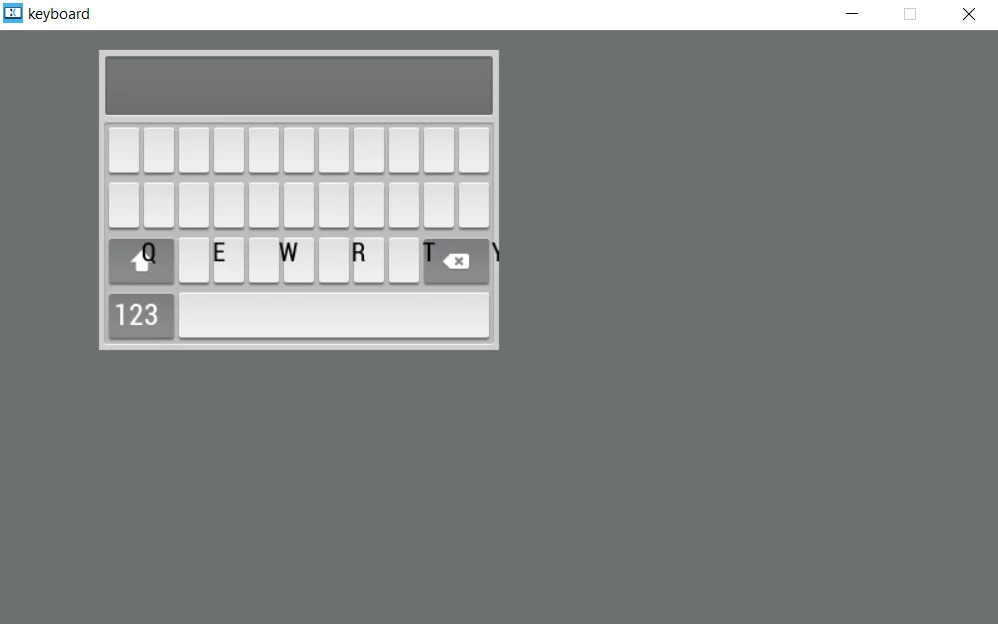 This is using the basic keyboard example project, and I am trying to make the keyboard larger. So I have gone in and changed all of the values in keyArray in KeyboardLayout.hpp, as well as change the keyboard.setPosition call to have the the appropriate arguments in MainView.cpp. However the size seems to be hardcoded somewhere to the original 320x240, and I just can't find where that is to change it.
 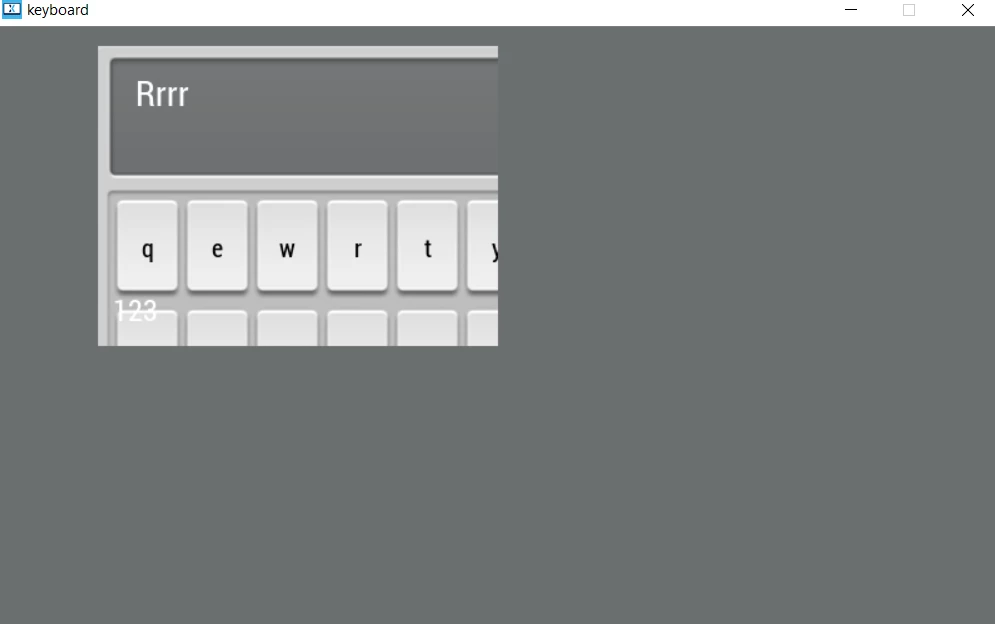 I added an image with the original background just to show how the size is being limited by the dimensions of the original.