Michael Fan
Associate II
May 10, 2020 9:53 AM UTC
Solved

How to add end transition animation when i use the widget of Animated Image?

Hi,

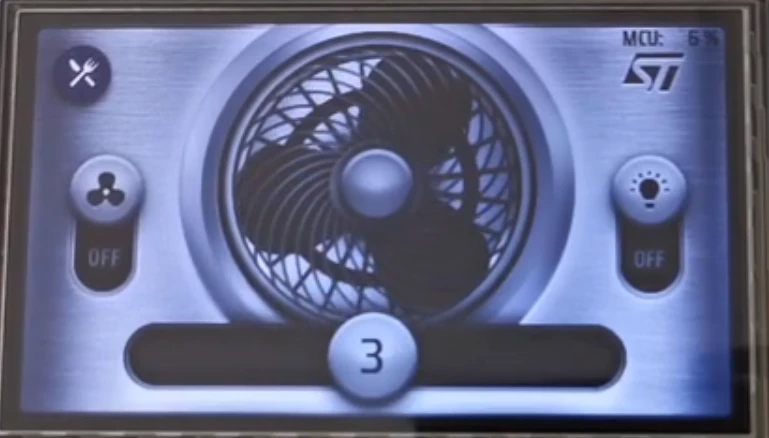
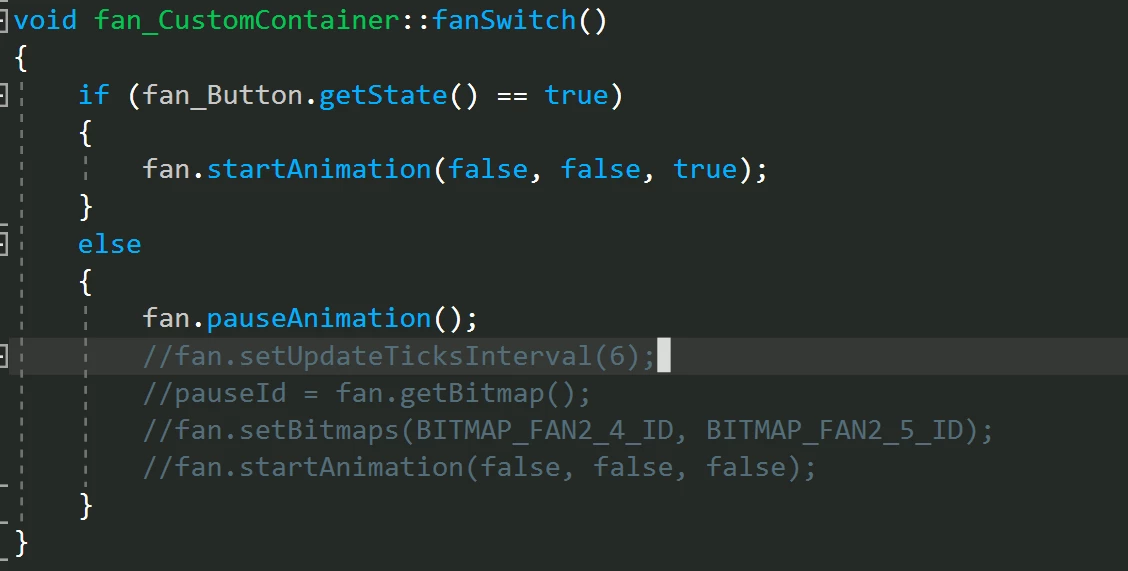
i want to add a transition animation when the animation is over,i know the  Animated Image contain a callback name setDoneAction(), but i want to realize like H750 demo,when the button is clicked,the fan is still turn for a moment and then stop, i want to do that.what should i do in the code?

Thanks.
0693W000000X9adQAC.png0693W000000X9aYQAS.png

This topic has been closed for replies.
Romain DIELEMAN
Romain DIELEMANBest answer
ST Employee
May 11, 2020 9:27 AM UTC

Well there is multiple ways to do it. I guess you could just set a timer in handleTickEvent that you start when you turn off the button. Just make sure the tickCounter is set at 0 when you turn off the fan (in case the user presses the button on and off over and over again). Tell me if this is what you had in mind.

void MainScreenView::handleTickEvent()
{
 if( (fan_Button.getState() == false) && (fan.IsAnimatedImageRunning == true) )
 {
 tickCounter++;
 if(tickCounter == 30) 
 {
 fan.pauseAnimation();
 tickCounter = 0;
 }
 }
}

4 replies

Romain DIELEMAN
Romain DIELEMANBest answer
ST Employee
May 11, 2020 9:27 AM UTC

Well there is multiple ways to do it. I guess you could just set a timer in handleTickEvent that you start when you turn off the button. Just make sure the tickCounter is set at 0 when you turn off the fan (in case the user presses the button on and off over and over again). Tell me if this is what you had in mind.

void MainScreenView::handleTickEvent()
{
 if( (fan_Button.getState() == false) && (fan.IsAnimatedImageRunning == true) )
 {
 tickCounter++;
 if(tickCounter == 30) 
 {
 fan.pauseAnimation();
 tickCounter = 0;
 }
 }
}

Michael Fan
Associate II
May 11, 2020 2:46 PM UTC

yeah,thank you for your skillful answer,i realize it and it looks cool.

Romain DIELEMAN
ST Employee
May 12, 2020 6:49 AM UTC

perfect :smiling_face_with_smiling_eyes:

Michael Fan
Associate II
May 11, 2020 2:33 PM UTC

yeah,thank you for your skillful answer,i realize it and it looks cool.