Hi BGuth.1,
I opened your project, and the problem I see is that you haven't created a new font supporting your language in your TouchGFX Designer.
Here are the steps to make it work :
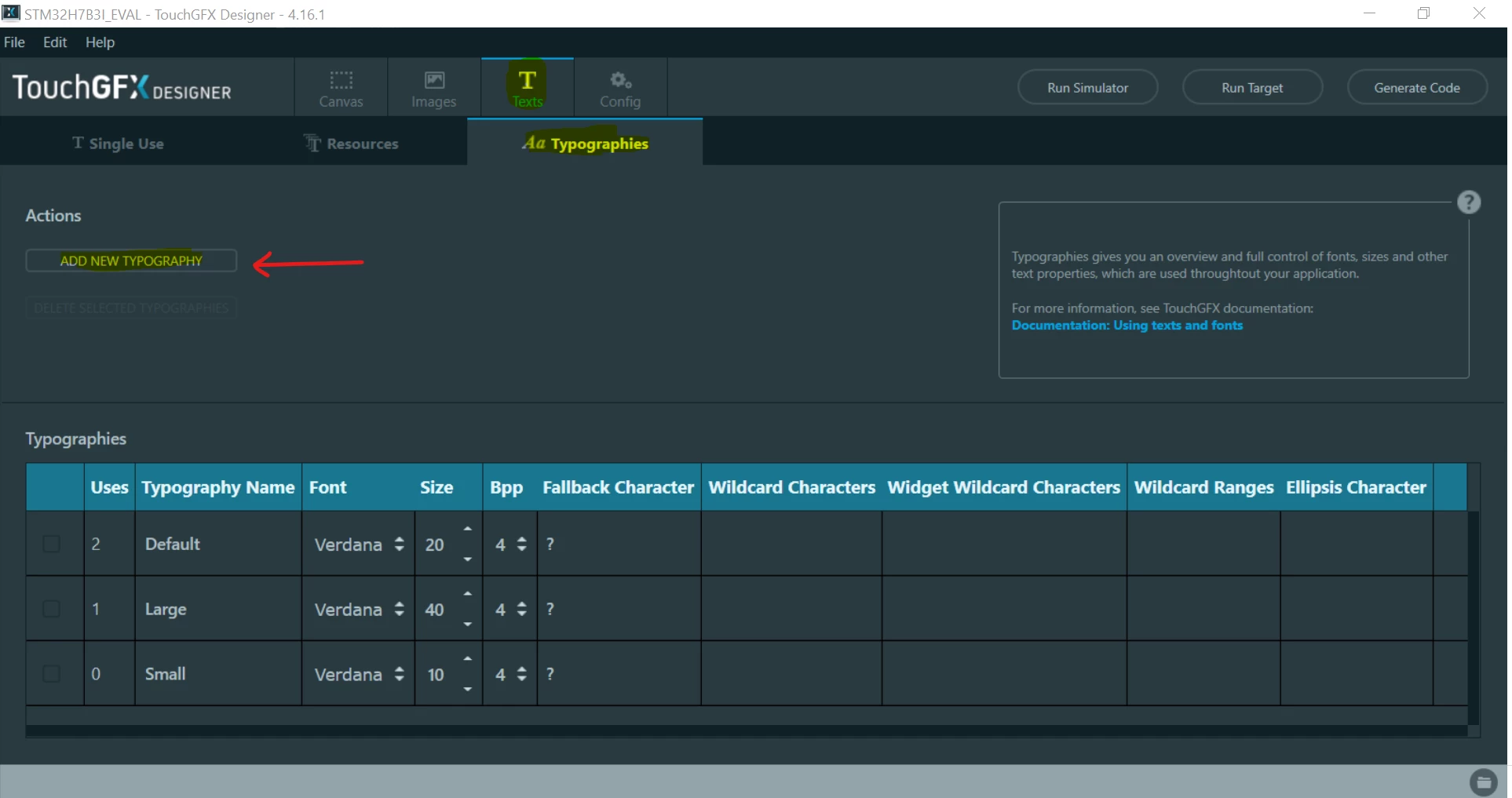
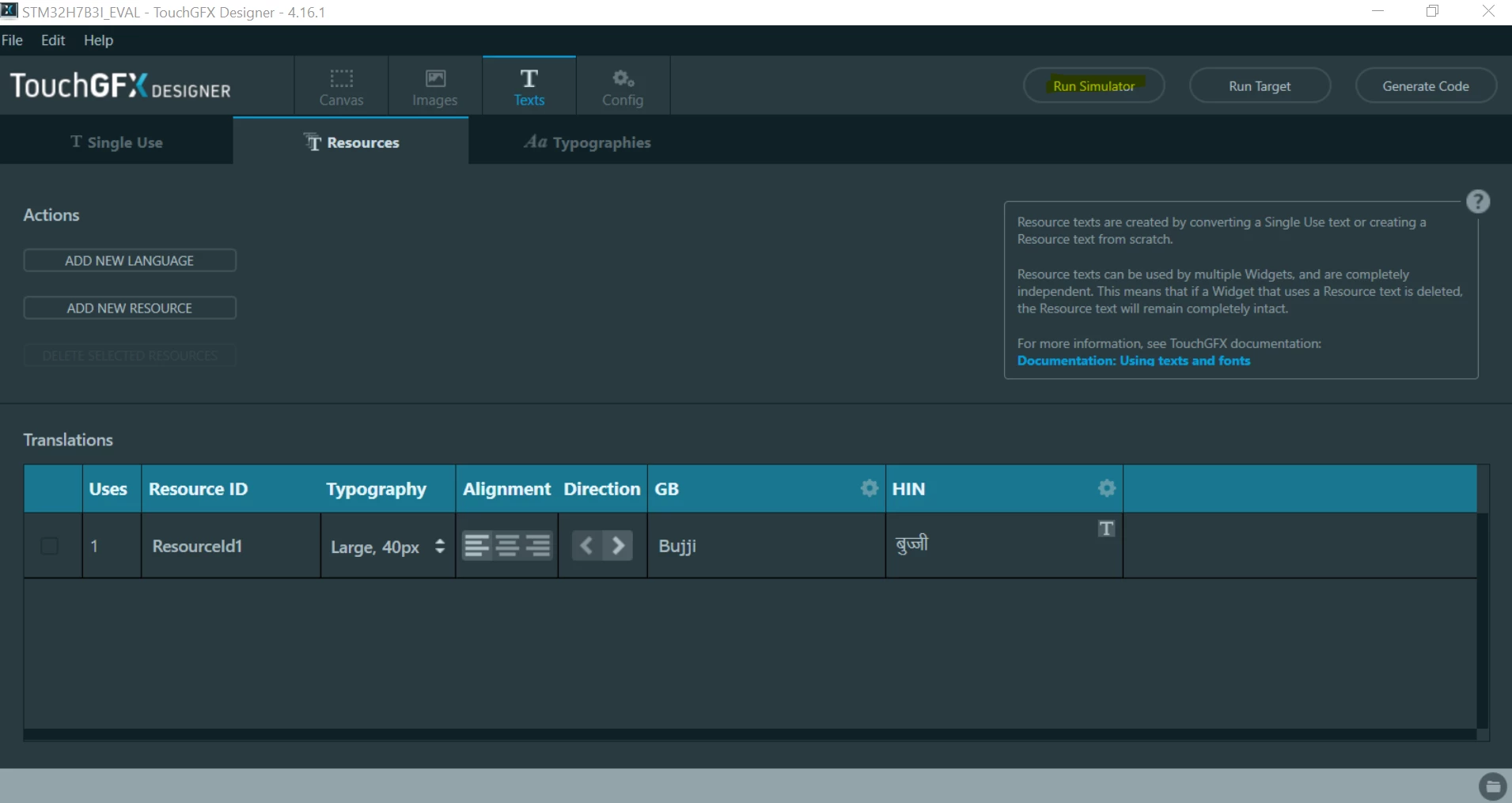
1- Click on "Texts" panel at the top and "Typographies". You will have a list of all Typographies you can use at the moment. To add a new one, click on Add new Typography"
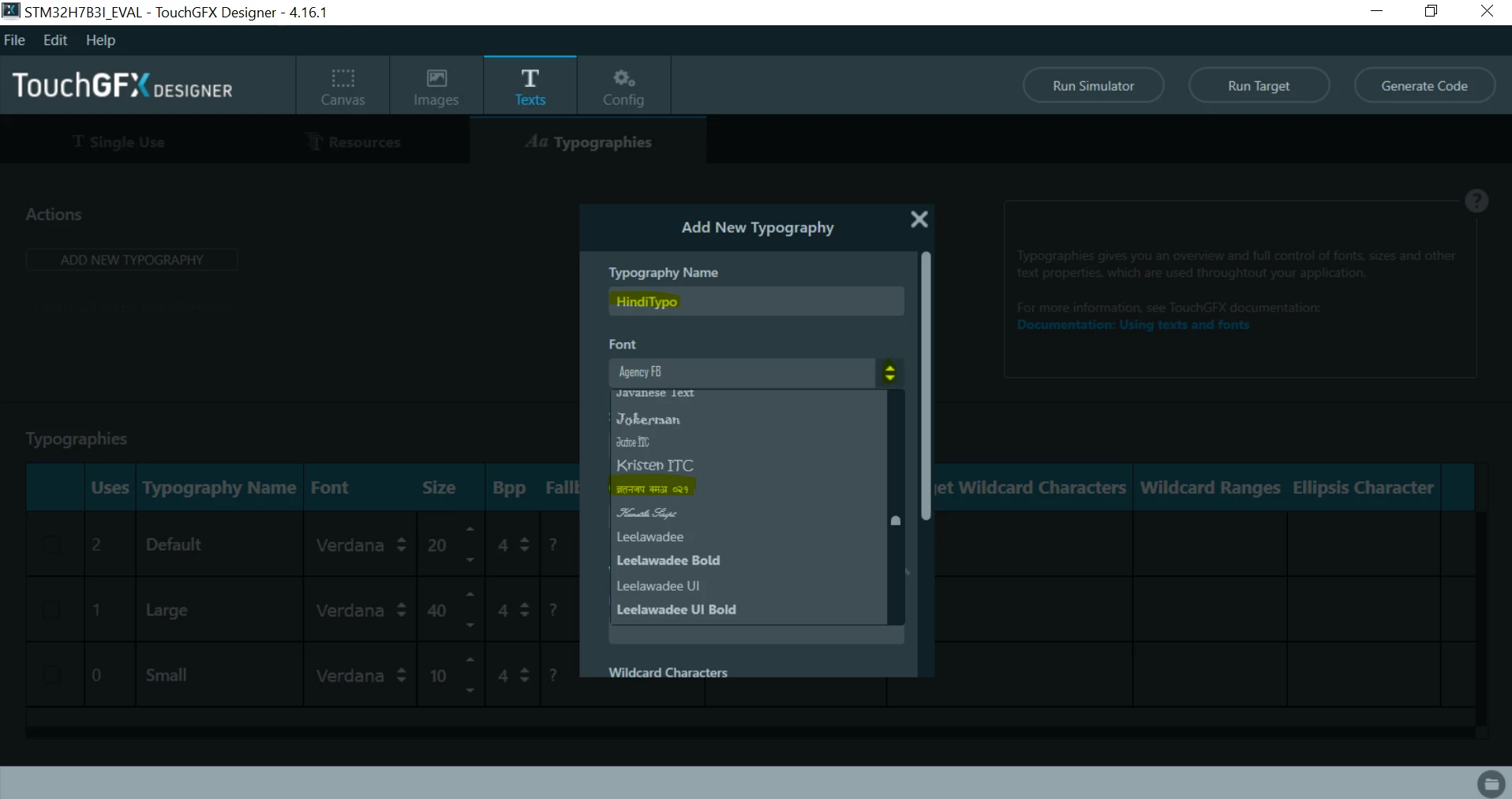
2- Edit the new typography (enter a name, select your kruti-dev typo, and change the size). Then Click on "Save"
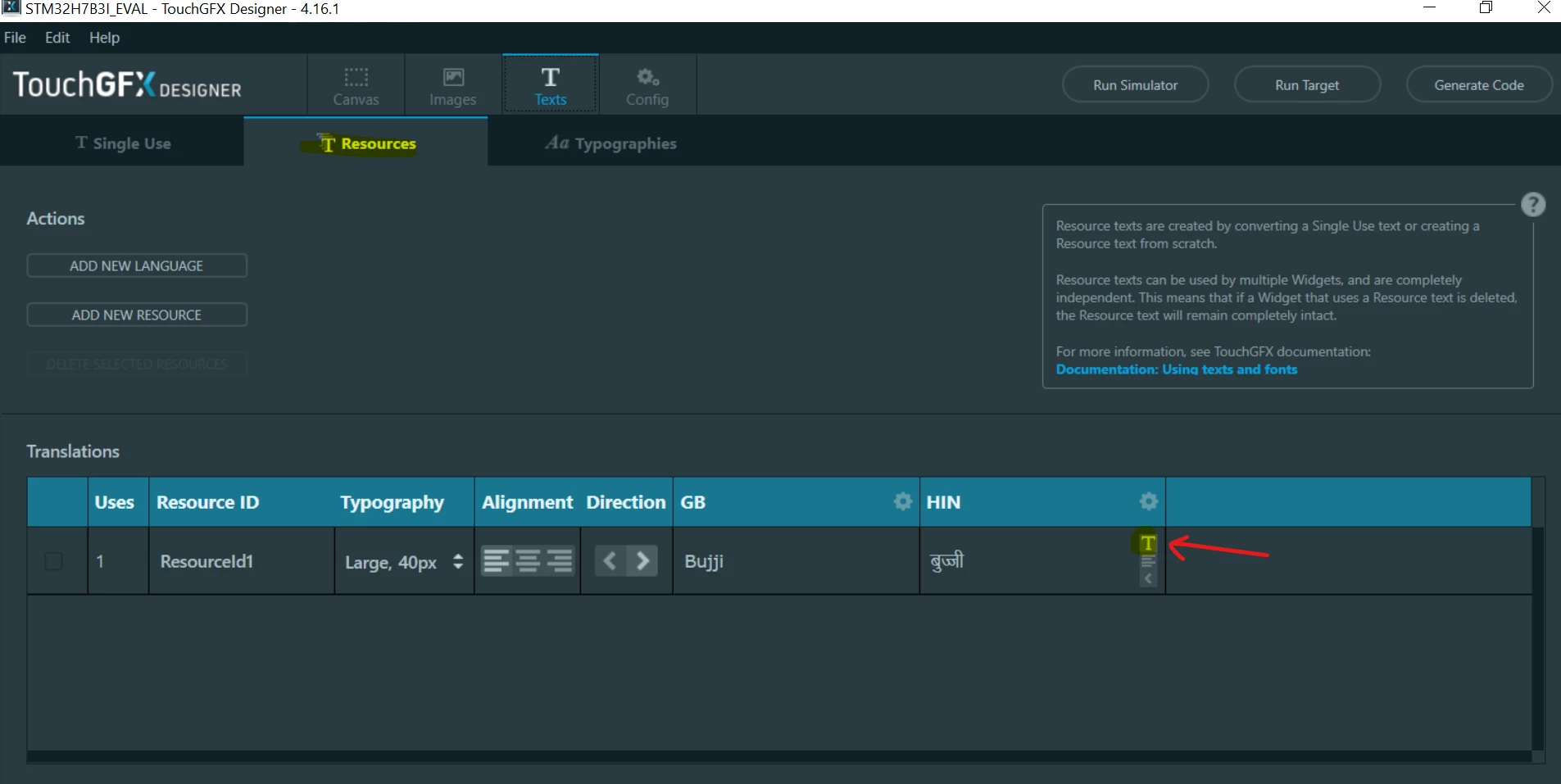
3- Go to "Ressources" and for your ResourceId1, edit your translation by clinking on the "T" button when you pass your mousse on the text zone. Then select the new Typo you've just created in step 2.
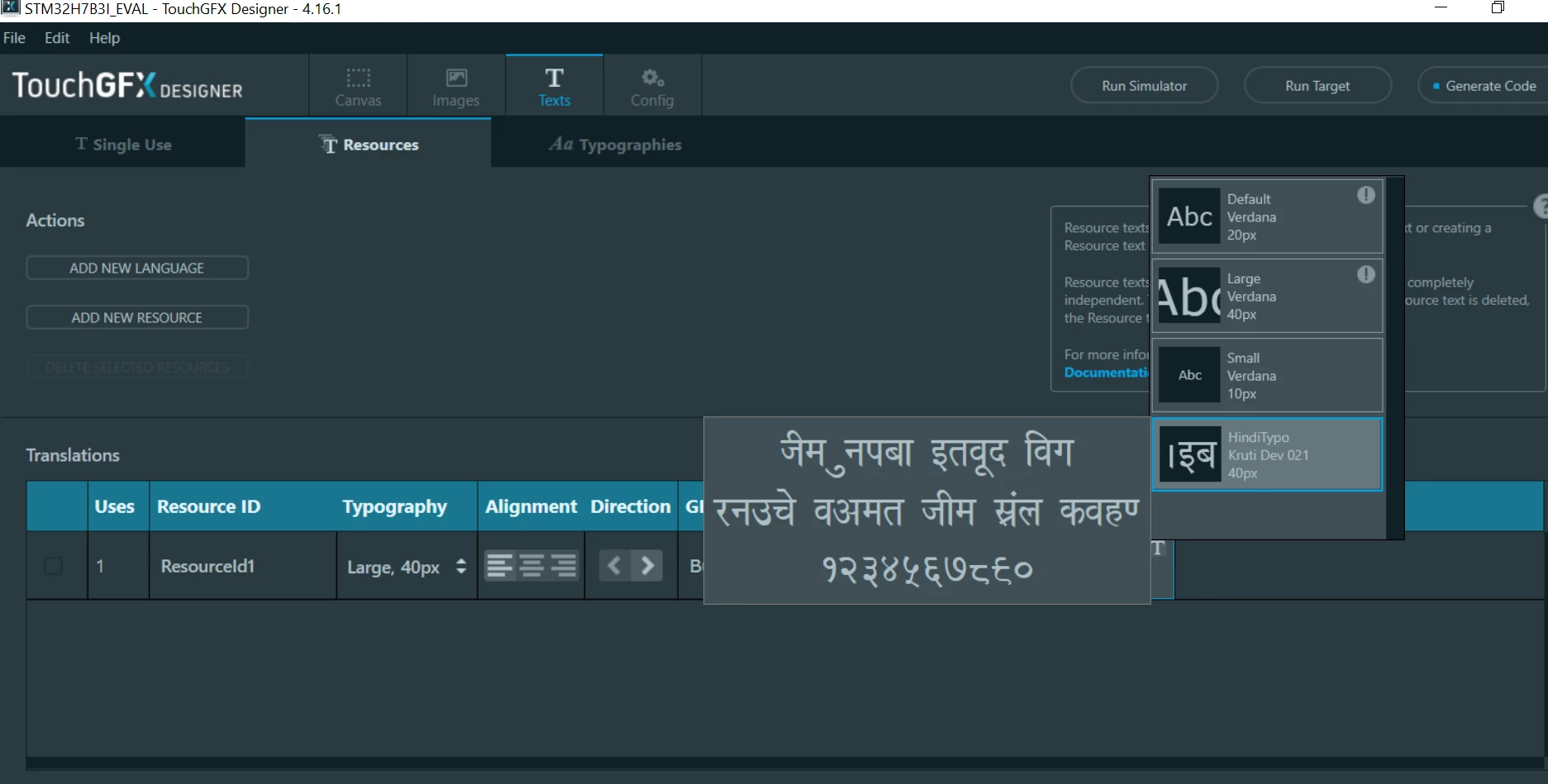
3- Run the project on your simulator
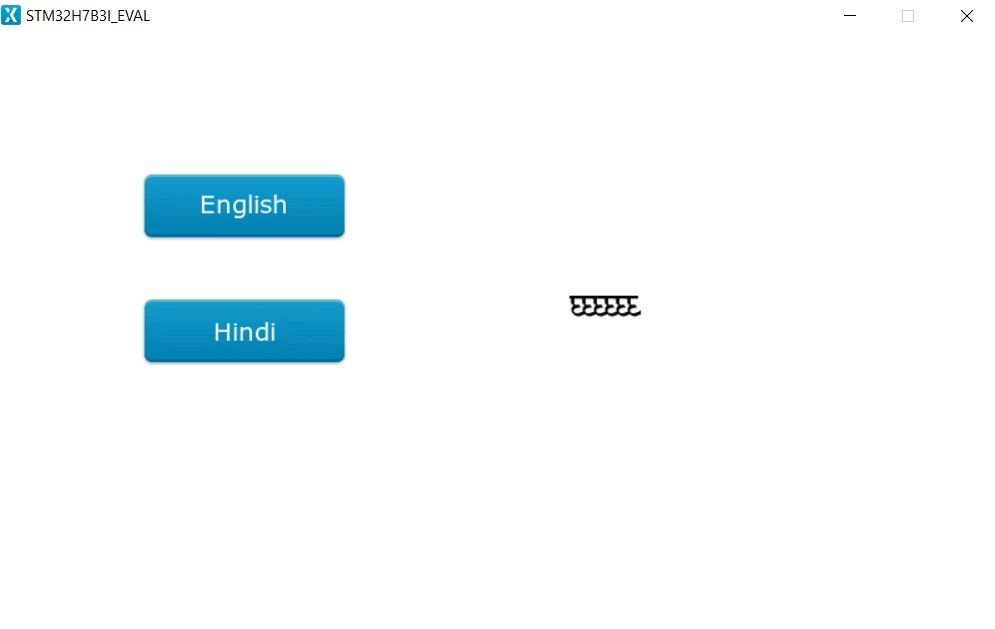 But now, the problem we see is that the text you added doesn't match with the text shown on the simulator. That's why I highly recommend you to try other fonts to see which one can be compatible. I tried with an other font I fount here : (https://fonts.google.com/noto/specimen/Noto+Serif+Devanagari?subset=devanagari&query=Devanagari) and it looks to be running fine.
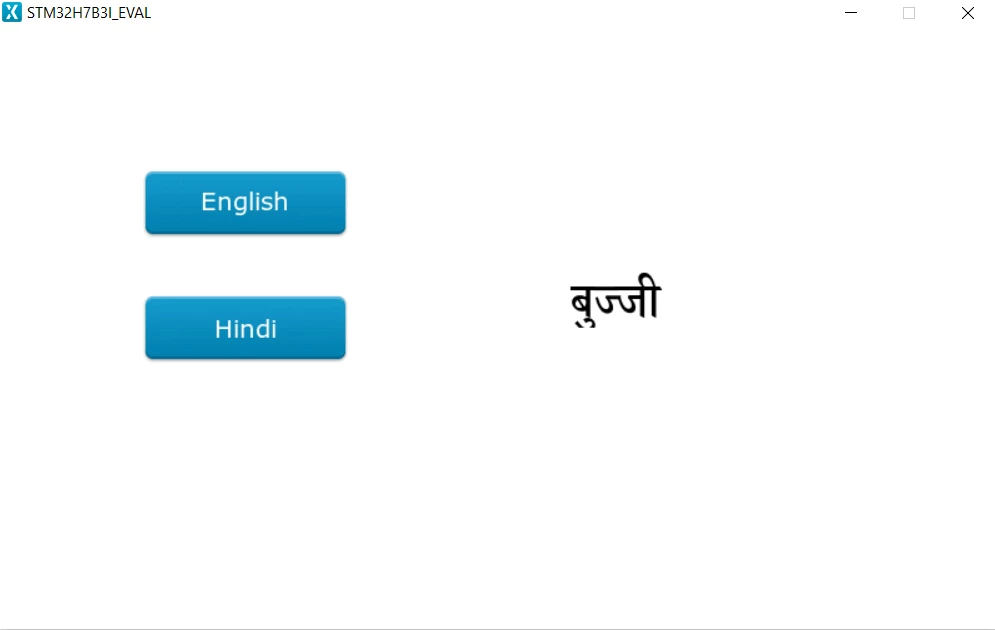 Let me know if it works fine on your side :)
/Osman