지한.1
Associate III
January 13, 2022
Solved

How can I chage the TextArea?

  • January 13, 2022
  • 2 replies
  • 1778 views

Hi, I used the STM32F429Zi discovery board.

​

So, I try to change the value to TextArea, but It's not work.

​

I created a project with reference to the following site.

​https://www.youtube.com/watch?v=4xxkN9h0HYI

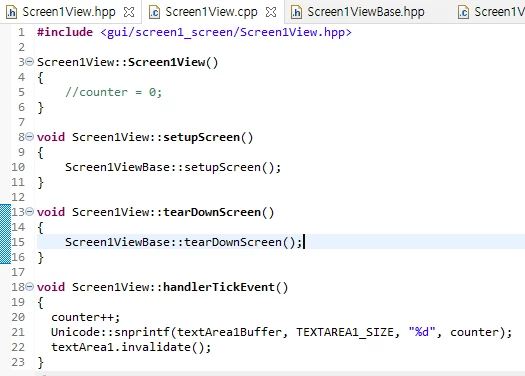
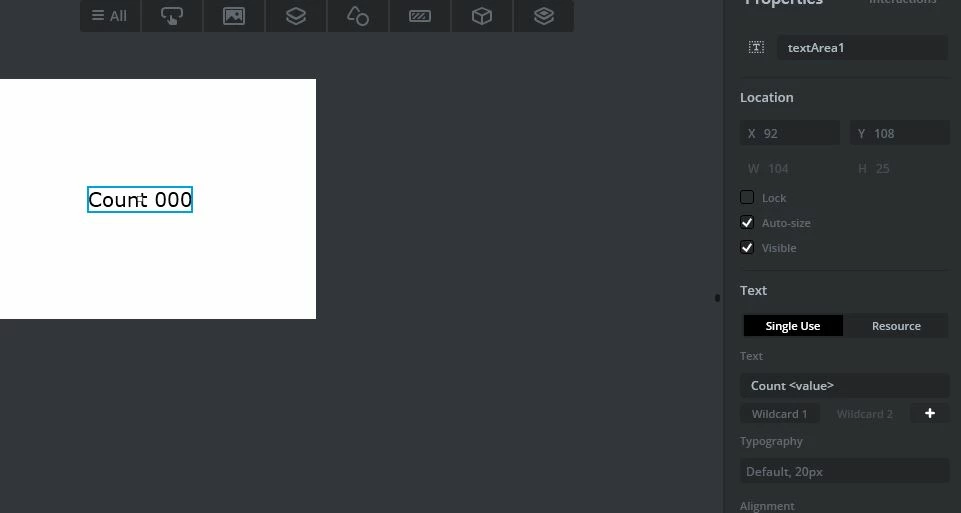
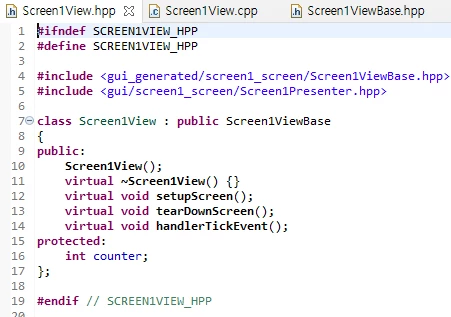
*. Use the TouchGTX and make UI0693W00000HrVefQAF.jpg*. Make handlerTickEvent on the CubeIDE
0693W00000HrVfiQAF.png 

0693W00000HrVg7QAF.png 

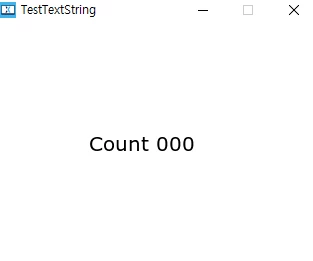
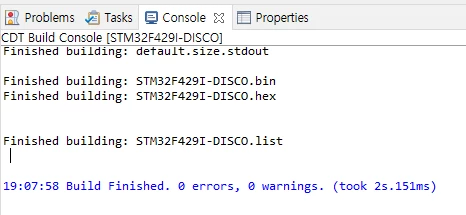
*. Complie the code on the CubeIDE and execute TouchGTX simulator.
0693W00000HrVgbQAF.png 

0693W00000HrVgvQAF.png 

I don't know, what's the problem.

​

Can you tell me, how this code work?

​

And, Can you give me an example for TextArea?

Thank you

This topic has been closed for replies.
Best answer by Romain DIELEMAN

Hi,

​

You wrote "handlerTickEvent" instead of "handleTickEvent" in your code, so you are never overwriting the correct function and receiving ticks, and so the counter is never increased.

Make sure to also add the correct Wildcard Range as done at 3:55 of the video you shared otherwise you will have "? " instead of numbers shown.

​

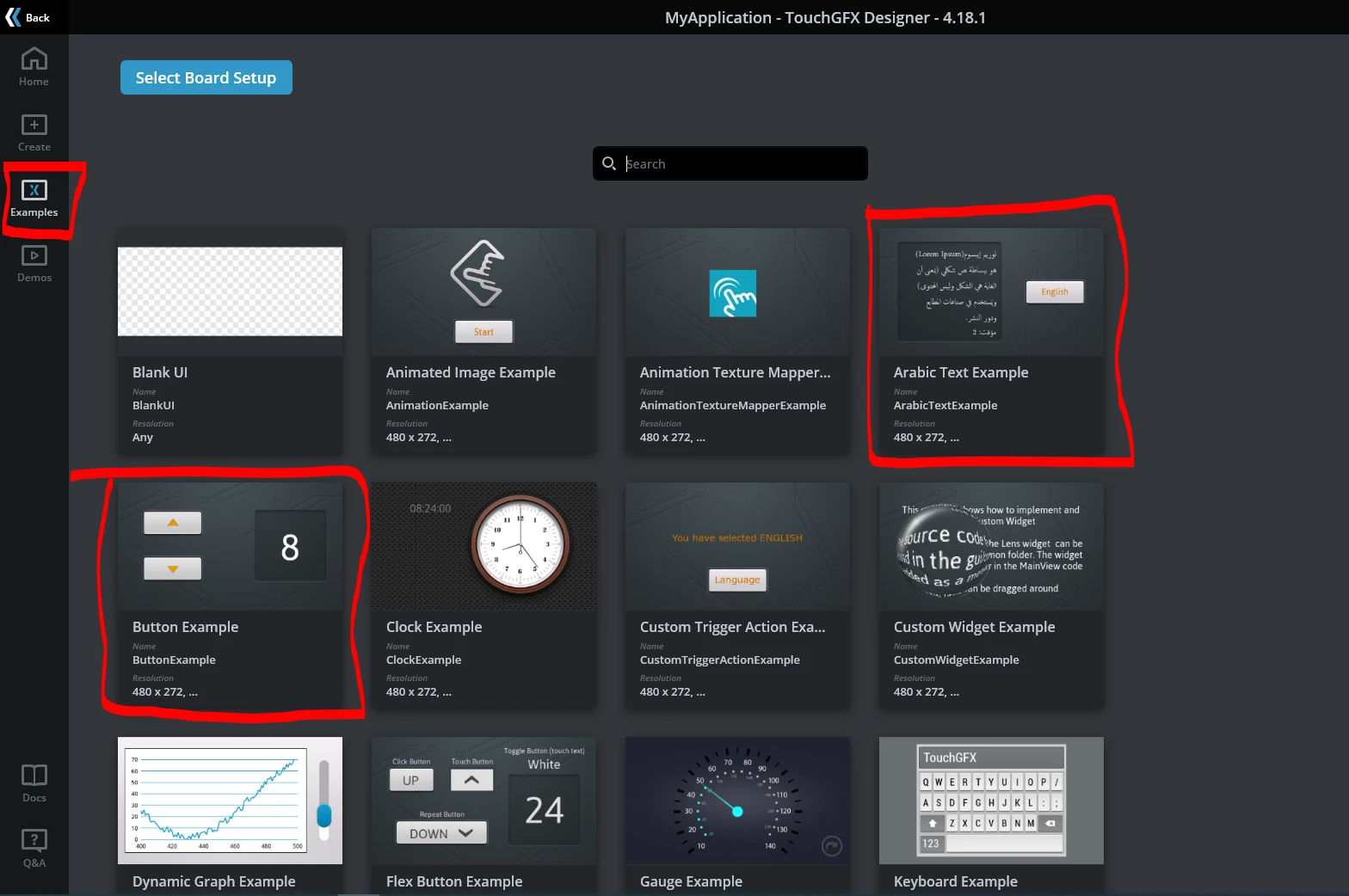
You can find examples using textArea widgets in TouchGFX Designer. When creating a project go the the "Examples" tab on the left and select the demo you wish. I can recommend the Button example or the Arabic Text example.

0693W00000HrWFHQA3.pngI recommend to also have a look at the online documentation and the tutorials which will help you discover TouchGFX Designer. There are also good videos online on youtube like the one you shared :thumbs_up:

/Romain

​

2 replies

Romain DIELEMAN
Romain DIELEMANBest answer
ST Employee
January 13, 2022

Hi,

​

You wrote "handlerTickEvent" instead of "handleTickEvent" in your code, so you are never overwriting the correct function and receiving ticks, and so the counter is never increased.

Make sure to also add the correct Wildcard Range as done at 3:55 of the video you shared otherwise you will have "? " instead of numbers shown.

​

You can find examples using textArea widgets in TouchGFX Designer. When creating a project go the the "Examples" tab on the left and select the demo you wish. I can recommend the Button example or the Arabic Text example.

0693W00000HrWFHQA3.pngI recommend to also have a look at the online documentation and the tutorials which will help you discover TouchGFX Designer. There are also good videos online on youtube like the one you shared :thumbs_up:

/Romain

​

지한.1
지한.1Author
Associate III
January 13, 2022

Thank you for the your reply.