ACost.1100
Associate
November 13, 2019
Question

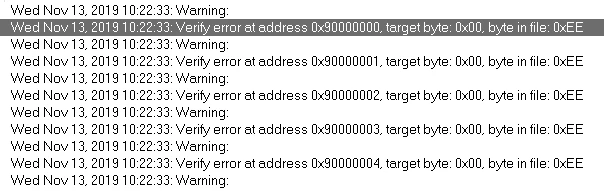
Hey everyone! I was using touch GFX Designer to create a project for the STM32F769I-DISCOVERY and after generating the code and testing both simulator and target, I proceeded to open the IAR project but this errors show up when debugging:

  • November 13, 2019
  • 3 replies
  • 1039 views

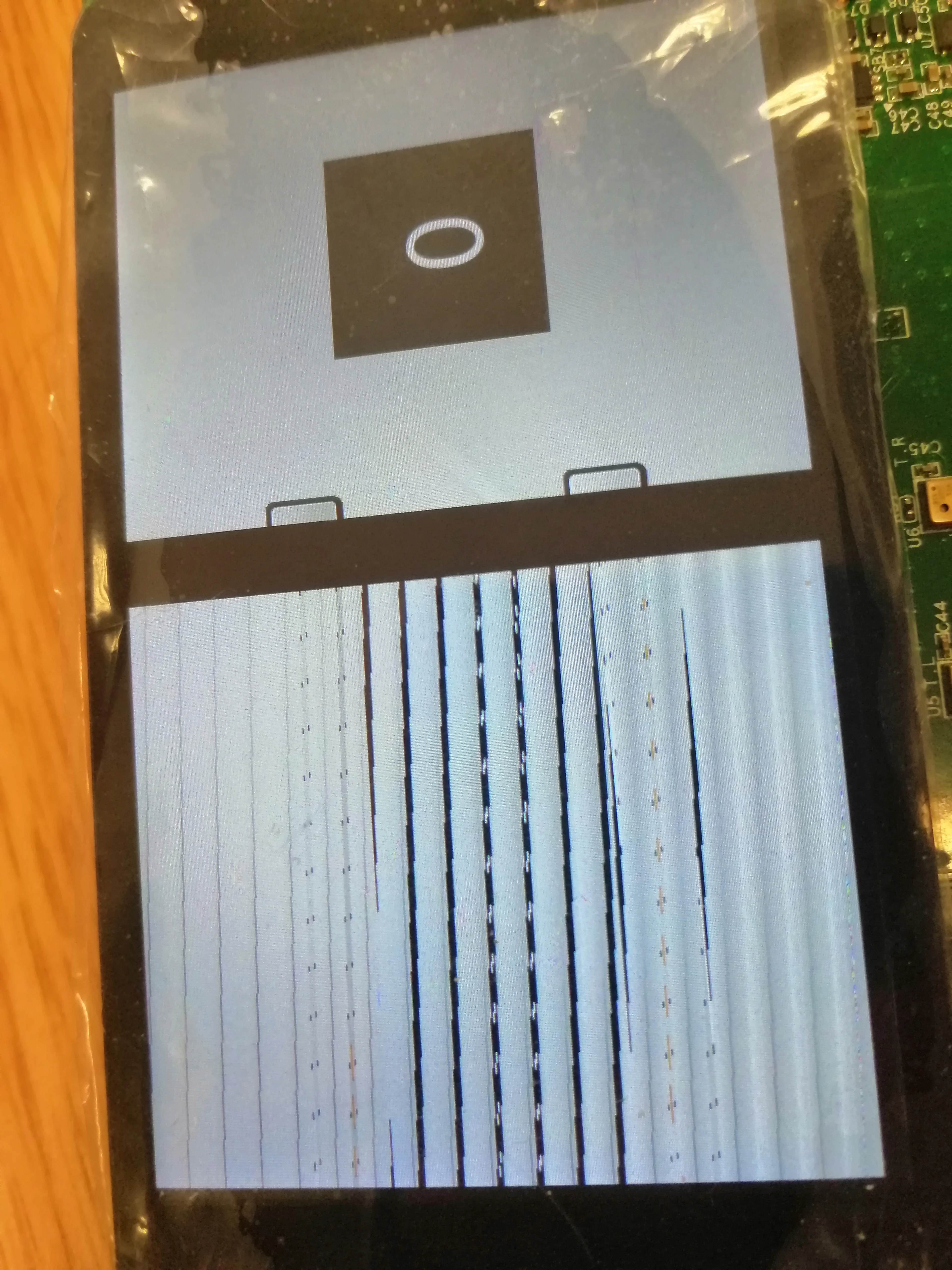
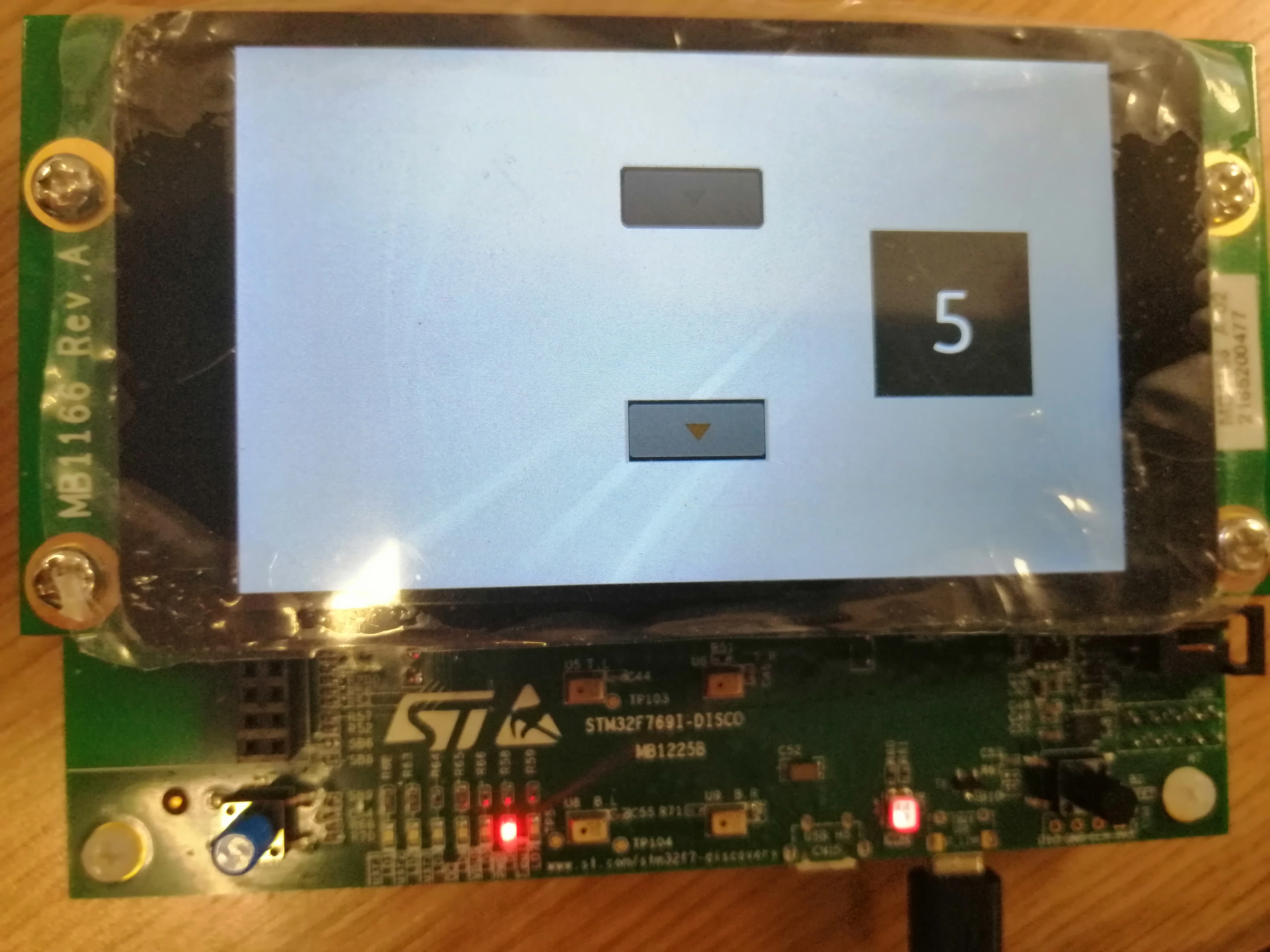
When debugging on GFX Designer , the display in the start shows up with some errors but when I press the display button it stars working as shown on the simulator.0690X00000AryfKQAR.jpg
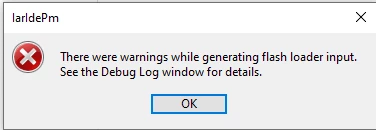
after generating the code and moving to IAR, the following warnings were displayed:
0690X00000AryfzQAB.png

0690X00000Aryi4QAB.png

0690X00000AryhkQAB.png

The controller shows an inconstant behavior:
0690X00000AryidQAB.jpg

This topic has been closed for replies.

3 replies

Martin KJELDSEN
Principal III
November 13, 2019

0x90000000 is the start of QSPI. You need to program the QSPI using ST-Link or STCubeProgrammer.

The warning you're getting is from IAR not having a solution to program that range 0x90000000 ->

/Martin

Martin KJELDSEN
Principal III
November 13, 2019

How did you create this project? If you have ST-Link installed and use the STM32F769-DISCO Application template from the TouchGFX designer then "run target" should build with arm-gcc and program both internal and external flash using ST-Link and appropriate flash loader.

/Martin

COSEBE
Senior
November 17, 2019

I have exactly the same thing with touchGFX "Run target"

Why first screen is corrupted and works after a screen update ?