


Flickering of some zones of the screen (text + images + keyboard) [solved]
Hello,
I'm working with Riverdi_101STM32H7 and TouchGFX4.20.
----------------IMAGES---------------------
I'm experiencing some flickering of the images when I'm changing screen (on the real screen) (some images stay at the same place in several screens so they do not appear during the transition).
----------------TEXTS---------------------
I'm also experiencing 2 different behaviors for the text (staying in the same screen here)
I have a screen with 2 texts zones, one small and one big and the biggest zone flickers when I update it with invalidate. The smallest one has no problem. They do not superpose.
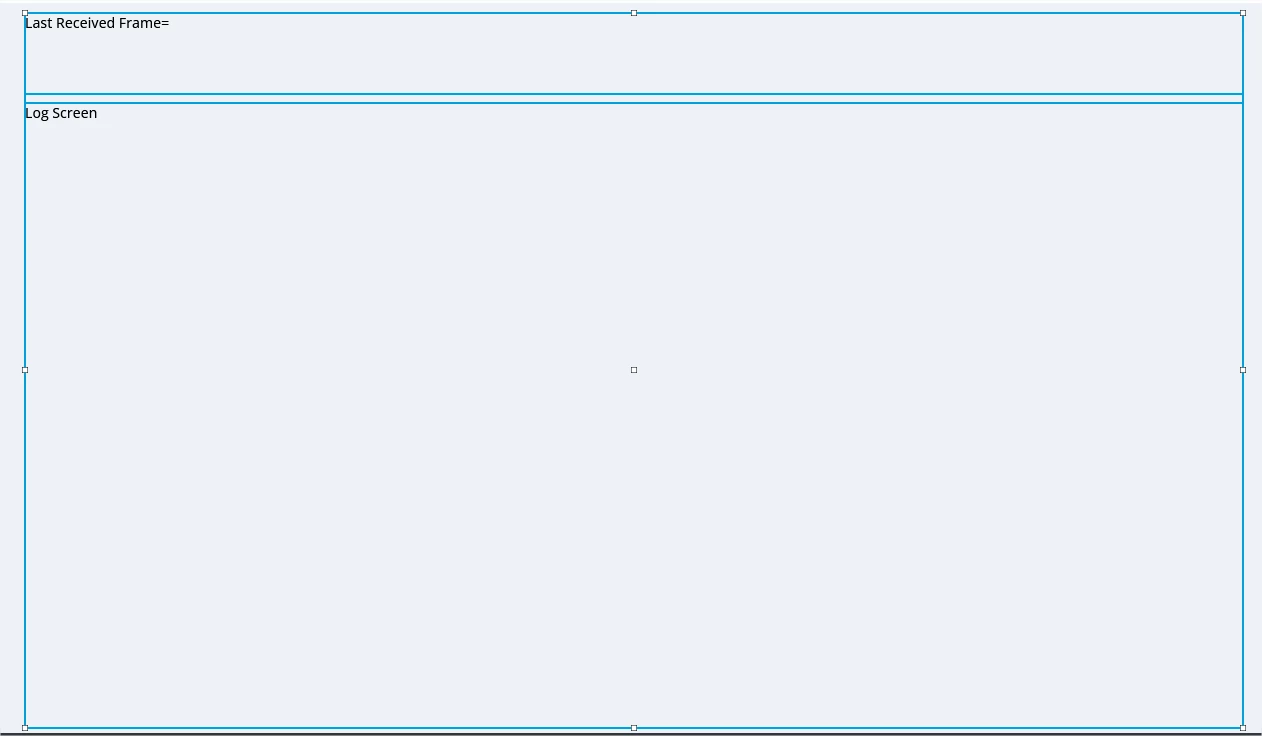
Here's my tick function handling the text zones:
void Model::tick()
{
	if (Request_Update_SerialFrame == 1)
	{
		modelListener->Request_Update();
	}
}
In the presenter of my screen:
void LogsPresenter::Request_Update()
{
	view.dataDisplay();
}
In my screen:
void LogsView::dataDisplay()
{
	memset(&textArea_Last_received_frameBuffer , 0 , TEXTAREA_LAST_RECEIVED_FRAME_SIZE);
	Unicode::strncpy(textArea_Last_received_frameBuffer,(char *)Serial_Frame,strlen((char *)Serial_Frame));
	textArea_Last_received_frame.setWideTextAction(WIDE_TEXT_CHARWRAP);
	//textArea_Last_received_frame.resizeToCurrentText();
	textArea_Last_received_frame.invalidate();

	memset(&textArea_LogBuffer, 0 , TEXTAREA_LOG_SIZE);
	Unicode::strncpy(textArea_LogBuffer,(char *)HMI_Full_Log,strlen((char *)HMI_Full_Log));
	textArea_Log.setWideTextAction(WIDE_TEXT_CHARWRAP);
	//textArea1.resizeToCurrentText();
	textArea_Log.invalidate();

	Request_Update_SerialFrame=0;
}
----------------KEYBOARD---------------------
I'm also experiencing flickering with my keyboard container (code copied from the examples in TouchGFX). When I type the first character on the keyboard, the background flickers (same when I remove the first character with the clear button when there is only one left). I do not have the problem with other following characters.
Would you know how to remove this flickering, please?
Thanks in advance,
Eve