

Question
Error when running simulator
HI
I get this error when I tride to run the simulator.
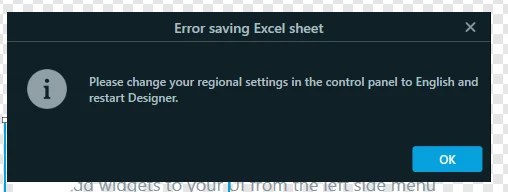
"Please change your regional settings in the control panel to English and restart Designer."
Can anyone help me with a hint?

HI
I get this error when I tride to run the simulator.
"Please change your regional settings in the control panel to English and restart Designer."
Can anyone help me with a hint?
Enter your E-mail address. We'll send you an e-mail with instructions to reset your password.