
Chandan Bhatia1
Associate III
November 3, 2020
Solved

Displaying mix of Chinses and English character

  • November 3, 2020
  • 2 replies
  • 1426 views

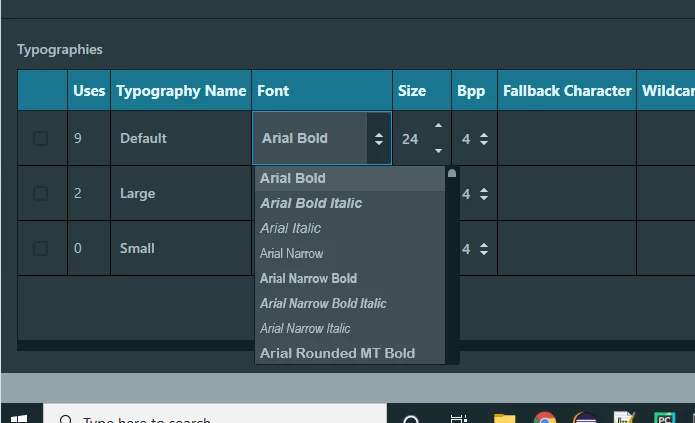
I want to display mixture of Chinses and English character but unable to correct find font in toughgfx.

For example utf-8 encoding E4 BD A0 E5 A5 BD 20 43 68 61 6E 64 61 6E 21 is 你好 Chandan!

Please let me know which font should I select at touchgfx.
0693W000005A97zQAC.png 

Thanks

This topic has been closed for replies.
Best answer by Tuoman

Microsoft YaHei or MHei, Segoe UI Symbol is some of these in default system fonts.

You can discover fonts by pasting your characters in Microsoft Paint text.

You can also combine and create your own fonts using e.g. FontForge.

2 replies

Tuoman
TuomanBest answer
Senior II
November 3, 2020

Microsoft YaHei or MHei, Segoe UI Symbol is some of these in default system fonts.

You can discover fonts by pasting your characters in Microsoft Paint text.

You can also combine and create your own fonts using e.g. FontForge.

Chandan Bhatia1
Associate III
November 3, 2020

I am using UTF-8 format but I think toughgfx use UTF-16. Please clear it.

E4 BD A0 E5 A5 BD 20 43 68 61 6E 64 61 6E 21 IS utf-8 encoded but its not working.