Display Issue using Text Wildcard Buffer
Hello,
I have a display issue when I using the wildcard buffer.
I already used wildcard buffer by the past on a previous version of touch GFX.
I created a new project for a custom board and the problem is that I can't modify a text with the wildcard buffer.
See my function below :
void Screen1View::Button1clicked()
{
	Unicode::snprintf(textArea1Buffer, TEXTAREA1_SIZE, "Bonjour");
	textArea1.resizeToCurrentText();
	textArea1.invalidate();
}
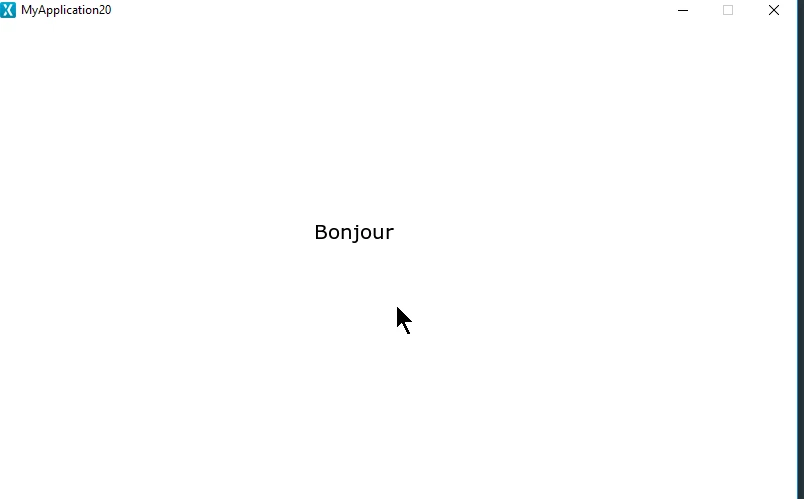
On the screen the letters (B,o,n,j,o,u and r) seems to be all on the top of the others, all at the same position.
I made some tests and in another one, I obtained only few letters of the complete word "njo" for exemple.
I think I use touch GFX function as needed because as I said I already complete an application on a previous custom board.
The only one difference is that on the previous project I used IAR and for this new one I use Atollic.
I also tried to complete the buffer, char by char :
textArea1Buffer[0] = 'B';
textArea1Buffer[1] = 'o';
textArea1Buffer[2] = 'n';
textArea1Buffer[3] = 'j';
The result is the same.
It looks to be an abnormal behaviour.
Could you help me ?
Thank you
Regards,
Alexis