

Custom PCB Using TGFX
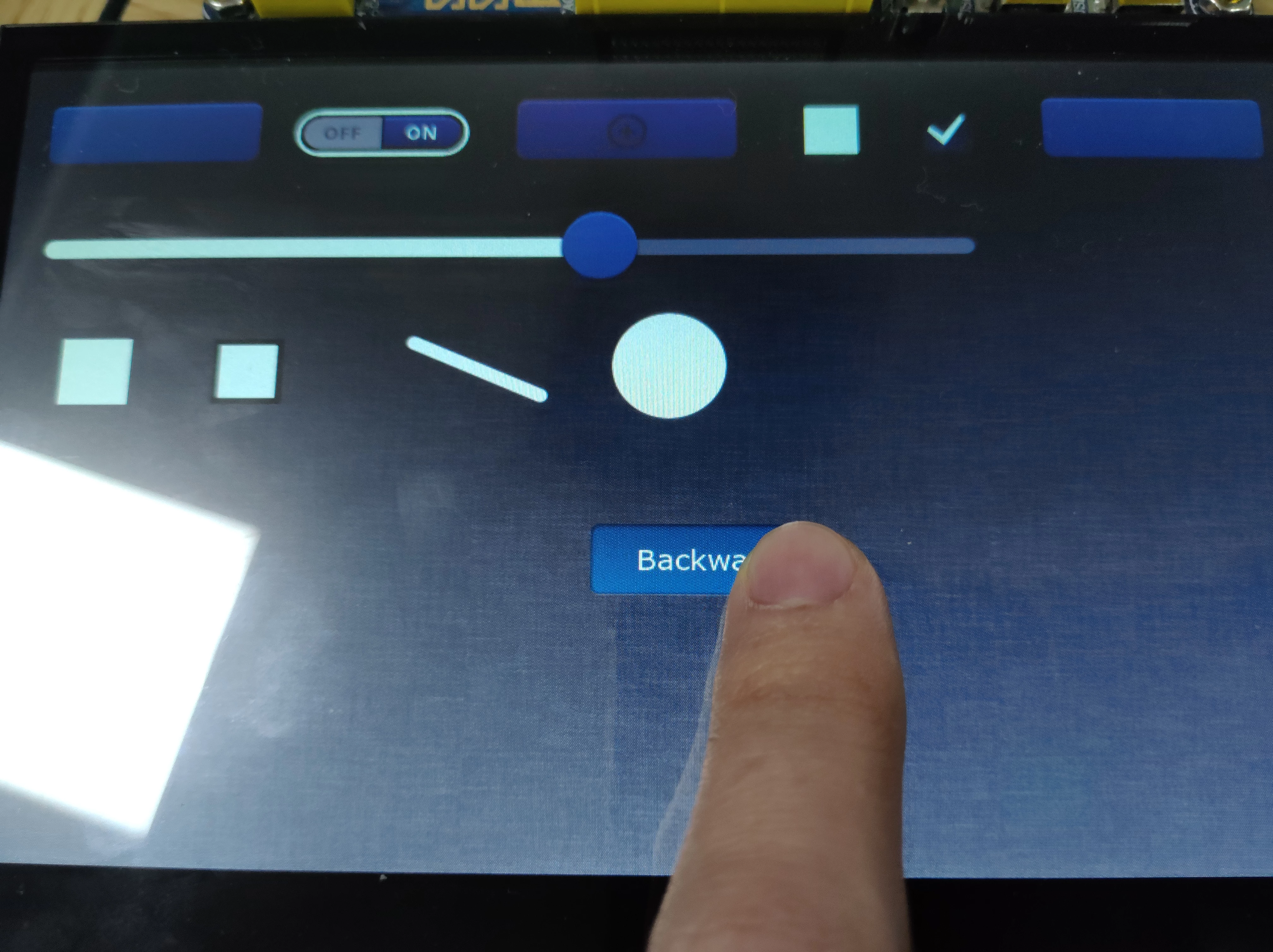 This is not a question asking post, just something I want to share. Hope will help people who meet the same problems I solved.
Last I asked lots of question about how to build a TouchGFX project.
You can find the original ask in [Does CubeMX 5.0.0 Ready to Build a TouchGFX Project?]
After few weeks work, I finally make this right. Now I'd like to share some information with you.
About my situation:
Host project builder: STM32CubeMX 5.0.0
Firmware package: STM32Cube FW_F4 V1.23.0
GUI builder: TouchGFX Designer 4.10.0 within the firmware package
ToolChain/IDE: TrueSTUDIO for STM32 9.0.0 convert from SW4STM32
Hardware: Custom PCB with STM32F429IG
LCD Panel: 1024 * 600, RGB565 interface parallel
Touch Screen: Capacity Multi-touch, IIC interface
Q1. How to build a host project for TouchGFX graphic solution using TrueSTUDIO toolchain?
A1. You can follow UM1718 tutorial 10 or my posts which have more details and screen shots in my original ask. BUT before you hit the generate code button, make sure the Toolchain/IDE setting is select to SW4STM32. Since there are some generation problems when using TrueSTUDIO as its Toolchain/IDE. Later then you can use TrueSTUDIO to open .project files and do some automatic conversion.
Q2. How to build a GUI project within the host project? Why I try to build the host project and tons of missing files error are showed?
A2. After you hit the generate code button and the generation is completed.You'd better not to open .project file so far. Go back to CubeMX's GRAPHICS configuration page. Now the TouchGFX's Execute button should be available then click it. You could do some quick design just for test in the opening TouchGFX designer.After dragged some widgets or change background image, you have to save the GUI project and click the Generate Code button. The the status bar or Detailed Log will tell you if code generation is finished.
Q3. What if I meet a code generation error in GUI project?
A3. Close the TouchGFX designer and then reopen project in yourhostprojectname/TouchGFX/yourhostprojectname.touchgfx file. And then try again. In most cases, it can be generated after close and reopen procedure. But if it didn't, at least you can give a try that delete all files and directories except yourhostprojectname.ioc file and try again.
Q4. Error in compile main.cpp?
A4. You may need to change
void MX_FREERTOS_Init(void);to
extern "C" void MX_FREERTOS_Init(void);in line:89 or /*Private function prototypes*/ section in main.cpp.
Q5. Error in compile freertos.c?
A5. You may need to change
void GRAPHICS_MainTask(void)
{
 touchgfx::HAL::getInstance()->taskEntry();
}
to
extern "C"{
 void GRAPHICS_MainTask(void)
 {
 touchgfx::HAL::getInstance()->taskEntry();
 }
}
in the bottom of BoardConfiguration.cpp.
Q6. Fall into an infinite loop in startup file after tastEntry() function called?
A6. Make sure you enable interrupts related to LTDC and DMA2D in CubeMX NVIC configuration.
Q7. LCD display some glitch-style content and program run into the Hardfault_Handler() function?
A7. Check in MX_FREERTOS_Init() function which is declared in freertos.c, and double the defaultTask stack size (in bytes) parameter. 128 to 256, 256 to 512 ,512 to 1024. The 1024 bytes stack size work for my situation.
Q8. LCD display the test design well but want more design?
A8. Make sure you close the host project in TrueSTUDIO project resource manager. And open your GUI project like A3. Finish your design and generate GUI code. Now reopen your host project and completely rebuild it. If you meet some errors said that no such file things, you were probably do some "delete" design before.If you just do "add" design, usually won't come up these errors. You have to find out which files didn't exist in file system anymore but still in your host project structure, and remove them from it. And do a completely rebuild again. Please don't click the Execute button again, unless you want start a totally new GUI design.
Q9. Want to use LCD width or height beyond 1000 pixels?
A9. I don't know why the width or height limitation is 1000? Because LCD display panel commonly have 1024 pixels in width or height. You can do some hacks to override the limitation, but at your own risk. Firstly, use notepad to open *.touchgfx file, change
...
"Resolution": {
 "Width": 1024,
 "Height": 600
 },
...
value to what you want before you do any design else. Secondly, change values in BoardConfiguration.cpp -LCD_GetXSize(void)\LCD_GetYSize(void)\touchgfx_init(). Thirdly, change value HW_Init.cpp -MX_LCD_Init() - HAL_LTDC_SetPitch().
I will keep share if I found something is valuable.
