


WhyIsThisSo
Associate III
October 15, 2022
Question

Change Wildcard text fore color on a FlexButton

  • October 15, 2022
  • 3 replies
  • 2470 views

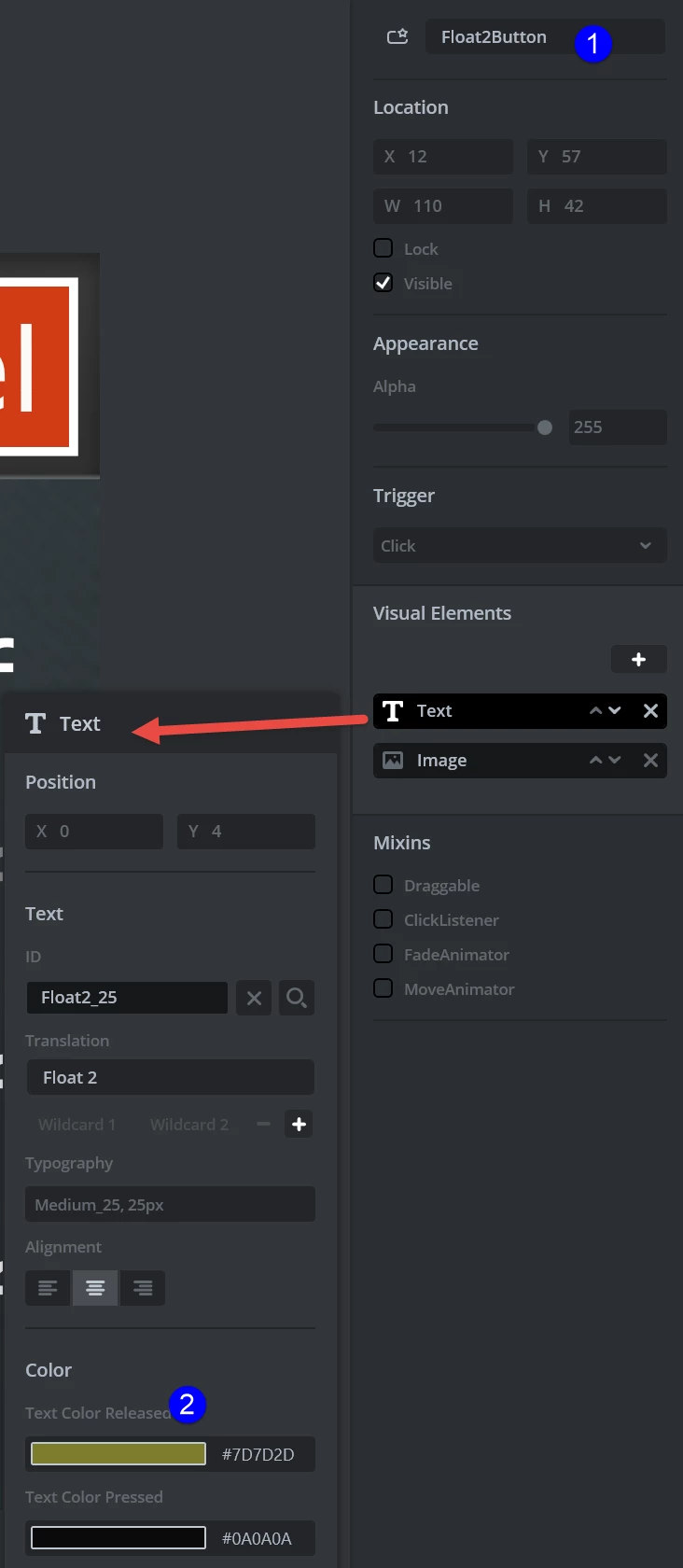
Created this function where want to pass a flex button as a parameter to the function and change it's text color.

Changing the text color directly using the object name works, but when I pass the button to the function I cannot get it work

Any help very much thankful

void scr_MainView::setButton(touchgfx::AbstractButtonContainer &button)
{
	// works
	// directly setting color of this button 
	Float2Button.setTextColors(Color::getColorFromRGB(125, 125, 45), Color::getColorFromRGB(145, 145, 145));
	
	// error
	// button passed to function
	&button.setTextColors(touchgfx::Color::getColorFromRGB(145, 145, 145), touchgfx::Color::getColorFromRGB(145, 145, 145));
}
0693W00000Uo6UgQAJ.png

This topic has been closed for replies.

3 replies

MM..1
Chief III
October 15, 2022

You miss use reference, right is

// button passed to function
	button.setTextColors(touchgfx::Color::getColorFromRGB(145, 145, 145), touchgfx::Color::getColorFromRGB(145, 145, 145));

WhyIsThisSo
Associate III
October 15, 2022

Hi @MM..1​ 

// button passed to function
	button.setTextColors(touchgfx::Color::getColorFromRGB(145, 145, 145), touchgfx::Color::getColorFromRGB(145, 145, 145));

It makes not difference whether I have "&" or not. There doesn't seems to be any reference to setTextColors method

The button parameter is AbstractButtonContainer and a flexbutton on the screen

F3 shows me this

touchgfx::TextButtonStyle< touchgfx::ImageButtonStyle< touchgfx::ClickButtonTrigger > > Float2Button;

void scr_MainView::setButton(touchgfx::AbstractButtonContainer &button)

MM..1
Chief III
October 15, 2022

Simple use same types or change type online

Osman SOYKURT
Technical Moderator
October 24, 2022

Hello WhyIsThisSo,

I think you'll need to const cast your flexButton to be able to call the setTextColors() function with it. Something like this would work :

void Screen1View::changeColor(touchgfx::TextButtonStyle< touchgfx::BoxWithBorderButtonStyle< touchgfx::ClickButtonTrigger>> &button)
{
 button.setTextColors(touchgfx::Color::getColorFromRGB(255, 0, 0), touchgfx::Color::getColorFromRGB(0, 255, 0));
}
 
void Screen1View::clickFlexButton() // function to be declared on designer and triggered when clicked on the flexButton
{
 changeColor(const_cast <touchgfx::TextButtonStyle< touchgfx::BoxWithBorderButtonStyle< touchgfx::ClickButtonTrigger > >&> (myFlexButton));
}

/Osman

Osman SOYKURTST Software Developer | TouchGFX