Question
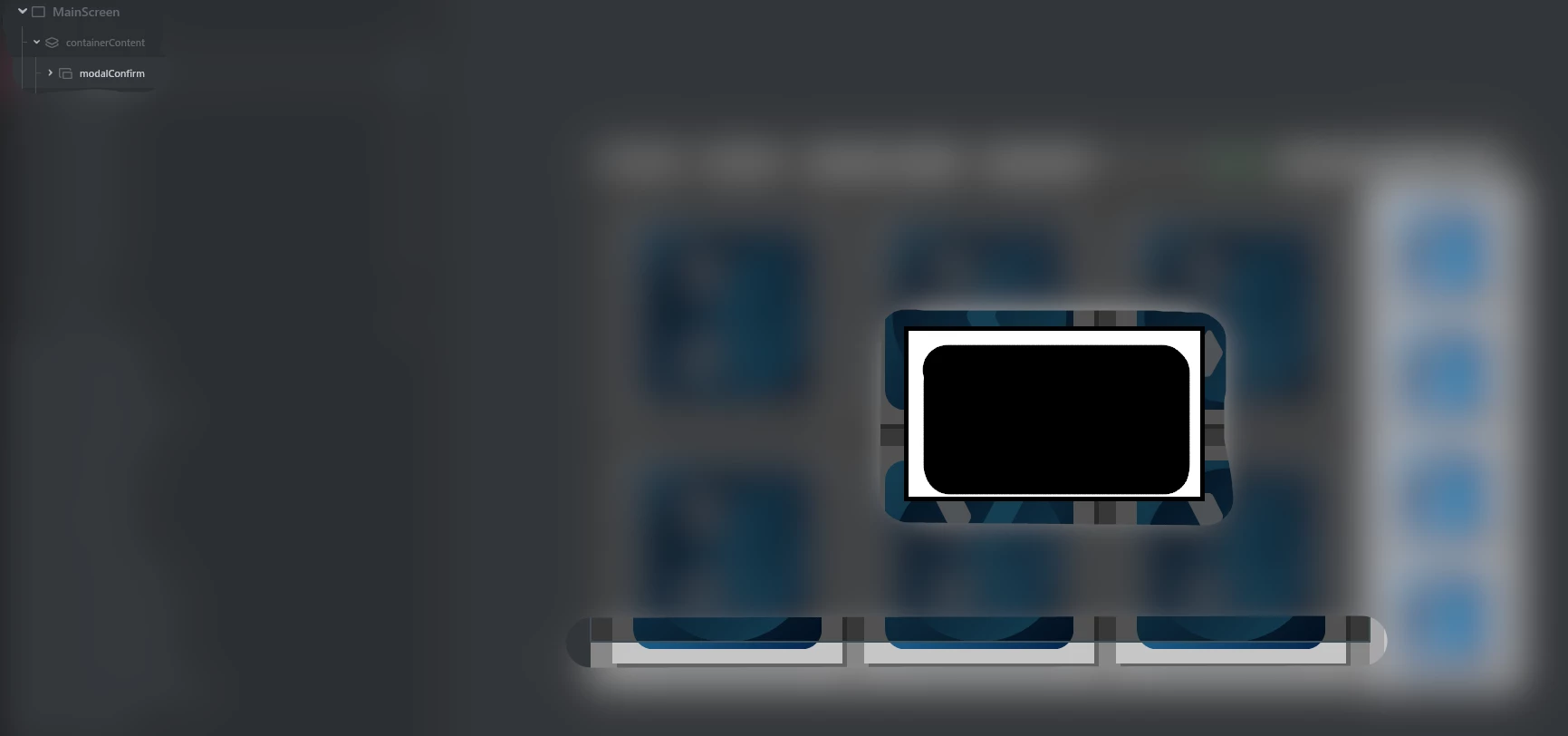
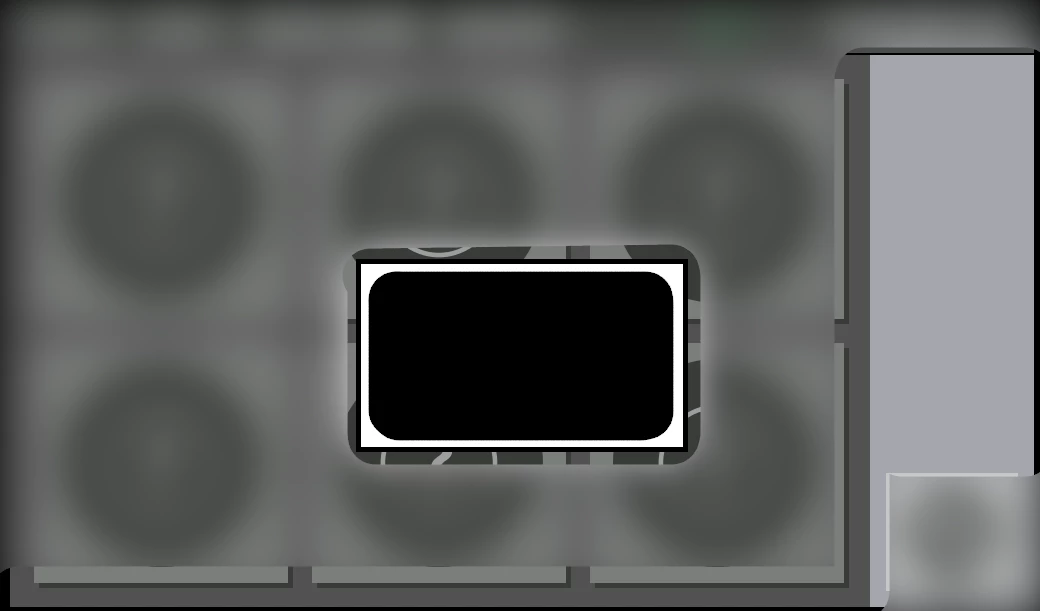
Bug: modal drawn incorrect in Designer when moving into a container.
TouchGFX Version: 2.26.0
Problem: preview in Designer looks different from generated code.
Details: when moving a modal into an existing container, Designer does not draw the dimensions correctly.
Steps to reproduce: Add a container that is smaller than the screen size and move to somewhere away from screen edges. Add a modal to the screen. Add a Box to the modal. Move the modal into the container. See the incorrect drawn modal. Switch between screens to force correct drawing.
Workaround: in Designer, go to another screen, and then go back to the screen you were editing.
See also attached images: