

Associate III
October 6, 2026
Question

Bug: empty SVG can be selected in Designer, but source files are not generated

TouchGFX Designer 4.26.0


Given the following “empty” SVG file:

<?xml version="1.0" encoding="UTF-8" standalone="no"?>
<!-- Created with Inkscape (http://www.inkscape.org/) -->

<svg
width="1024"
height="600"
viewBox="0 0 1024 600"
version="1.1"
id="svg1"
xml:space="preserve"
xmlns="http://www.w3.org/2000/svg"
xmlns:svg="http://www.w3.org/2000/svg"
xmlns:rdf="http://www.w3.org/1999/02/22-rdf-syntax-ns#"
xmlns:cc="http://creativecommons.org/ns#"
xmlns:dc="http://purl.org/dc/elements/1.1/">
<rect x="0" y="0" width="1024" height="600" fill="none"/>
</svg>

I can select it as SVG file in Designer:
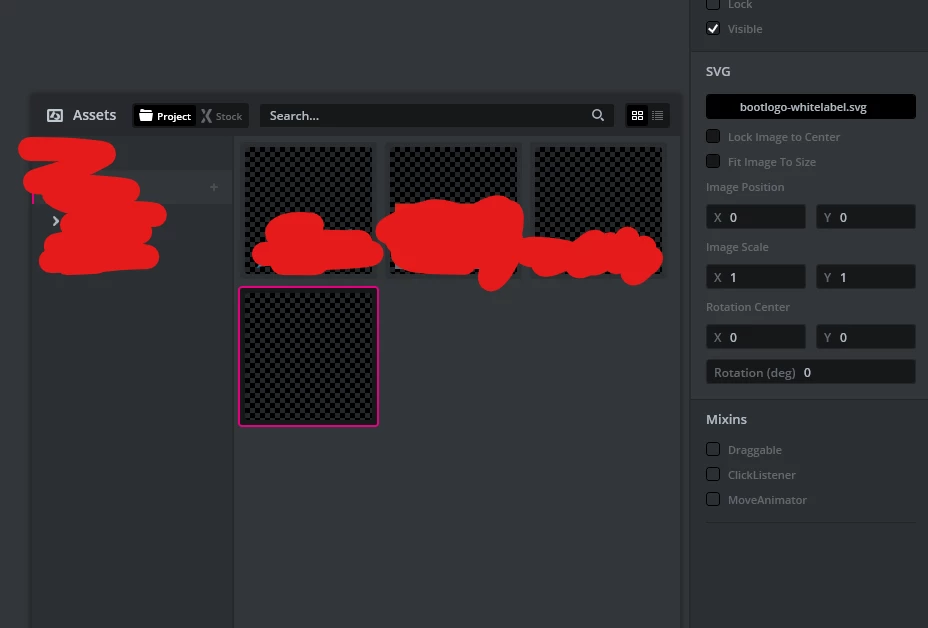
But sources do not get generated for the file. So when I try to build the simulator Build in Visual Studio I get the following error:

 

3 replies

ST Technical Moderator
October 9, 2026

Hello,

May I ask what the use case of the empty SVG is?

I believe this happens because no one ever considered the case of an empty SVG.

The TouchGFX generator primarily focuses on paths within the SVG - for example it also tries to eliminate empty paths and so on.

It is likely that it would not generate anything of no useful paths are found. As a workaround, you culd try to add a path to the image that is practically invisibe on the screen.

Associate III
October 9, 2026

When using themeing, every theme got assigned an SVG image. There was a theme without an image, so the workaround was to include an empty SVG, or hide the component. We have opted for hiding the component, but during researching we came upon this bug.

ST Technical Moderator
October 9, 2026

I’ll consider your issue resolved, then.

Thanks for the heads up, I’ll file a bug report.