


Another function is called when a button is clicked in TouchGFX.
- The operation of the touch button was confirmed through the example of the existing TouchGFX.
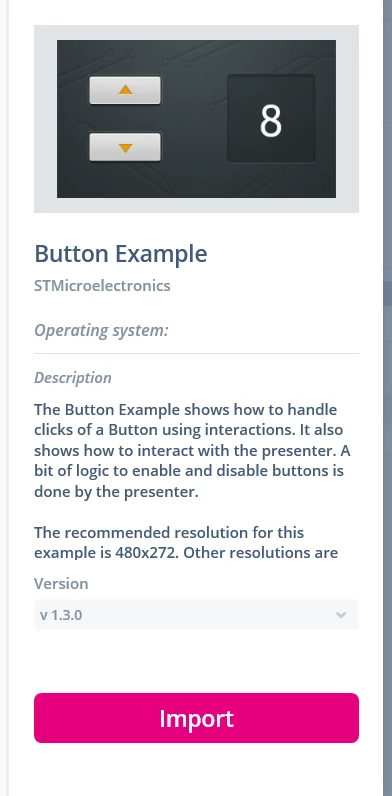
I reviewed the Button example in TouchGFX Designer.
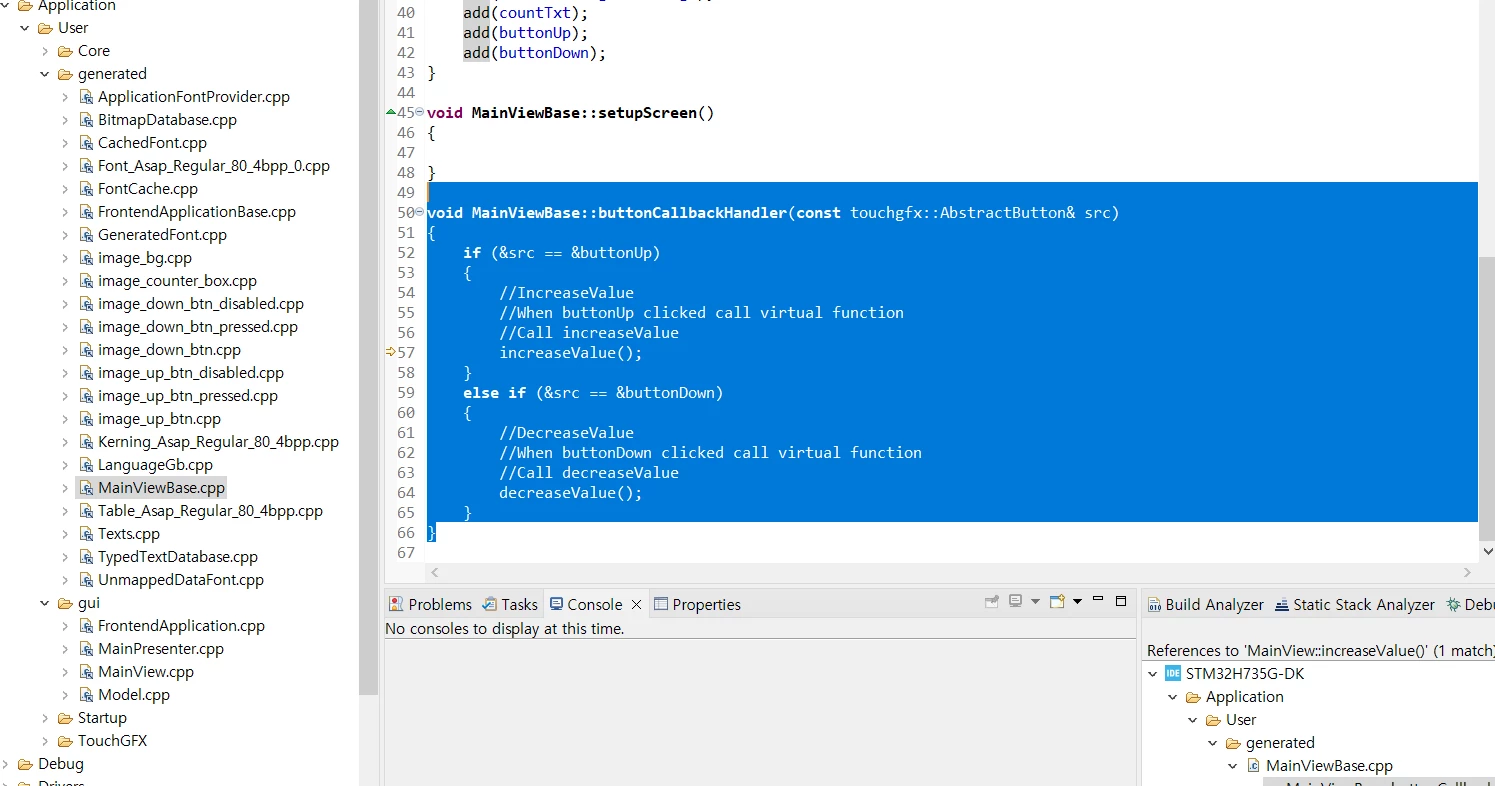
As in the captured image above, I figured out the structure of the function that is called when the touch button is pressed using a break in MainViewBasee.cpp
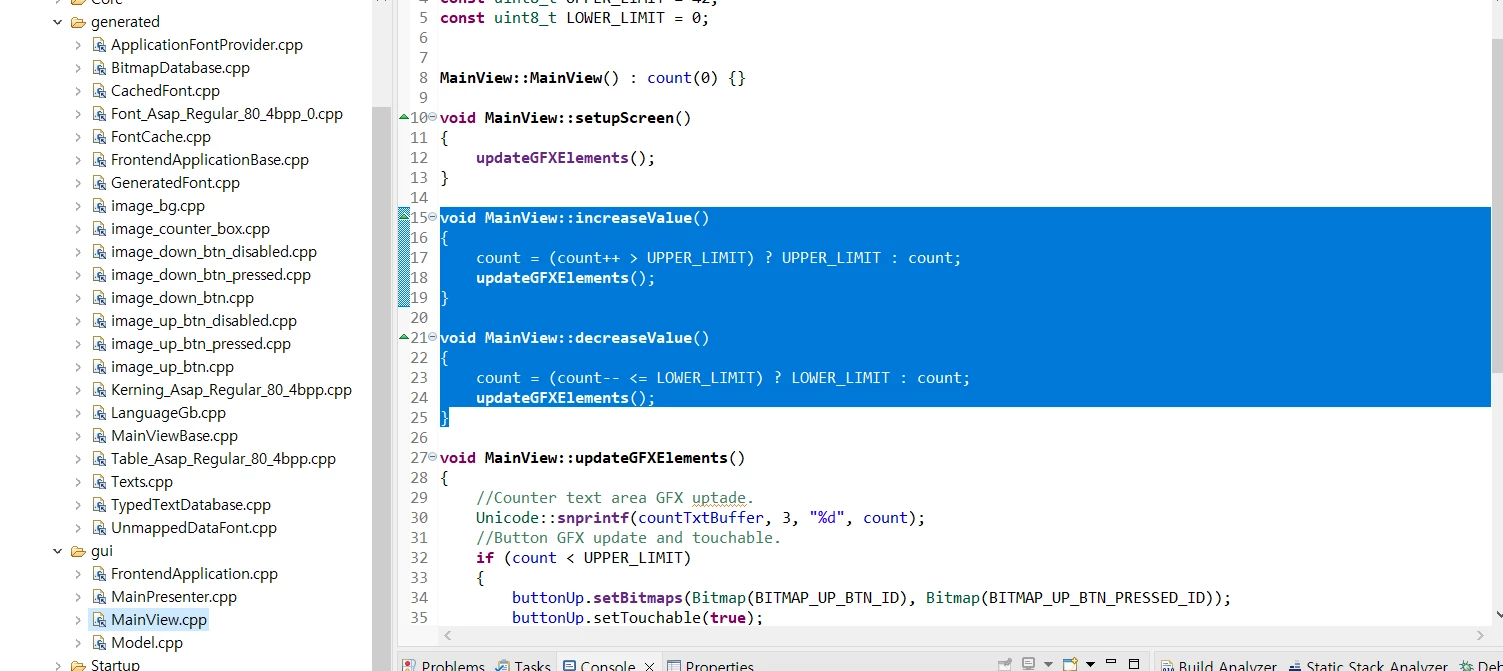
If you break the break in "void MainViewBase::buttonCallbackHandler(const touchgfx::AbstractButton& src)"
and look at each step, you can see that it is normally called with a normally defined function.
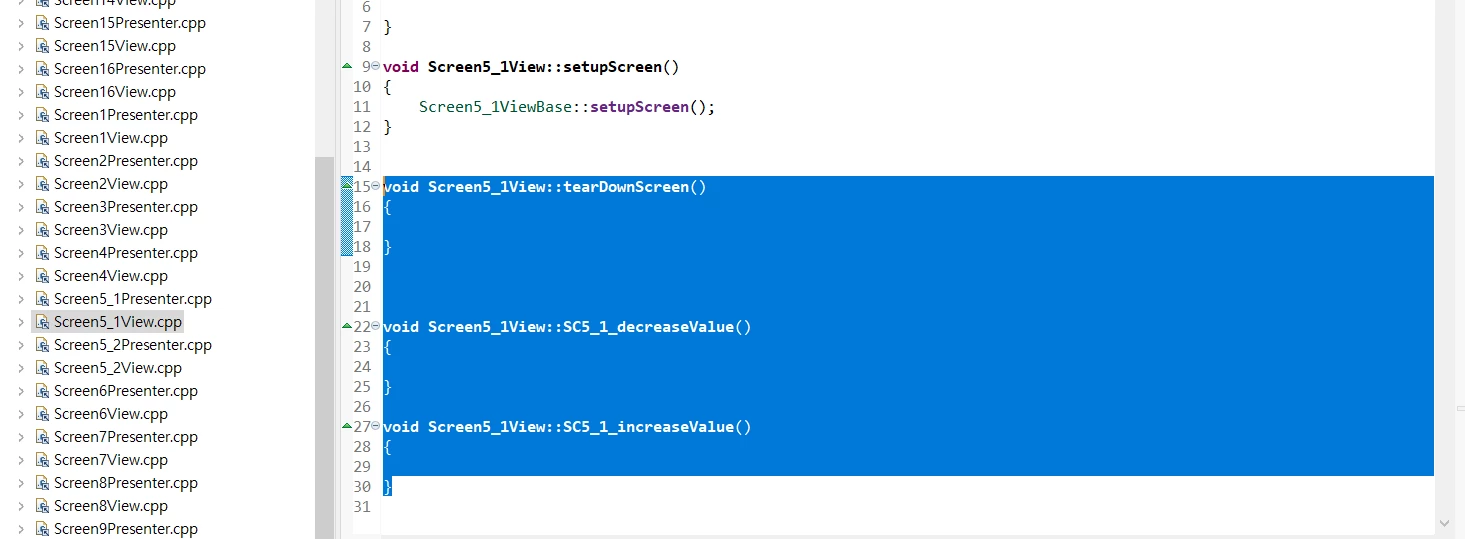
However, the problem is that other functions are called in the project you created yourself.
It should be "SC5_1_decreaseValue" or "SC5_1_increaseValue",
but "void Screen5_1View::tearDownScreen()" is called.
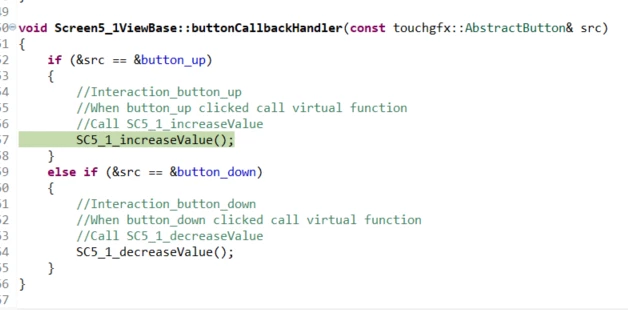 If you apply the brake, press "botton_up" and confirm with a single step,
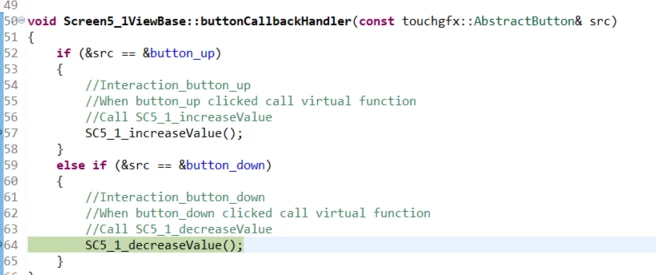
After entering the condition in button_up in the if statement, it is executed as the button_down part in the next step.
and
in the next step
"void Screen5_1View::tearDownScreen()"
will run as
There doesn't seem to be much difference compared to the example source that works normally, but what the hell is the problem?