SWD connection fails with STiRoT enabled on NUCLEO-H533RE — correct firmware update procedure?
Hello ST Community,
I am using a NUCLEO-H533RE board with STM32CubeH5 and STM32CubeProgrammer. I would like to clarify the correct procedure for programming firmware over ST-LINK/SWD with these boot configurations:
- STiRoT → Secure/Non-secure application
- STiRoT → OEMuRoT → Secure/Non-secure application
My current standalone STiRoT configuration was provisioned using the supplied scripts, with the final product state set to OPEN.
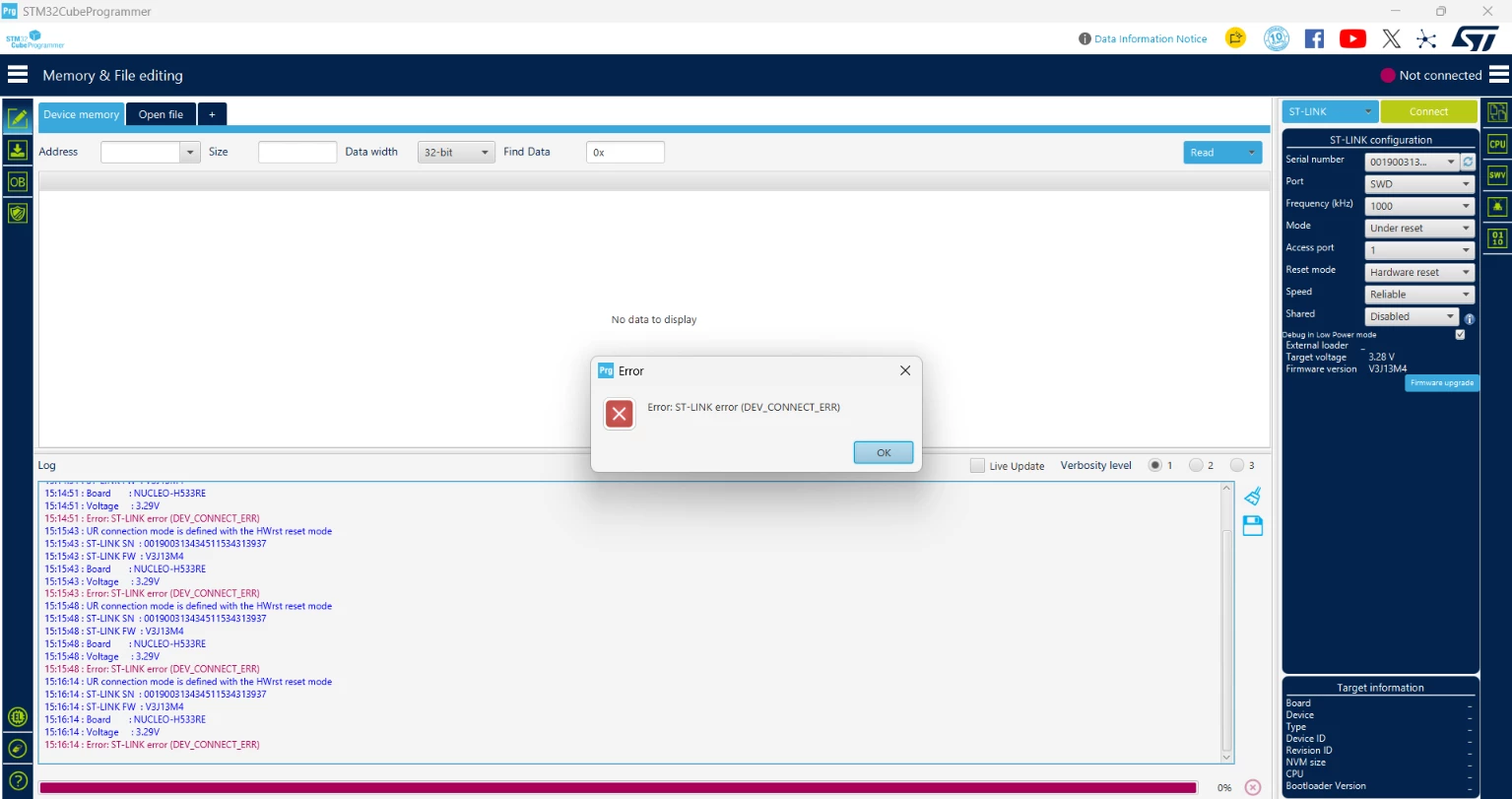
When CN7 pins 5 and 7 are connected (BOOT0 tied to VDD), the application runs, but STM32CubeProgrammer cannot connect through SWD. It reports:
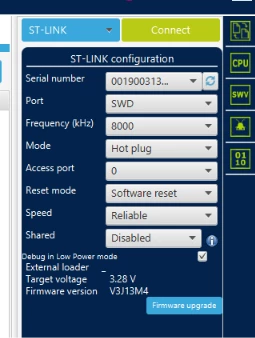
I have tried the following settings:
Port: SWD
Frequency: 400–1000 kHz
Mode: Under Reset
Access port: 1
Reset mode: Hardware reset
If I remove the CN7 pin 5–7 jumper and power-cycle the board, SWD connection and programming work. After programming the signed/encrypted update image, I disconnect, power off, reconnect the jumper, and power on. The application then runs with the updated LED blinking behavior.
Could you please clarify:
- Is this jumper-removal procedure expected and recommended for programming in the OPEN state with STiRoT enabled?
- Why does SWD connection fail with BOOT0 high? Is this related to STiRoT execution, the current HDPL, or debug-access restrictions?
- Can CubeProgrammer connect and program the download slot while keeping BOOT0 high? If so, what connection settings or Debug Authentication steps are required?
- For standalone STiRoT, is programming
appli_enc_sign.hexinto the configured download area, followed by a reset, the correct update procedure?
I would also appreciate clarification on when to use STM32CubeIDE’s Run/Debug download and when to use only the signed/encrypted update image through STM32CubeProgrammer.
Thank you.