Associate
May 18, 2024
Question

STM32H723ZG Unable to connect to ST_LINK when powering on for the first time, and the COM port canno

  • May 18, 2024
  • 19 replies
  • 9327 views

Hello everyone:

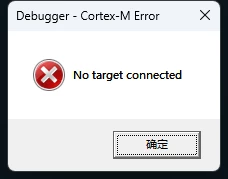
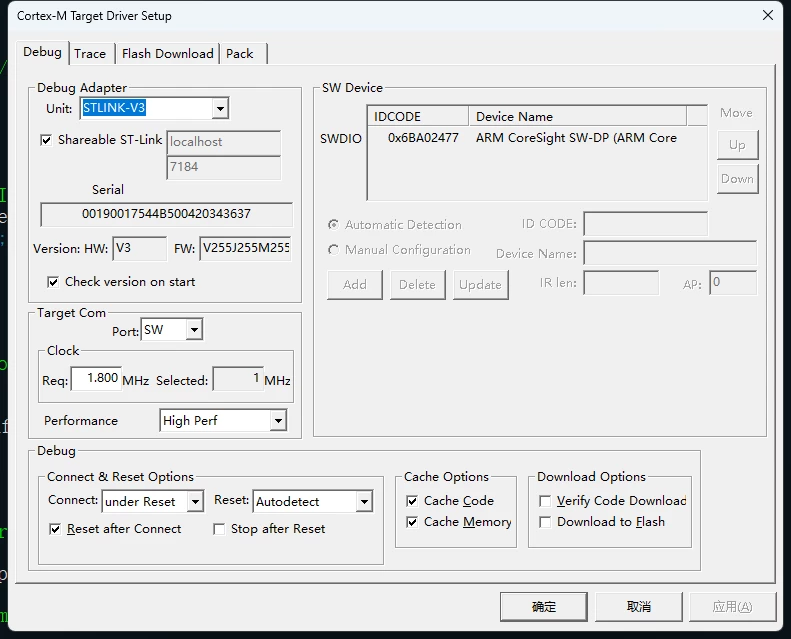
After I got the development board, I soldered it first. After soldering it, only the COM port light lit up red when I powered on for the first time, and the LED area and user buttons did not respond. After using the debug support of keilv5, I successfully read the port. However, I cannot connect to the hardware when using keil's ST download function. I tried to use cubeide to download again, but the port still could not be found, but my computer device manager could find the port and the universal serial bus device could query STM32 ST-Link/V3. I have the following screenshots as a supplement.
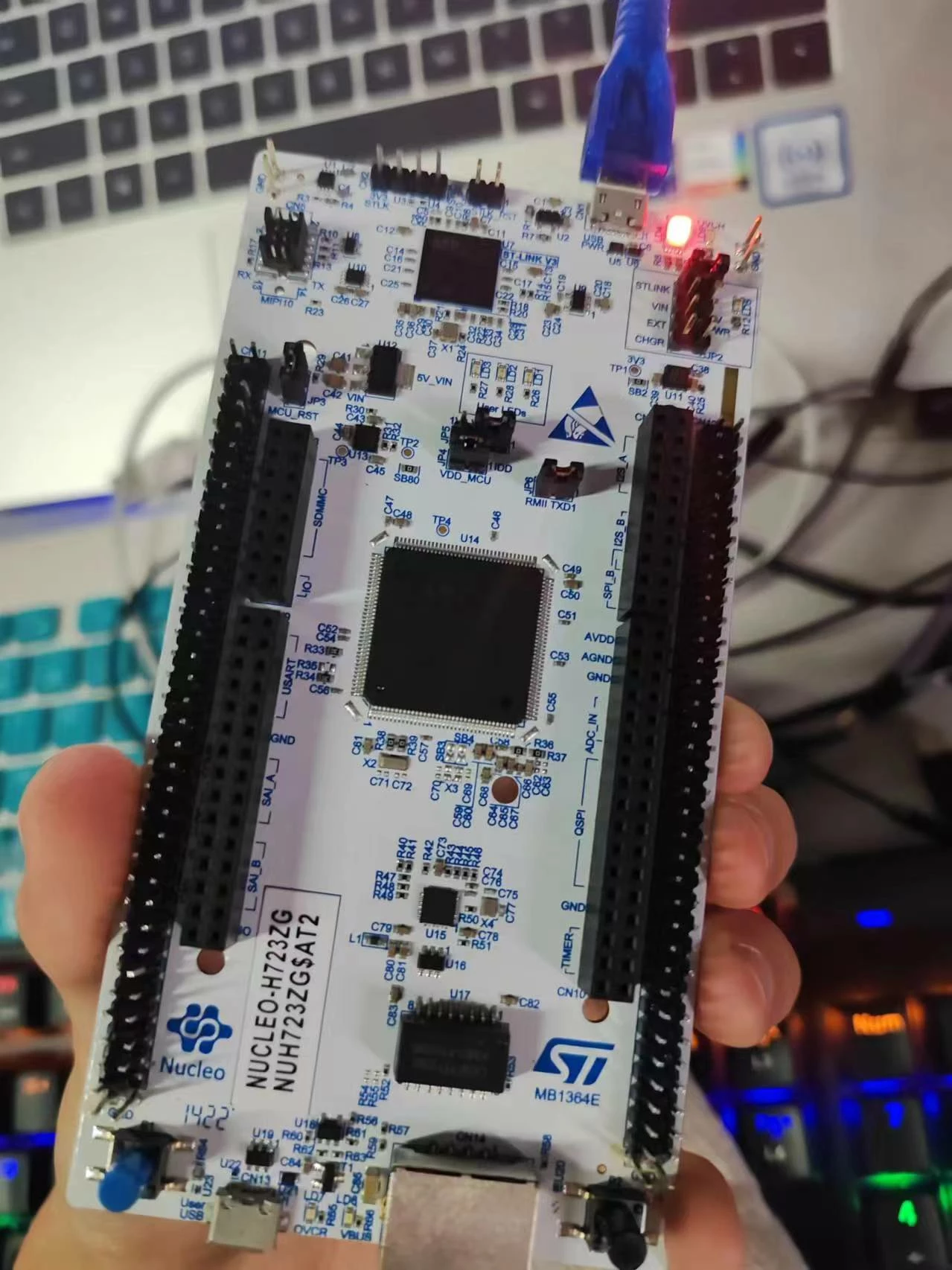
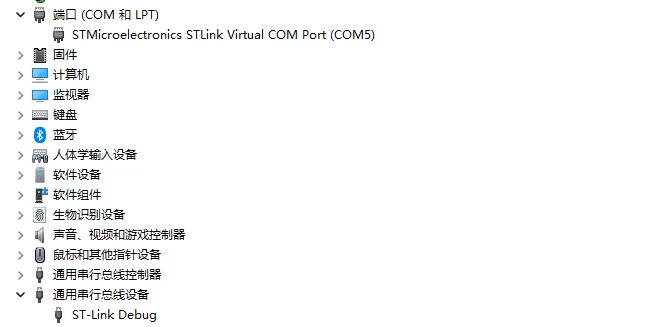
1.jpg2.png3.png4.png

This topic has been closed for replies.

19 replies

STTwo-32
ST Technical Moderator
May 18, 2024

Hello @ML111 

Could you please insure that you are using a data Cable and not a charging one. Also, try using another USB port or another PC.

Best Regards.

STTwo-32 

To give better visibility on the answered topics, please click on Accept as Solution on the reply which solved your issue or answered your question.
ML111Author
Associate
May 19, 2024

Hello @STTwo-32 

First of all, thank you for your reply. I read your message carefully. I am only replying to your message now due to personal reasons. I am pretty sure I am using a data cable because I have used the same board from another team and I have successfully programmed it on their board. I'm using the same data cable. I also changed the data cable and PC, but the results were the same.

Best Regards.

ML111

ML111Author
Associate
May 19, 2024

Hello @STTwo-32 

Oh no, my answer may misunderstand you, I mean it can be successfully burned on another team's board. But my board cannot, whether it is replacing the PC or the data cable.

Best Regards.

ML111

MM..1
Super User
May 19, 2024

Keil cant unprotect or wake up MCUs. Try connect with STMCubeprogrammer and erase / unprotect, plus update FW onboard STLink.

ML111Author
Associate
May 19, 2024

Hello @MM..1 

Thanks for your reply, I have tried connecting multiple times using STMCubeprogrammer, but the connection is sending errors. as the picture shows.

image.pngimage.png

Best Regards.

ML111

AScha.3
Super User
May 19, 2024

Hi,

>After I got the development board, I soldered it first.

What did you solder exactly ? 

+

AScha3_0-1716110359679.png

V0 is impossible - except you tried to flash something to this (st-link V3) cpu... did you ? or anybody else ?

board was new (not touched by anybody) ?

+

AScha3_1-1716110524870.png

So target here has no power ( 0.0 V) , this CANNOT work. Set jumpers correct, see manual.

-> 4 questions ... can you answer all ?

If you feel a post has answered your question, please click on " Best Answer ".
ML111Author
Associate
May 19, 2024

Hello @AScha.3 

->After I received the board, the IO port of the board was not soldered. I need to solder it myself before it can be used.
-> The first time I successfully updated the firmware was when the board was successfully read into the COM port by my computer and I was forced to update the firmware when I downloaded it using Cube IDE.
->board was new. But I can only make sure that it is my first contact after receiving the goods.
->I have the jumpers set correctly. Because another one on the same board can be downloaded. Moreover, my board did not have the correct demo when I powered it on for the first time after receiving the goods. I think this is not my fault. After the other board is powered on for the first time, the user buttons can be used to control the LED lights, but my LED lights have no response, including lighting up.

Thanks for your help.

ML111

Tesla DeLorean
Guru
May 19, 2024

Still not really explaining WHAT exactly you soldered.

Not shown in picture.

Perhaps you caused a short or for the MCU not to be powered. 

Check voltages at MCU with meter or scope.


Tips, Buy me a coffee, or three.. PayPal Venmo (See Profile) Up vote any posts that you find helpful, it shows what's working..