St-link debugging launch to main failed
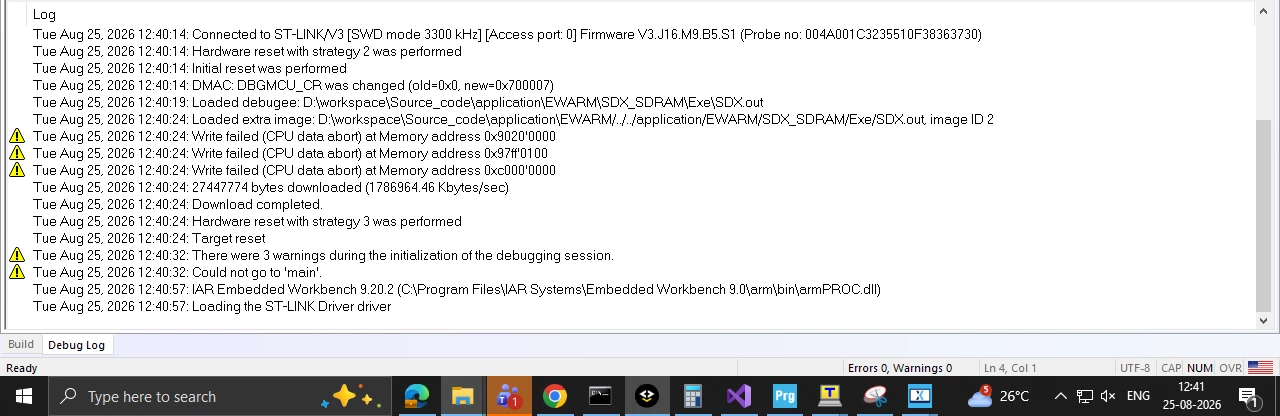
I am running into a frustrating issue while trying to debug my project. Whenever I start a debugging session, the debugger fails to hit or start from the main () function.
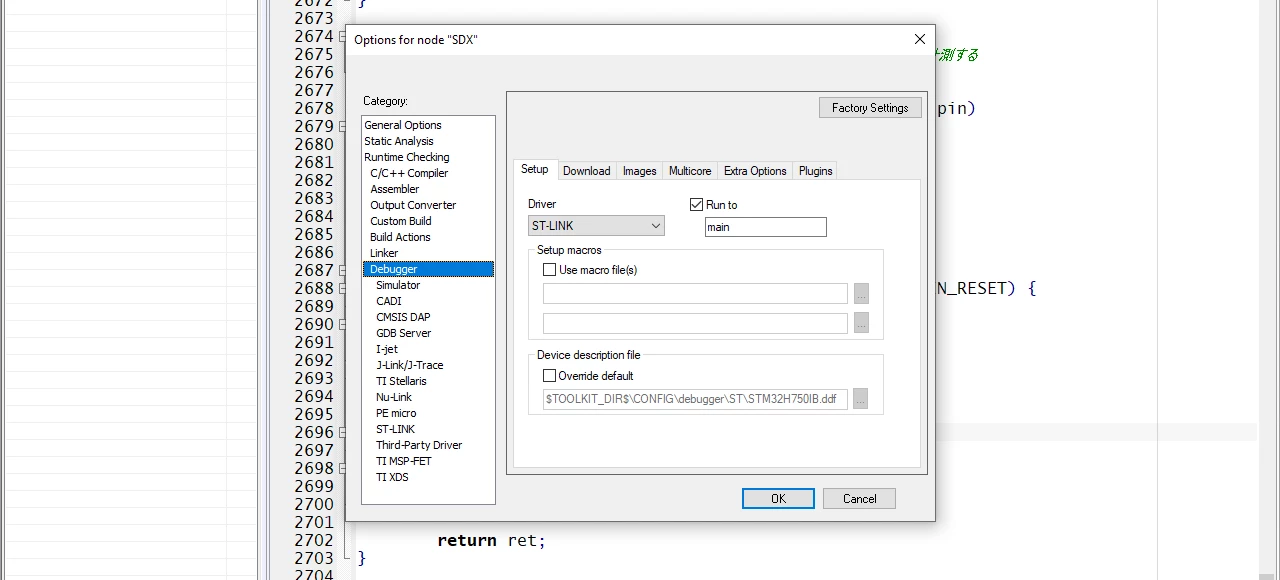
I have already double-checked and configured the settings under Tools > Options > Debugger [adjust path if necessary], but the issue persists. Because of this, it's extremely difficult to step through the code and understand the execution flow from the beginning.
Environment Details
-
IDE / Version: IAR EW 9.20.2
-
Language: C/C++ touch GFX framework is there
-
Operating System: Windows
-
STM32H750IBTx
What I've Tried
-
Checked and re-configured the debugger paths under Tools > Options > Debugger.
-
Cleaned and rebuilt the solution/project.
-
Kept breakpoint one the very first line of code after main ()
Error Message / Behavior
-
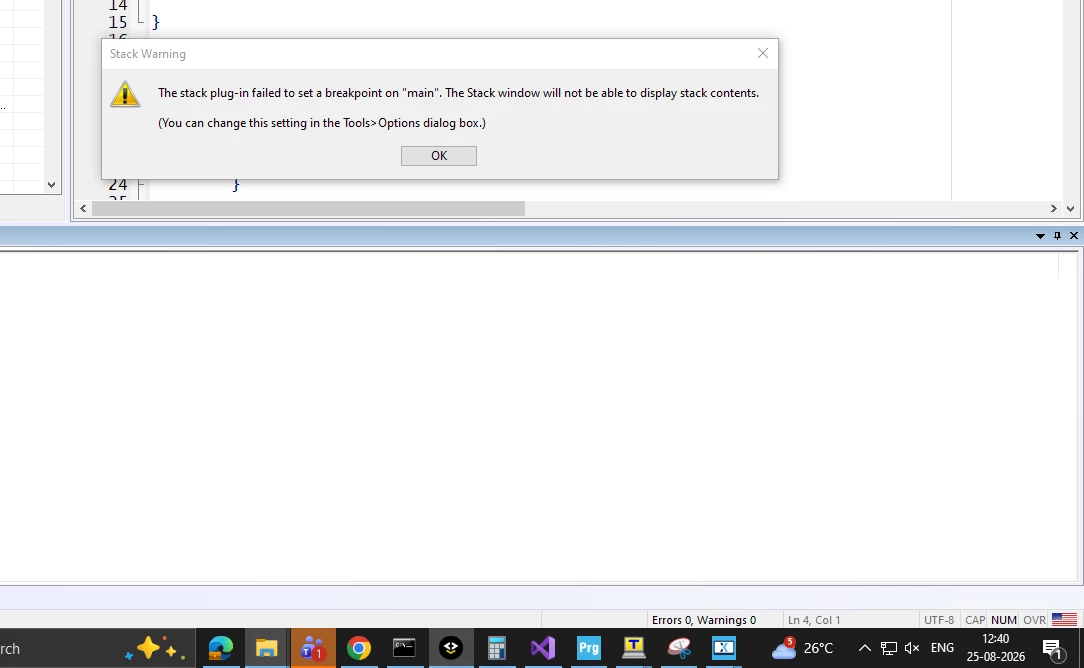
The execution does not stop in main () entirely or throws a symbol loading error.