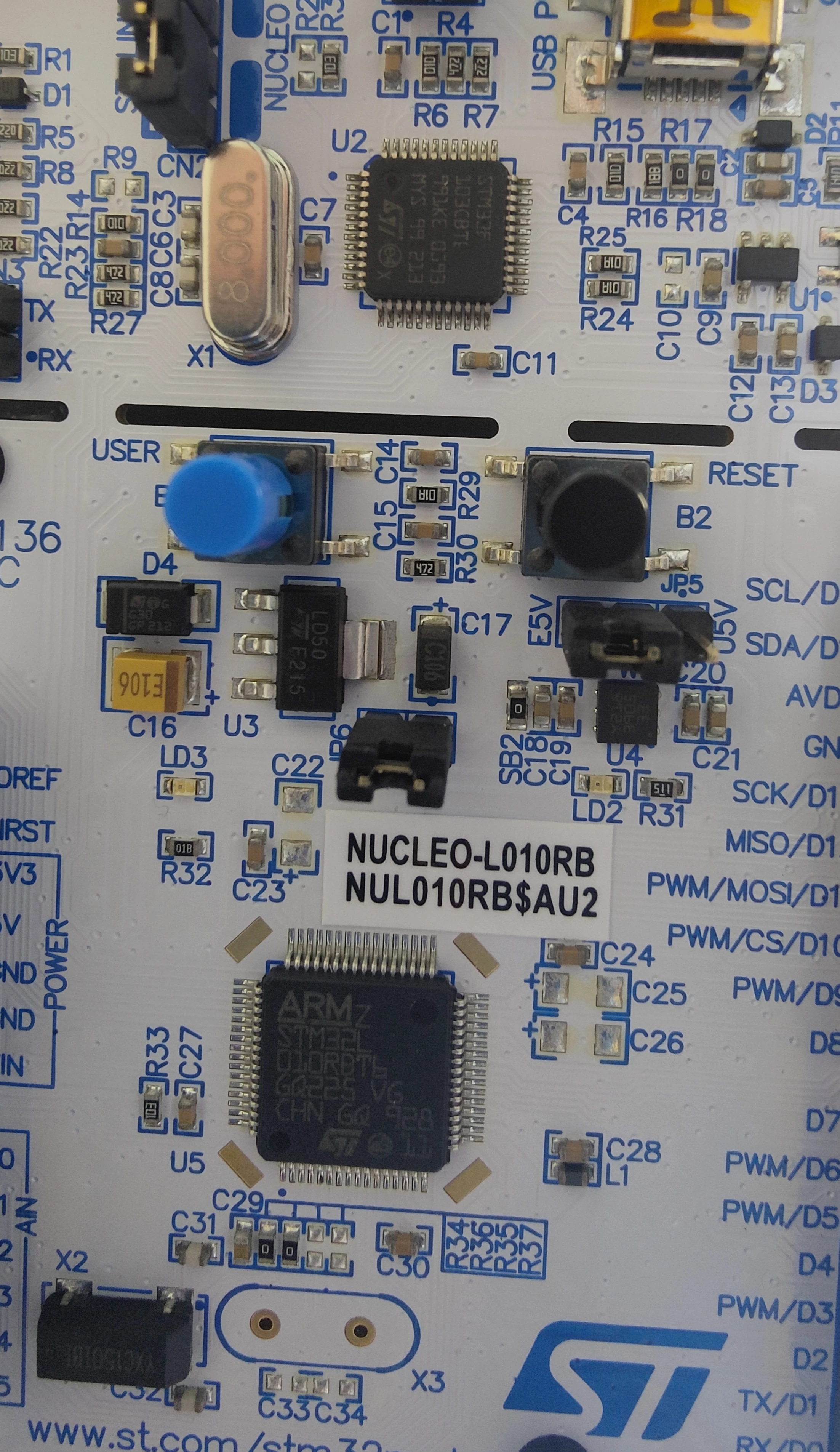
Hi,
I finally solved my problem.
Since I did lots of tests to test the card and after that to recover my configuration, I could not said what exactly gone wrong with the error in the first place.
I can root for people how's having hard times with fatFS by SPI on a nucleo board. So in my previous post, i was upset because the tutorial linked doesn't work with the version of fatFS generated with MXCube (@ 13/09/2023, version: R0.12c), it never work for me, even after trying my best reading the original Korean post.
Instead, use this: https://01001000.xyz/2020-08-09-Tutorial-STM32CubeIDE-SD-card/
It require some debug effort by working with ffconfig.h or directly with the fatFS configuration on MXCube.
The SPI baudrate could be set much higher than 281 kbps so don't pay too much attention to that. And you should set off all configuration using GET_BLOCK_SIZE so set FF_MAX_SS == FF_MIN_SS (= 512 for me and lot of SD card just check the sector size of your card) or you could in user_diskio_spi.c at USER_SPI_ioctl add
// Line 506 user_diskio_spi.c
// Do it only if you know you sector size
// Or replace the case by something that send_cmd
// I don't know how to make it
// So good luck

case GET_SECTOR_SIZE:
*(WORD)buff = 512; // Put your sector size
break;
I recommend the first solution since it much more easy to change after that instead of hard coded .c line.
If you know how implement the GET_SECTOR_SIZE, i'm let me know it.
To make sure my SD is on correct format, i just free all its memory and use f_mkfs on it (Since i had FR_NO_FILESYSTEM error after some formatting).
I hope it would help some people trying their best on google research.
Best Regards.
Edit: I changed my card in the process.