Associate II
September 4, 2024
Solved

IAP Jump to application not working

  • September 4, 2024
  • 8 replies
  • 4405 views

Hi, I have some problem about IAP.

It's not working application after jump from custom boot.


- MCU : Stm32F446RC

- Board : Custom board

- Boot address : 0x08000000 ~ 0x0801FFFF (128k)

- Application address : 0x08020000 (384k)


- Custom Boot Flash.ld

TaronKim_1-1725433034351.png


- Application Flash.ld

TaronKim_2-1725433073723.png


- Application system_stm32f4xx.c

TaronKim_3-1725433133878.pngTaronKim_4-1725433145803.png

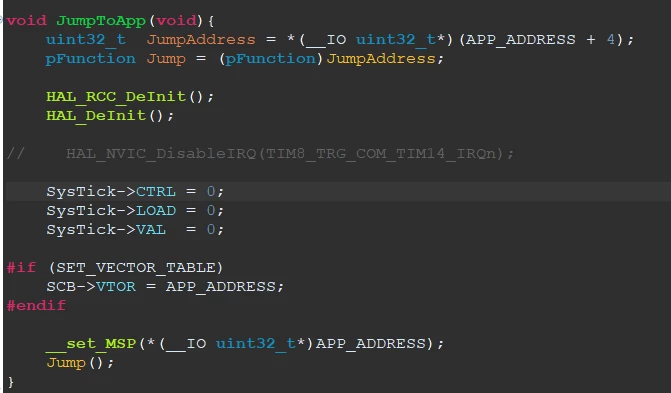
- Jump to App code

TaronKim_0-1725432821639.png


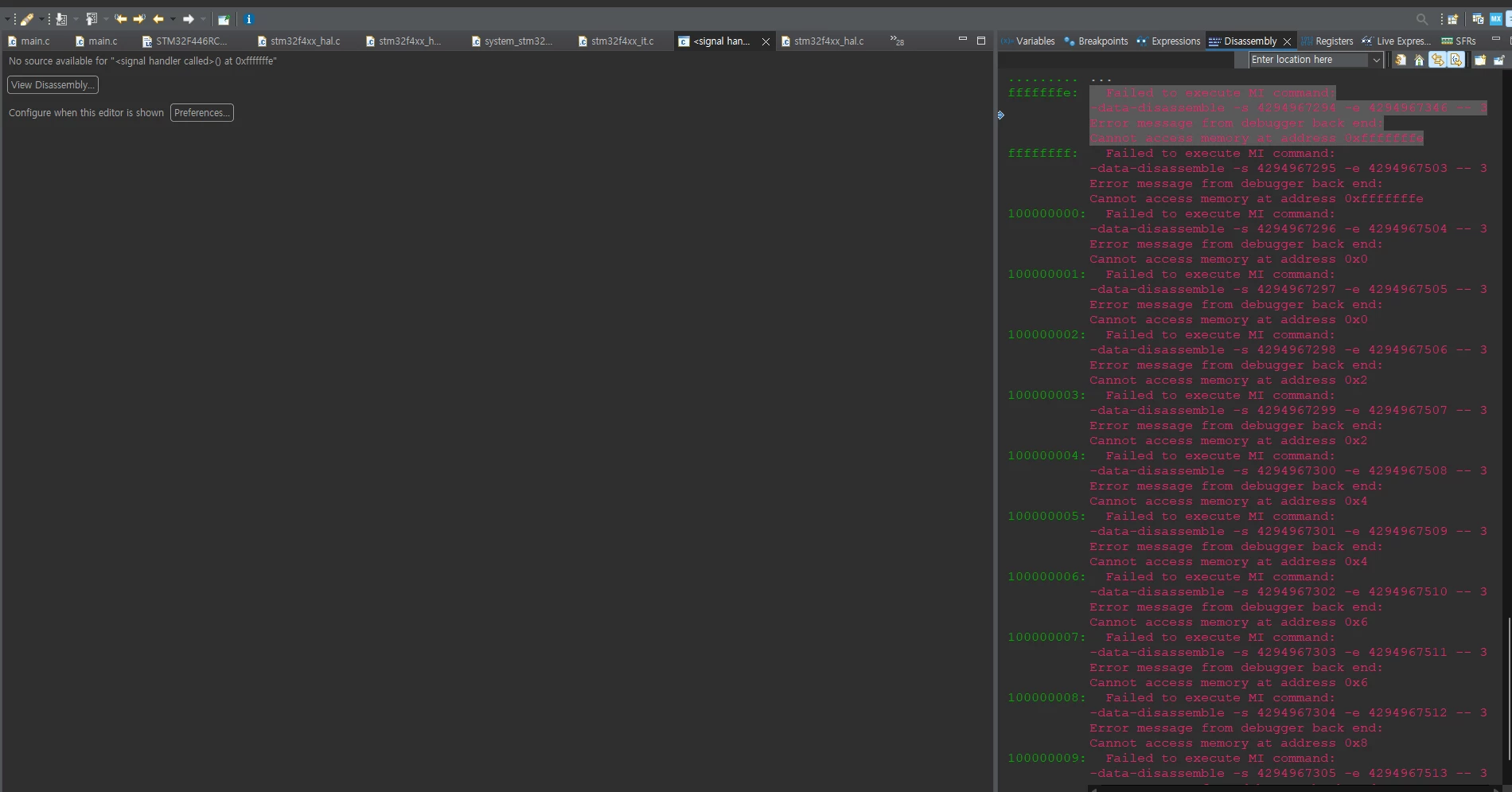
I got the problem here

- HAL_Init() -> HAL_InitTick(TICK_INT_PRIORITY) -> HAL_NVIC_EnableIRQ(TIM8_TRG_COM_TIM14_IRQn) in stm32f4xx_hal_timebase_tim.c
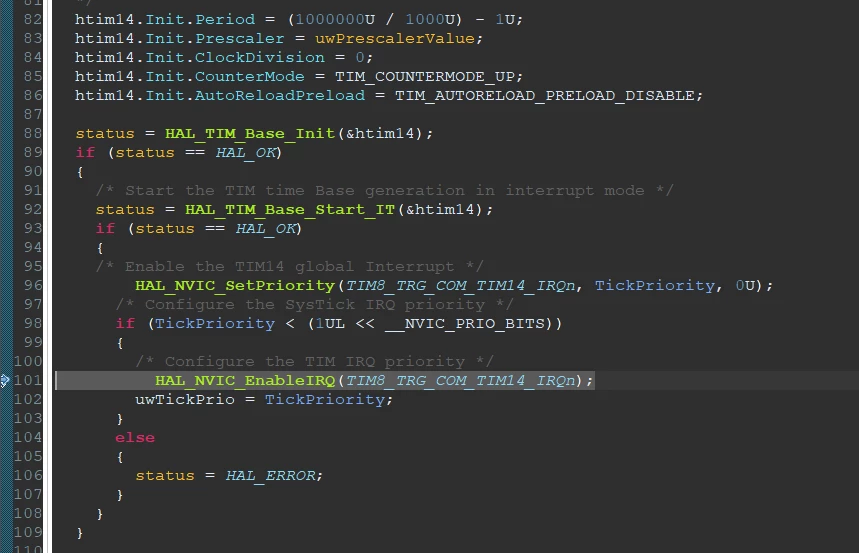
TaronKim_5-1725433266485.png

TaronKim_7-1725433294614.png


Anyone have some solution?

Please answer me.


Thanks.



This topic has been closed for replies.
Best answer by MM..1

Ahh you dont read i write RAM and this is 128k only. Then vector offset cant be 0x20000.

Comment out this and all works

//#define VECT_TAB_SRAM

8 replies

ST Technical Moderator
September 4, 2024

Hello @TaronKim 

What is the value of Application Start address?

I advise you refer to this article: How to jump to system bootloader from application ... - STMicroelectronics Community

In order to give better visibility on the answered topics, please click on 'Best answer' on the reply which solved your issue or answered your question. Thanks
TaronKimAuthor
Associate II
September 5, 2024

-it's custom bootloader address

TaronKim_0-1725494915837.png


-it's application address 

TaronKim_1-1725494966218.png

i got the problem after Jump from boot to application.

bootloader firmware is working well

TaronKim_2-1725495240247.png

TaronKim_3-1725495252917.png


TaronKimAuthor
Associate II
September 5, 2024

I thought RC have 256k bytes memory, so it makes problem.

So i changed RC to RE. Re have 512k bytes memory.

But it's same problem..

Tesla DeLorean
Guru
September 4, 2024

>>Anyone have some solution? Please answer me.

Use the Debugger, and step over the code.

Make sure that the vector table has viable content, and not filled with 0xFFFFFFFF

Failure suggests you're jumping anyway, or you reactivate an interrupt and it vectors there. Perhaps validate entire image say with signing or CRC.

Be a bit more circumspect before changing the SCB->VTOR and handing off control. Instrument your code so it's more apparent what's happening and why.

Tips, Buy me a coffee, or three.. PayPal Venmo (See Profile) Up vote any posts that you find helpful, it shows what's working..
MM..1
Super User
September 4, 2024

Your config cant work . You set RAM vectors with offset to non existed RAM area...