

Associate II
October 4, 2023
Solved

How to check CAN loopback on nucleo stm32f446RE example program using DSO

Imported an example code of CAN loopback on STM32F446RE board,
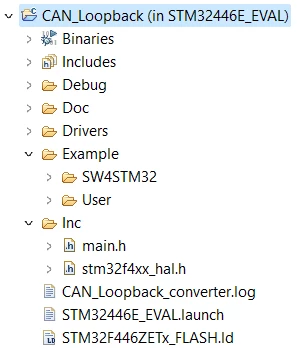
Komal_0-1696403234047.png


Please guide me to check the signal in DSO(hantek Software),

I  do not have a CAN analyzer please help me to get the signal in digital oscilloscope.

This topic has been closed for replies.
mƎALLEm
mƎALLEmBest answer
ST Technical Moderator
October 4, 2023

You can run the example with or without CAN analyzer. Loopback is intended to be used in standalone.

To detect the frame, put the probe on Tx pin and enable the oscilloscope trigger on falling edge.

To give better visibility on the answered topics, please click "Best answer" on the reply which solved your issue or answered your question.

3 replies

mƎALLEm
ST Technical Moderator
October 4, 2023

Hello,

Could you please elaborate more on what do you want to do so we can help you?

As I understand you want to visualize the CAN frame using an oscilloscope. Using this firmware: Projects\STM32446E_EVAL\Examples\CAN\CAN_Loopback you can visualize CAN frames sent on CAN_Tx pin.

To give better visibility on the answered topics, please click "Best answer" on the reply which solved your issue or answered your question.
KomalAuthor
Associate II
October 4, 2023

Yes I want to visualize CAN frame sent on CAN_Tx pin.
1. I have debug the project and connected CAN_Tx pin to Digital Oscilloscope without having CAN analyzer but i'am not able to see the frame in DSO.

2. does the Example code can be used without having CAN analyzer.

3.If yes What is the procedure to check the frame.

mƎALLEm
mƎALLEmBest answer
ST Technical Moderator
October 4, 2023

You can run the example with or without CAN analyzer. Loopback is intended to be used in standalone.

To detect the frame, put the probe on Tx pin and enable the oscilloscope trigger on falling edge.

To give better visibility on the answered topics, please click "Best answer" on the reply which solved your issue or answered your question.