Associate
February 5, 2025
Question

GPDMA1 Channel 6 configured in Linked List mode

Hi,

I need a clarification about the configuration of GPDMA1 in linked list mode.

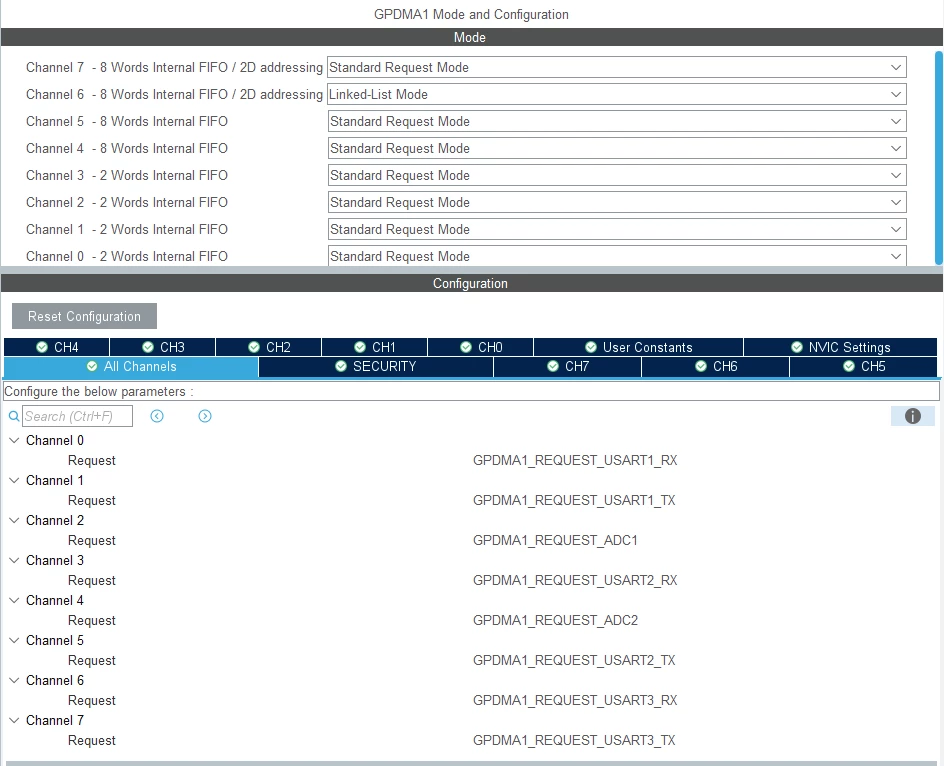
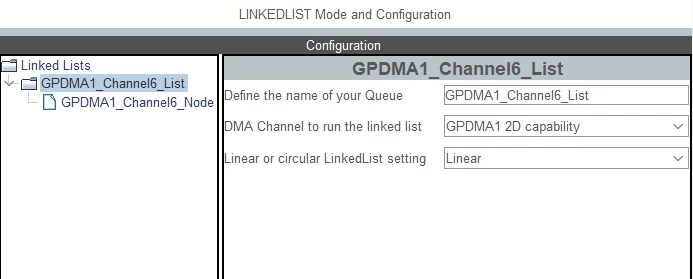
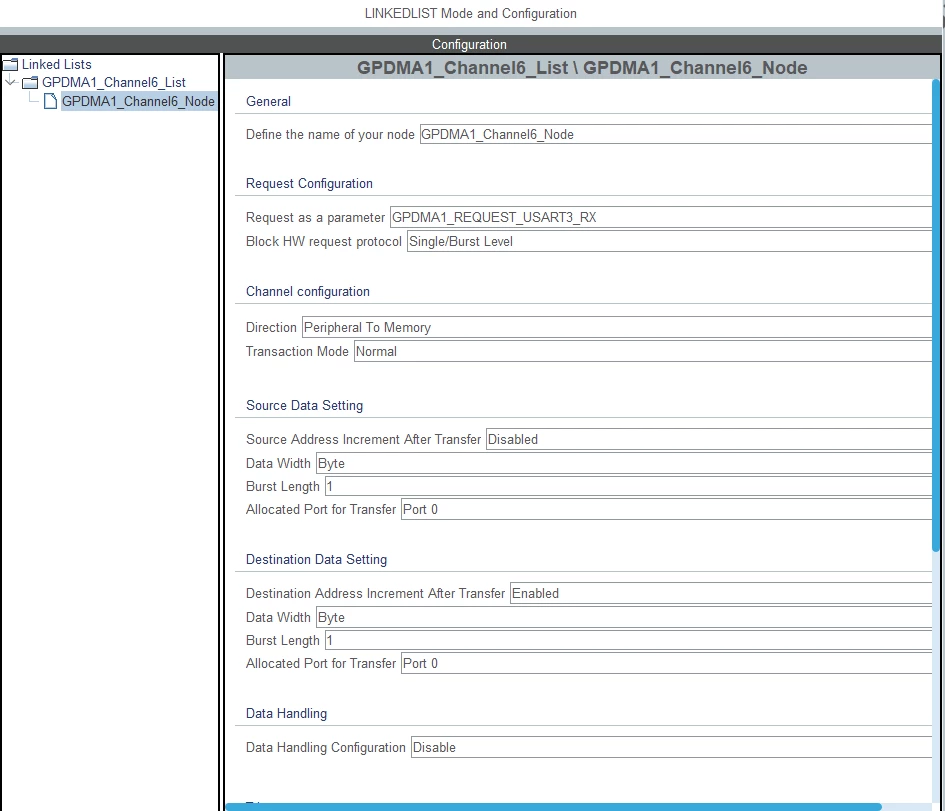
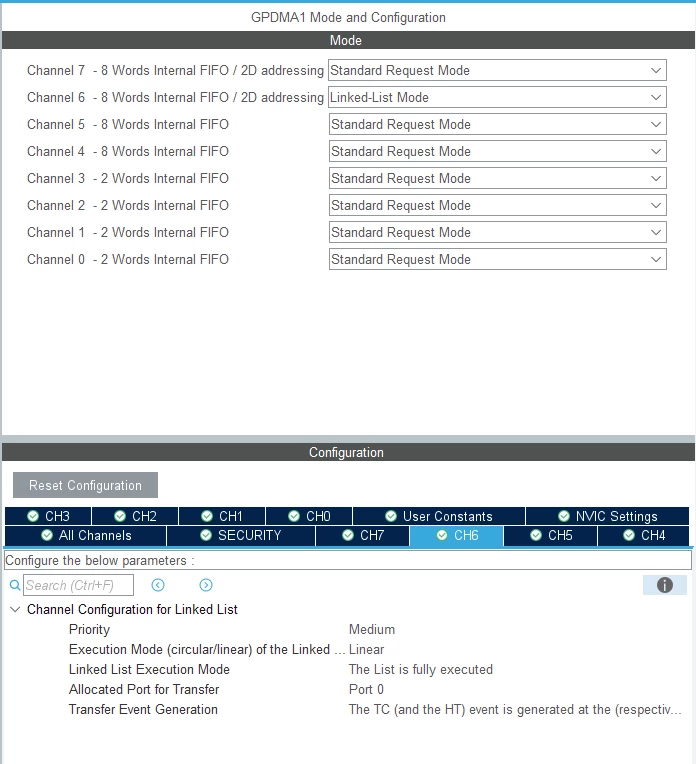
I configure it using Cube MX v6.13.0, here some screenshots I took about the settings done:
SteRogge_0-1738745703752.png

SteRogge_3-1738745921947.png


SteRogge_1-1738745744405.png

SteRogge_2-1738745877421.png

When I generate the code, in linked_list.c file I found the function MX_GPDMA1_Channel6_List_Config that is not called by anyone....is it this correct or I missed some settings?
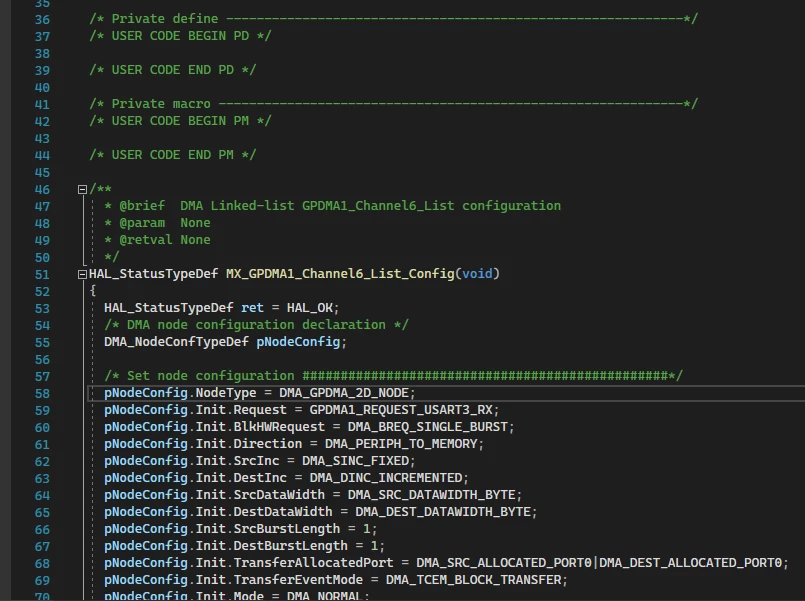
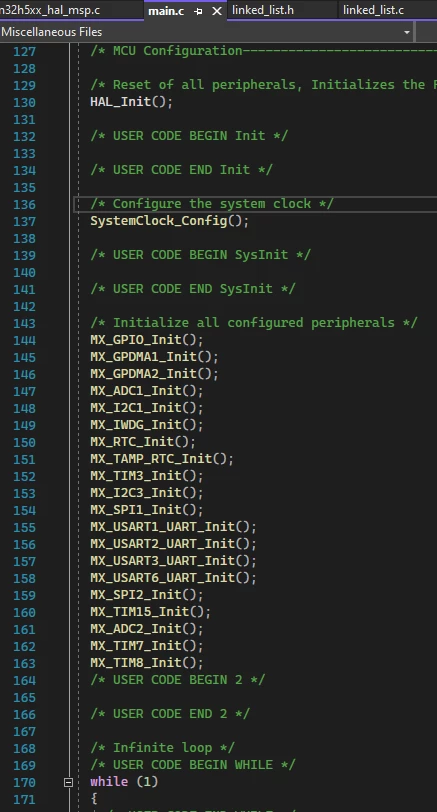
SteRogge_4-1738746211853.png

SteRogge_5-1738746268241.png

Thanks in advance for your support.

Stefano


This topic has been closed for replies.

3 replies

ST Employee
February 5, 2025

Hello @SteRogge, 

You can refer to this article for GPDMA configuration in CubeMX: How to configure the linked list mode in STM32Cube... - STMicroelectronics Community

To give better visibility on the answered topics, please click on Accept as Solution on the reply which solved your issue or answered your question.
SteRoggeAuthor
Associate
February 5, 2025

Thanks Sarra.S for you reply, can you also suggest me if this is the right way to configure a DMA channel in circular mode?

I'm porting a FW created for STM32F4 into the STM32H5 platform and the dma channel linked to USART3_RX was configured in circular mode.

Thanks.


ST Employee
February 5, 2025

Hello again, 

yes, you can also refer to DMA_LinkedList example provided within STM32Cube_FW_H5 under STM32CubeH5/Projects/NUCLEO-H563ZI/Examples/DMA/DMA_LinkedList at main · STMicroelectronics/STM32CubeH5 · GitHub using linear mode 

To give better visibility on the answered topics, please click on Accept as Solution on the reply which solved your issue or answered your question.