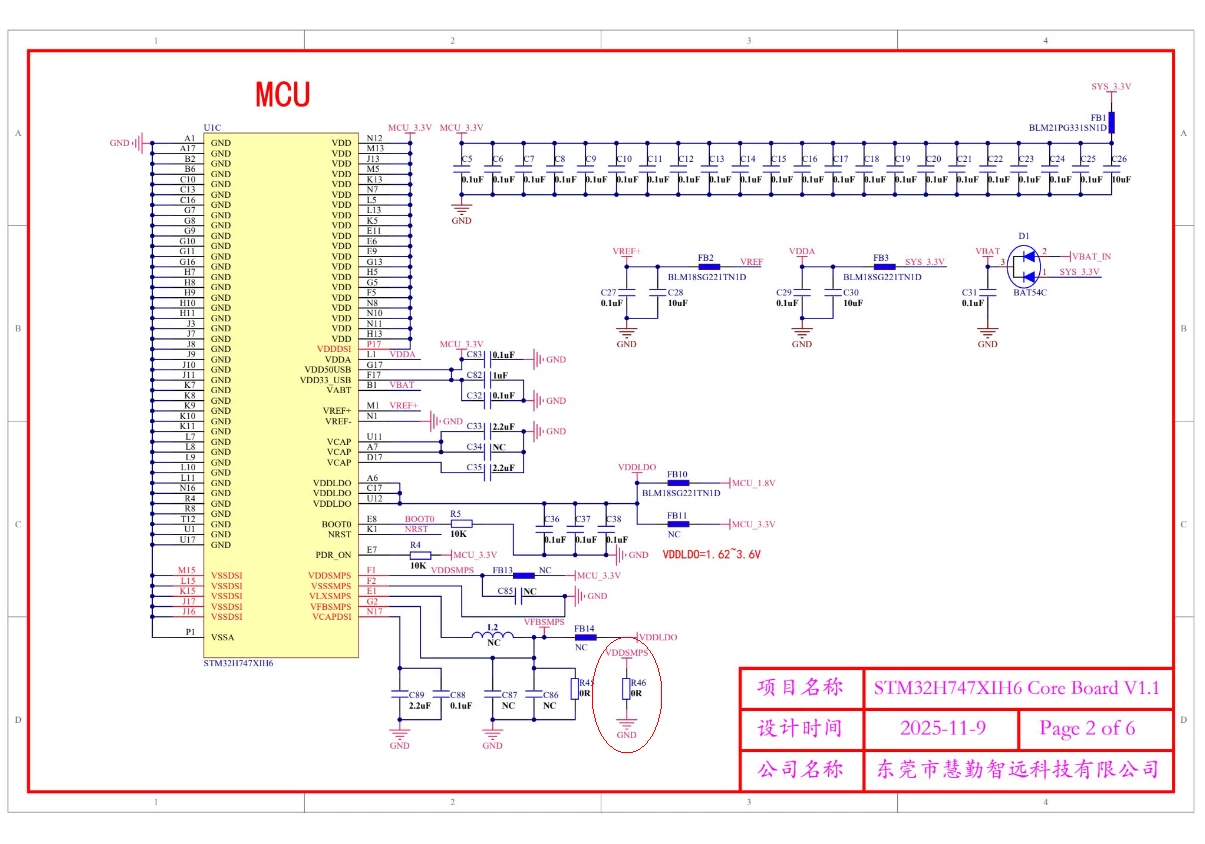
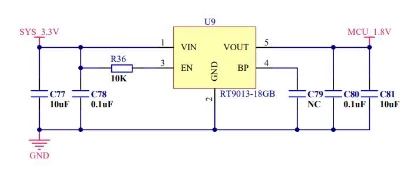
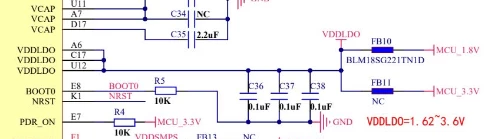
Experience issues to run to dual core stm32h757xih6
Hi, I’m beginner in this and where’s no a lot of manuals how to do that ,
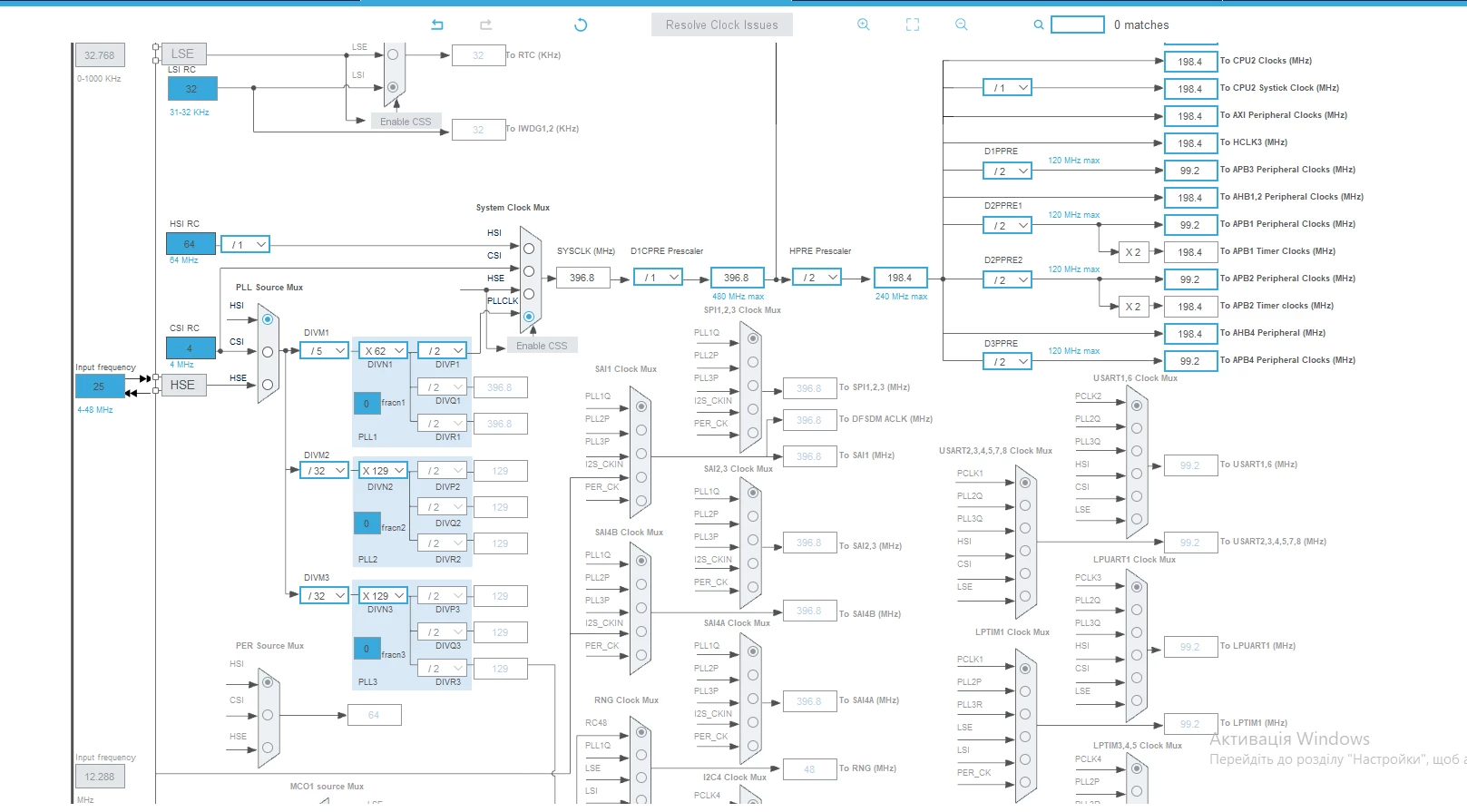
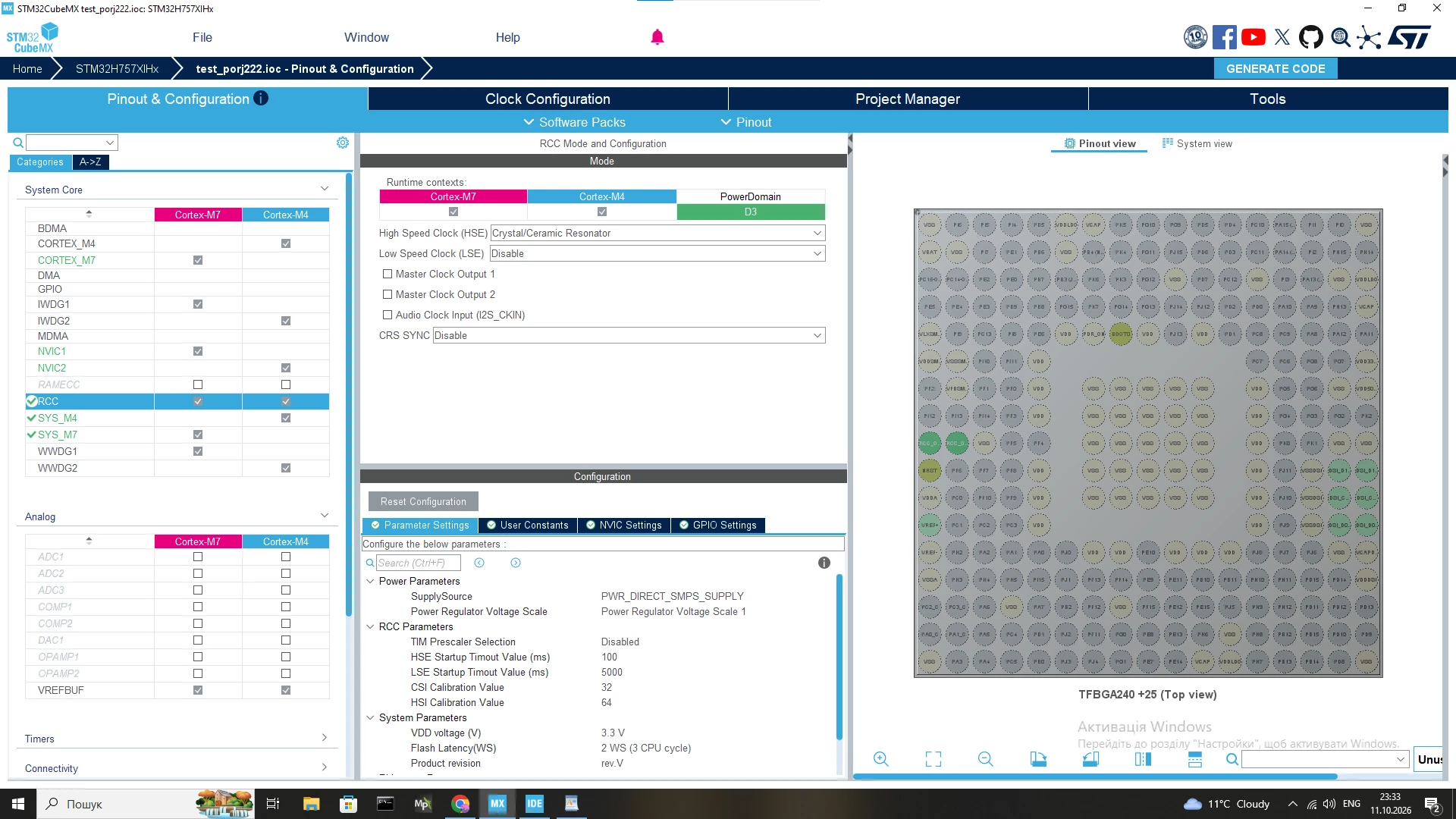
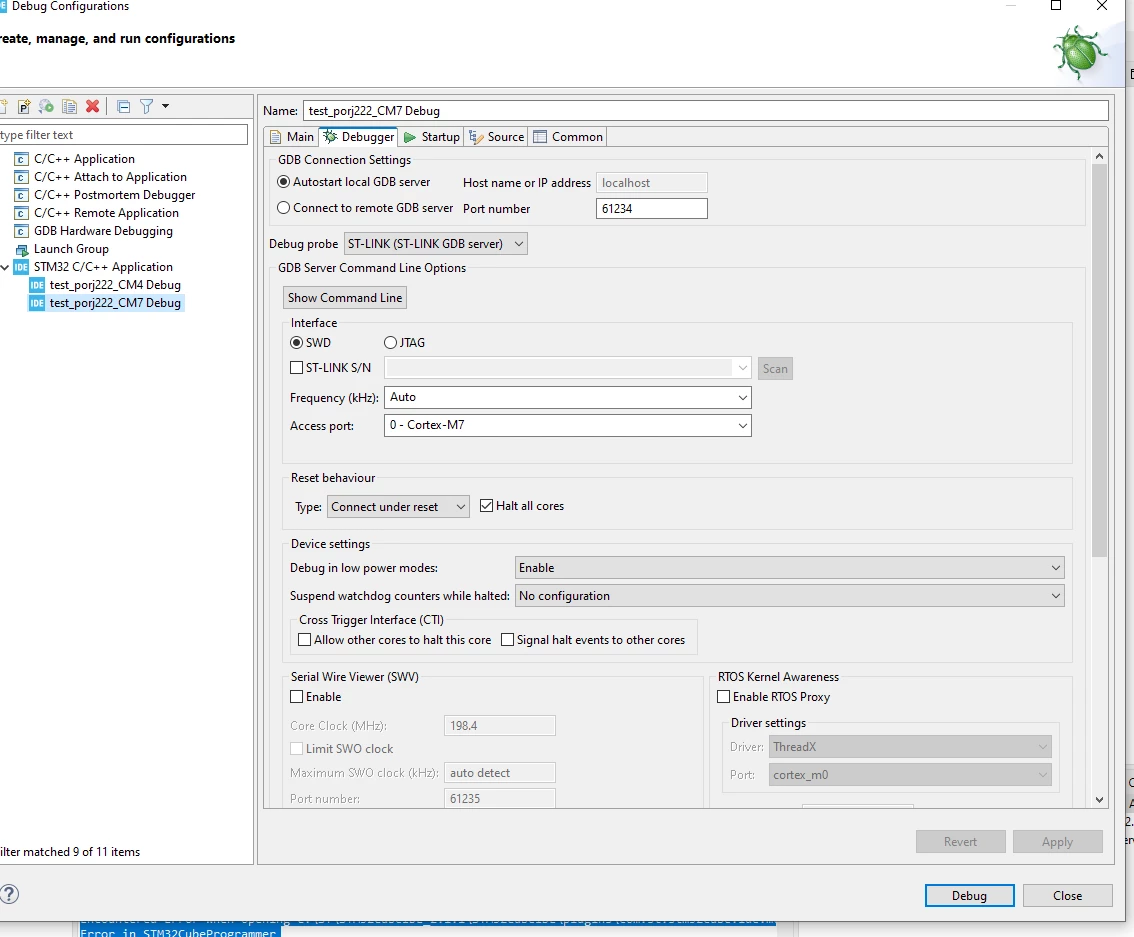
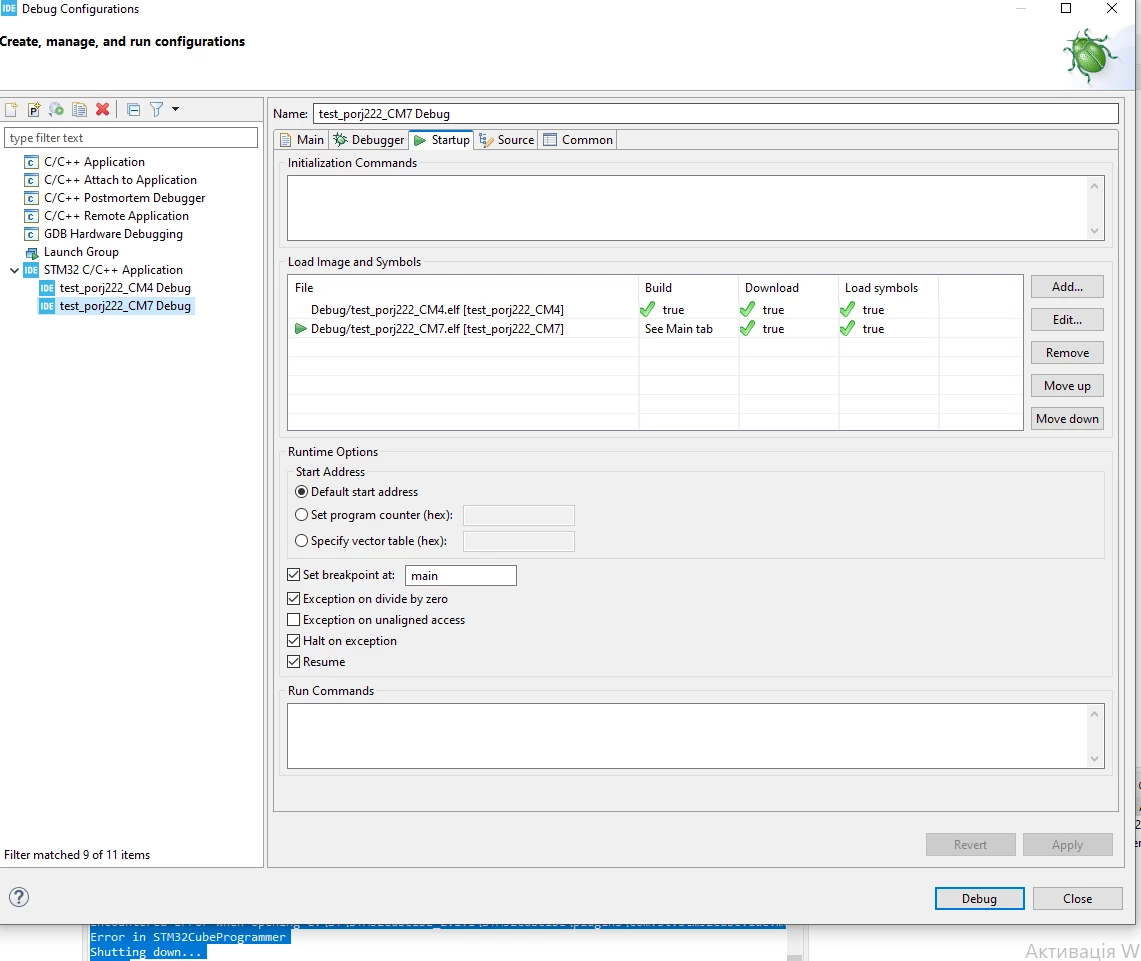
but looks like I’m done everything but still experience some ”hangs” like after run every debug or run I can’t to anything it’s halt and that’s all
Would be if somebody will help me with that because it’s makes me crazy , THANKS A LOT to this strange which is spent his/her time to help me)
here’s my mcu
https://www.aliexpress.com/item/1005010547748358.html
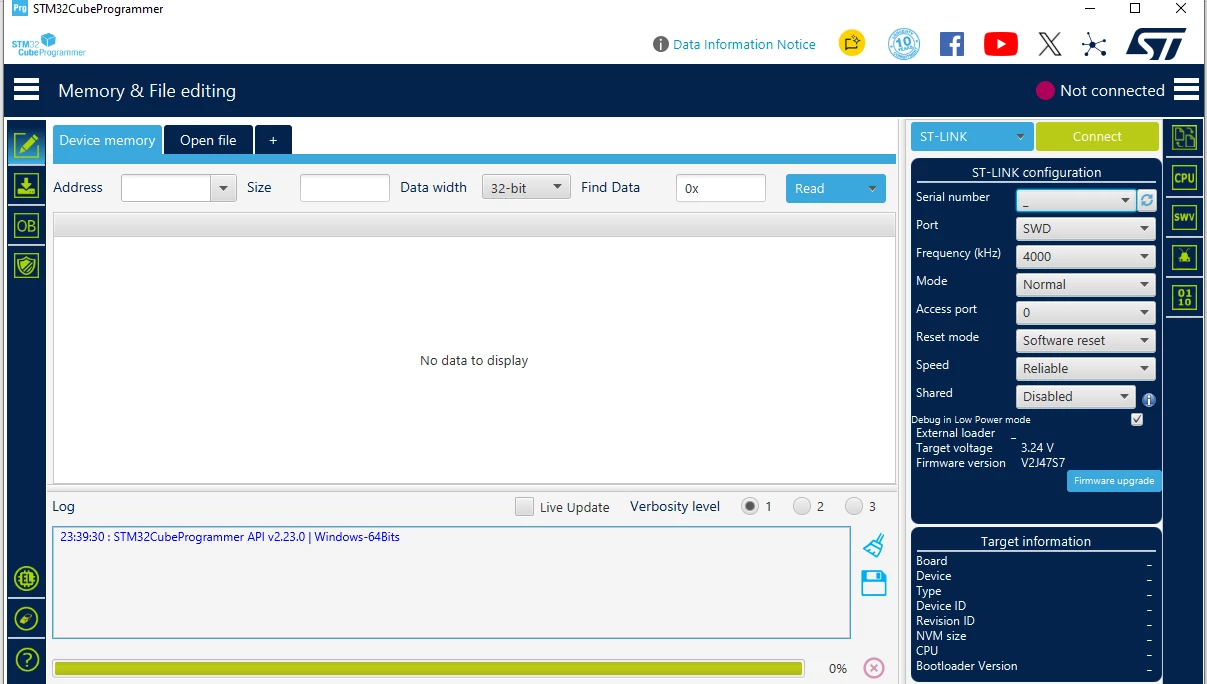
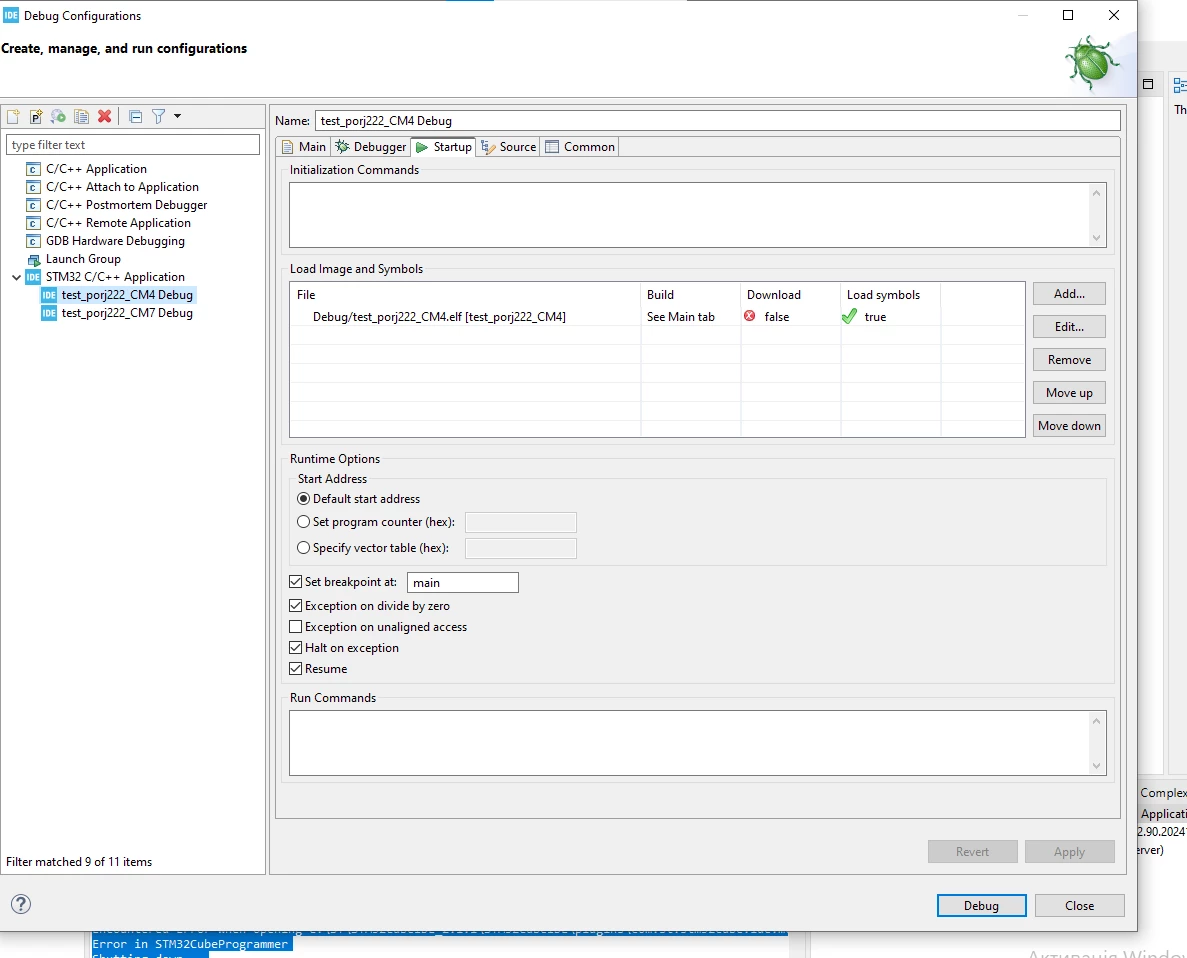
here’s the log what I get when I try to debug nor run , and I tried different ways to launch it but still I experience “halts” of mcu and strange issues with stm32 programmer (looks like it doesn’t see the mcu screenshot below )
STMicroelectronics ST-LINK GDB server. Version 7.13.0
Copyright (c) 2026, STMicroelectronics. All rights reserved.
Starting server with the following options:
Persistent Mode : Disabled
Logging Level : 1
Listen Port Number : 61234
Status Refresh Delay : 15s
Verbose Mode : Disabled
SWD Debug : Enabled
InitWhile : Enabled
Waiting for debugger connection...
Debugger connected
Waiting for debugger connection...
Debugger connected
Waiting for debugger connection...
-------------------------------------------------------------------
STM32CubeProgrammer v2.22.0
-------------------------------------------------------------------
Log output file: C:\Users\LGBT_P~1\AppData\Local\Temp\STM32CubeProgrammer_a15476.log
ST-Link Server is running on port : 7184
ST-LINK SN : 200047000B00004A5953574E
ST-LINK FW : V2J47S7
Board : --
Voltage : 3.24V
SWD freq : 4000 KHz
Connect mode: Under Reset
Reset mode : Hardware reset
Device ID : 0x450
Revision ID : Rev V
Device name : STM32H7xx
NVM size : 2 MBytes
Device type : MCU
Device CPU : Cortex-M7/M4
BL Version : 0x91
Opening and parsing file: ST-LINK_GDB_server_a15476.srec
Memory Programming ...
File : ST-LINK_GDB_server_a15476.srec
Size : 3.11 KB
Address : 0x08100000
Erasing memory corresponding to segment 0:
Erasing internal memory sector 8
Download in Progress:
File download complete
Time elapsed during download operation: 00:00:00.929
Verifying...
File size < 32KB legacy verify will be used
Time elapsed during verifying operation: 00:00:00.025
Download verified successfully
-------------------------------------------------------------------
STM32CubeProgrammer v2.22.0
-------------------------------------------------------------------
Log output file: C:\Users\LGBT_P~1\AppData\Local\Temp\STM32CubeProgrammer_a15476.log
ST-Link Server is running on port : 7184
ST-LINK SN : 200047000B00004A5953574E
ST-LINK FW : V2J47S7
Board : --
Voltage : 3.24V
Error: Unable to get core ID
Error: No STM32 target found! If your product embeds Debug Authentication, please perform a discovery using Debug Authentication
Encountered Error when opening C:\ST\STM32CubeIDE_2.1.1\STM32CubeIDE\plugins\com.st.stm32cube.ide.mcu.externaltools.cubeprogrammer.win32_2.2.400.202601091506\tools\bin\STM32_Programmer_CLI.exe
Error in STM32CubeProgrammer
Shutting down...
Exit.
If I tried to debug only one core m7 mcu just halt
STMicroelectronics ST-LINK GDB server. Version 7.13.0
Copyright (c) 2026, STMicroelectronics. All rights reserved.
Starting server with the following options:
Persistent Mode : Disabled
Logging Level : 1
Listen Port Number : 61234
Status Refresh Delay : 15s
Verbose Mode : Disabled
SWD Debug : Enabled
InitWhile : Enabled
Waiting for debugger connection...
Debugger connected
Waiting for debugger connection...
Debugger connected
Waiting for debugger connection...
-------------------------------------------------------------------
STM32CubeProgrammer v2.22.0
-------------------------------------------------------------------
Log output file: C:\Users\LGBT_P~1\AppData\Local\Temp\STM32CubeProgrammer_a11880.log
ST-Link Server is running on port : 7184
ST-LINK SN : 200047000B00004A5953574E
ST-LINK FW : V2J47S7
Board : --
Voltage : 3.24V
SWD freq : 4000 KHz
Connect mode: Under Reset
Reset mode : Hardware reset
Device ID : 0x450
Revision ID : Rev V
Device name : STM32H7xx
NVM size : 2 MBytes
Device type : MCU
Device CPU : Cortex-M7/M4
BL Version : 0x91
Opening and parsing file: ST-LINK_GDB_server_a11880.srec
Memory Programming ...
File : ST-LINK_GDB_server_a11880.srec
Size : 7.16 KB
Address : 0x08000000
Erasing memory corresponding to segment 0:
Erasing internal memory sector 0
Download in Progress:
File download complete
Time elapsed during download operation: 00:00:01.061
Verifying...
File size < 32KB legacy verify will be used
Time elapsed during verifying operation: 00:00:00.059
Download verified successfully
Target is not responding, retrying...
Target is not responding, retrying...
Target is not responding, retrying...
Target is not responding, retrying...
Target is not responding, retrying...
Target is not responding, retrying...
Target is not responding, retrying...
Target is not responding, retrying...
Target is not responding, retrying...
Target is not responding, retrying...
GdbSession, Lost target connection, Exiting...
GdbSession, Lost target connection, Exiting...
Shutting down...
Exit.