Associate III
October 5, 2024
Question

Error in initializing ST-LINK device. Reason: No device found on target. F103RB

  • October 5, 2024
  • 11 replies
  • 5082 views

I am using a nucleo-F103RB. This device was functional in the past. 

I am getting an error 


Error in final launch sequence:


Failed to execute MI command:

target remote localhost:61239


Error message from debugger back end:

localhost:61239: Connection timed out.

Failed to execute MI command:

target remote localhost:61239


Error message from debugger back end:

localhost:61239: Connection timed out.

localhost:61239: Connection timed out.

 I have tried different cables to ensure it isn't the issue. I have also changed the port number. 

This is my debugger information: 
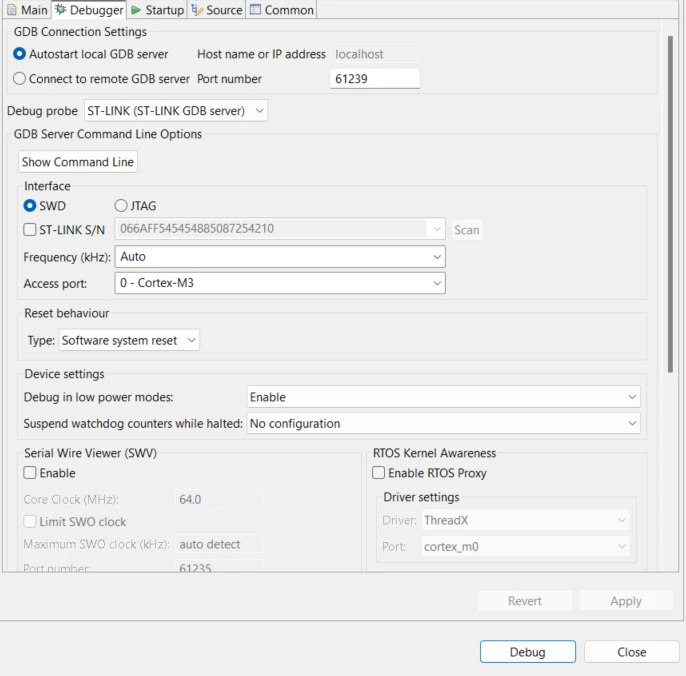
BadEngineer_0-1728150589400.png

I am able to upgrade my stlink chip via cube ide as shown in the image below (it detects it)
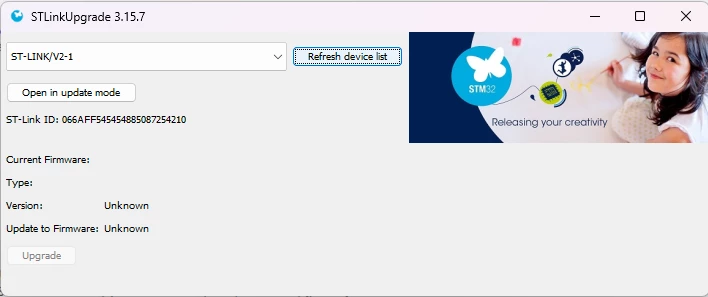
BadEngineer_1-1728150677652.png

I have tried to use the stm32cubeprogrammer application too but that doesn't seem to work. 
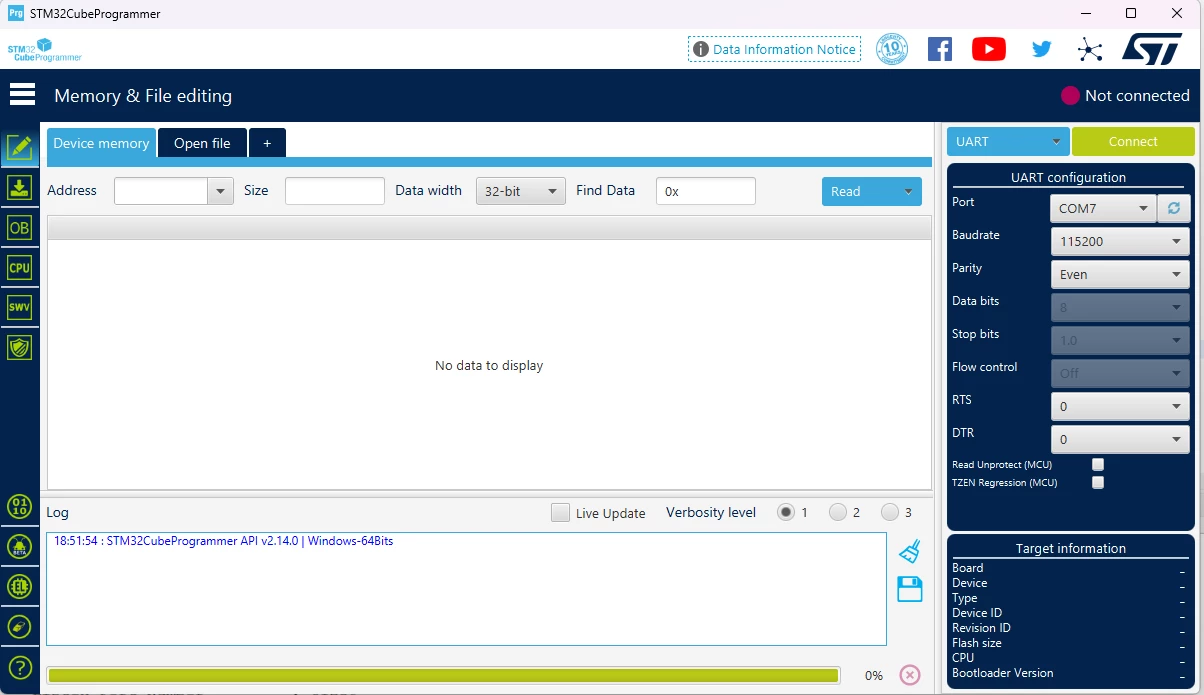
BadEngineer_2-1728150746799.png

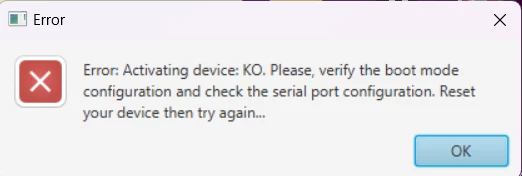
I get the below error. 

BadEngineer_3-1728150768667.png

However i know it is working on COM7 because the last thing i did was create a program to output some information through the USART, which it is still doing (image below). 
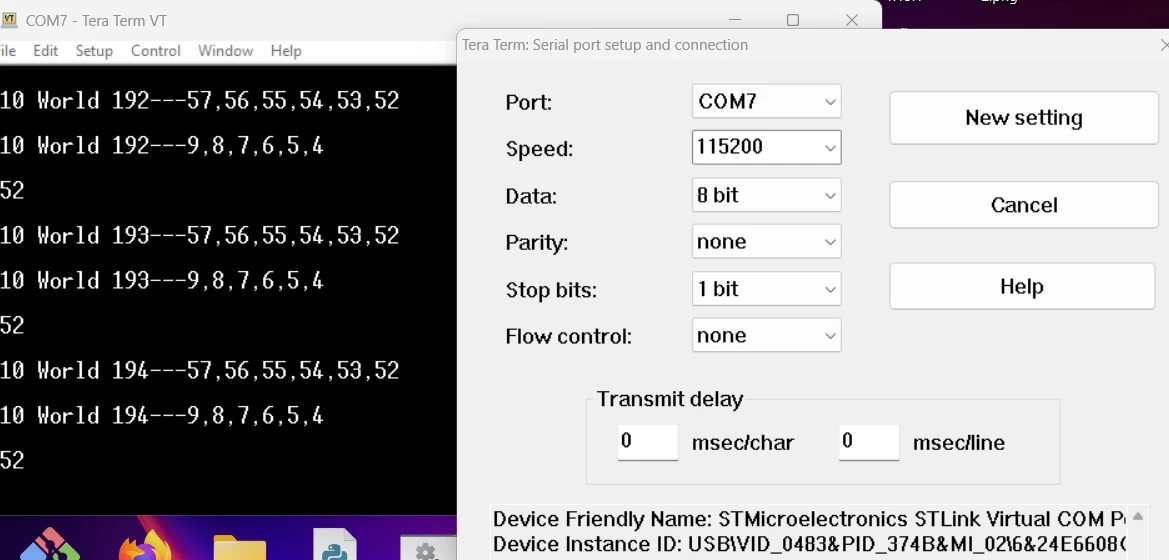
BadEngineer_4-1728150865552.png


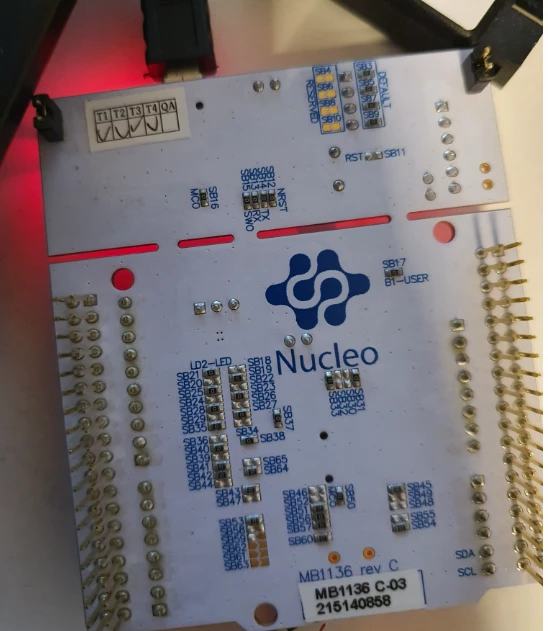
I have also attached images of my board. 
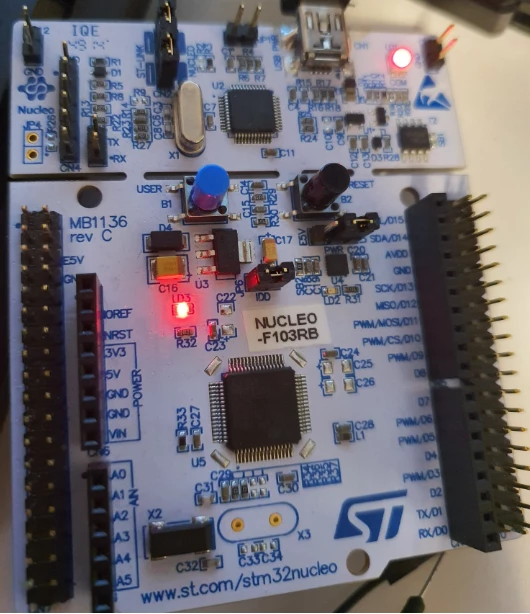
BadEngineer_5-1728150966432.pngBadEngineer_6-1728150996974.png


11 replies

AScha.3
Super User
October 5, 2024

Maybe you did something, to block the swd , not defined degub in Cube, use swd pins for something else...

to get access :

set debug to hardware reset;

try. If not connect in IDE :

or in cubeProgrammer : set st-link, hardware reset, connect under reset.

Then full erase , to get away the "problem" program.

If you feel a post has answered your question, please click on " Best Answer ".
Associate III
October 5, 2024

Is this what you mean?

BadEngineer_0-1728157034766.png


I have changed the option to this and i still get the same error 

AScha.3
Super User
October 6, 2024

ok,

so check: boot0 lo ?

And try - as i wrote -

in CubeProgrammer : set st-link, hardware reset, connect under reset.

Then full erase , to get away the "problem" program.

show, what cubeprog telling:

AScha3_0-1728202090018.png


If no connection with CubeProg or IDE possible, last chance:

set boot0 hi , reset or power cycle, and connect to bootloader .

+

If connection not working at all:

- some connection (wire) not there, check jumpers for swd/swc , connect st-link to cpu  really ?

- you damaged cpu, need a new board, or replace cpu.

If you feel a post has answered your question, please click on " Best Answer ".
Associate III
October 8, 2024

I have connected boot0 to high and and then tried to use stmcube to try and see if i can detect it. However i am getting the same issue (image below)

BadEngineer_0-1728406774484.png

below is an image of boot0 being high. 

BadEngineer_1-1728406823342.png


AScha.3
Super User
October 8, 2024

You cannot connect to bootloader this way !

+

still missing info:

>after i had connected pin 5 and pin 6 jumper.

Leave this jumper away ! It cannot work with connected pin 5 and pin 6 .

+ -> show, what cubeprog telling ...now.

If you feel a post has answered your question, please click on " Best Answer ".
Associate III
October 8, 2024

That is how you get into boot loader mode. You can see from the circuit diagram pin 7  on the CN7 connector, the boot pin and i am pulling it high to 3.3V. 


BadEngineer_0-1728413197425.png


Visitor II
October 10, 2025

how did you solve this problem?

I have the same problem, and I've tried everything, but nothing works.

Please help me....