Solved
Motor Pilot 6.4.2 Black screen
Hello everyone,
I am experiencing an issue with MotorPilot on a new laptop.
Problem description
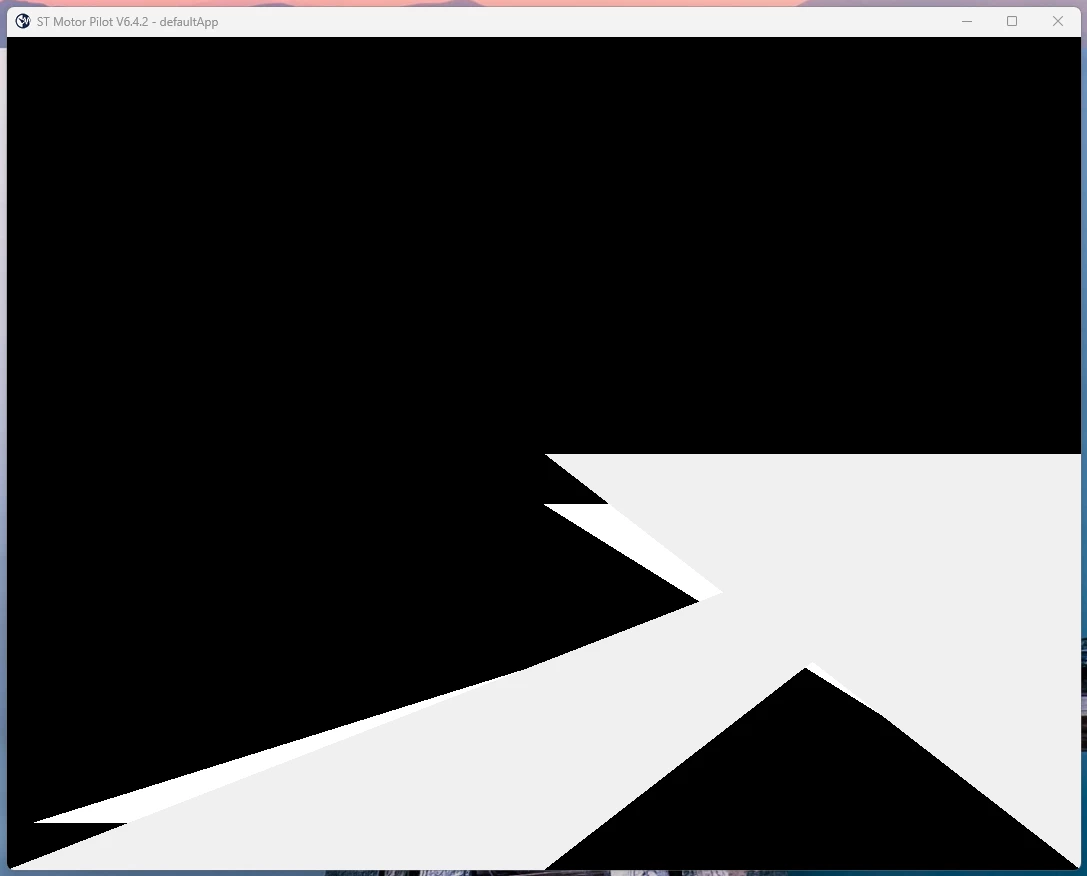
When I start MotorPilot, the application window opens but:
- I can only see a black screen whit a white arrow
- the content is flickering
- no GUI elements are visible or usable
The issue only affects the application window, not the whole system.
System information
- OS: Windows 11
- Laptop: New system (Intel Core Ultra 7 255HX + RTX PRO 2000)
Additional observations
- The program seems to be running, but the UI is not rendered correctly
- This looks like a graphics / rendering compatibility issue
- Problem occurs only on the new laptop (older systems worked fine)
What I already tried
- Running as Administrator
- Disabling fullscreen optimizations
(no improvement so far)
Has anyone experienced the same issue with MotorPilot?
- Is there a known workaround?
- Can hardware acceleration be disabled?
- Are there recommended settings for modern GPUs?
Any help would be appreciated.
Thanks!